GETTING STARTED
Set up your PlayStation®2 computer entertainment system according to the instructions in its Instruction Manual. Make sure the MAIN POWER switch (located on the back of the console) is turned on.
Press the RESET button. When the power indicator lights up, press the OPEN button and the disc tray will open. Place the Legacy of Kain: Defiance™ disc on the disc tray with the label side facing up. Press the OPEN button again and the disc tray will close. Attach game controllers and other peripherals, as appropriate. Follow onscreen Instructions and refer to this manual for information on using the software.
STARTING UP
Connect the DUALSHOCK®2 analog controller to controller port 1 before starting play.
When vibration is On, the DUALSHOCK®2 analog controller will vibrate in response to game events. You can turn vibration On/Off in the Options Menu. (See page 7.)
To reset the game and return to the Title screen, press to display the Pause menu and then select Quit Game.
DUALSHOCK®2 ANALOG CONTROLLER CONFIGURATIONS
•
left analog stick (L3 button when pushed down)
•
right analog stick (R3 button when pushed down)
DOLBY® PRO LOGIC® II
This game is presented in Dolby Pro Logic II. Connect your PlayStation®2 console to a sound system with Dolby Pro Logic, Dolby Pro Logic II, or Dolby Pro Logic IIx decoding to experience the excitement of surround sound.
ABOUT SAVING GAMES
To save game settings and progress, insert a Memory card (8MB) (for PlayStation®2) into MEMORY CARD slot 1.
The memory card must have at least 170KB of free space available in order to save games. If not enough free space exists, it's recommended that you erase older game data before starting the game.
GETTING INTO THE GAME
TITLE MENU
1. At start-up, the game will scan for a memory card and check the data on it. If you are not using a memory card, the game will allow you to play without saving game data.
Note: You MUST use a memory card to save your progress as you explore the world of Nosgoth. Legacy of Kain: Defiance™ is an epic game. We recommend using a memory card, saving your progress frequently and continuing your saved games for the most satisfying game experience. 2. On the Title Menu, highlight Start Game and press the X button to begin. If you are not using a memory card, select Start a New Game to begin the game. If you are using a memory card containing a Legacy of Kain: Defiance™ save, you will have the option to either select Start a New Game or load a saved game. Highlight the saved game you want to play and press the X button. You will return to the game at the last checkpoint you reached prior to saving. (For information on saving, see page 7.) 3. The Title Menu also offers the following options. Highlight your selection and press the X button:
•
Options - Adjust the in-game settings. (See page 7 for details.)
•
Dark Chronicle - Replay storyline cinematics you've revealed during your progress through the game.
•
Bonus Materials - Review and select Bonus Materials you've unlocked by your successes in the game.
PAUSE MENU
During play, press to pause the game and display the Pause Menu. From here you can save your game progress and modify game options.
SAVING GAMES
To save your game progress, Insert a memory card into MEMORY CARD slot 1 before power-up.
You can save at any time during the game. Press to pause, and select Save Game from the Pause Menu. Highlight a save slot and press the X button. All your progress to your current point will be saved. Your location at your last checkpoint is also saved.
If older Legacy of Kain: Defiance™ game data exists in the slot you selected, it will be overwritten during the save. Be careful: once data is overwritten, it cannot be recovered. Each save uses 170KB of space on the memory card. To resume a saved game, select the save file from the Title Menu. You will return to the game at the last checkpoint you reached prior to saving.
Do not turn off the power or remove the memory card while saving. Doing so could damage or destroy the saved data.
OPTIONS
Move the left analog stick/directional buttons / to highlight an option, and to adjust the setting. Press the X button to see a submenu, if available.
•
Sound - Turn sound effects On/Off.
•
Music - Turn music On/Off.
•
Subtitles - Turn the subtitle display On/Off.
•
Vibration - Turn the controller's vibration function On/Off. When vibration is On, the controller will vibrate in response to game events.
•
Brightness - Adjust your TV's brightness to your comfort level.
•
Screen Position - Use the left analog stick/directional buttons to center the game screen on your TV.
•
Hints - Turn on-screen hints On/Off.
•
Go Back - Return to the game.
GAME PROGRESS
TWO HEROES
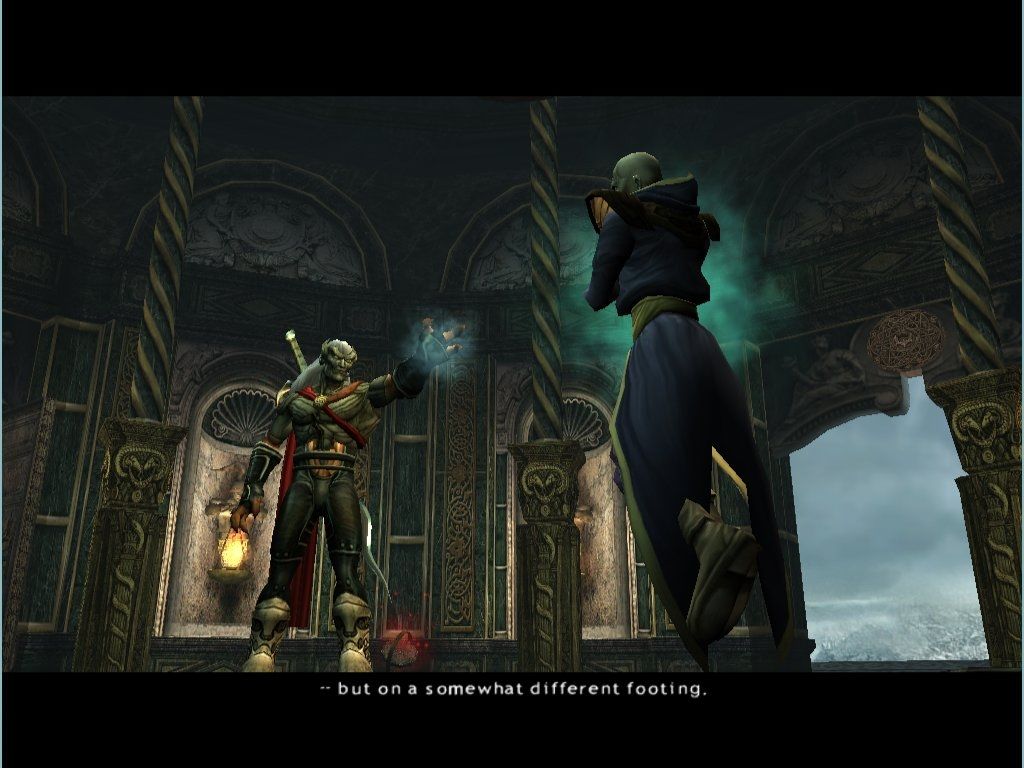
The game's plot unfolds through chapters, focusing alternately on Kain and Raziel as they pursue their separate .png)

.png)
.png)
.png)
