STARTING UP
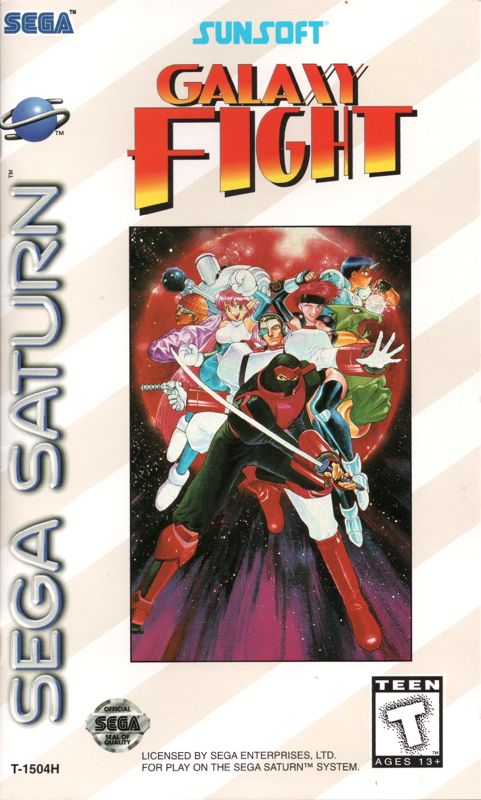
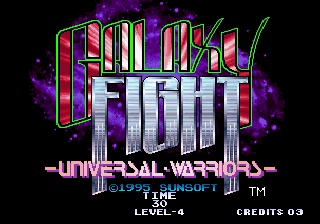
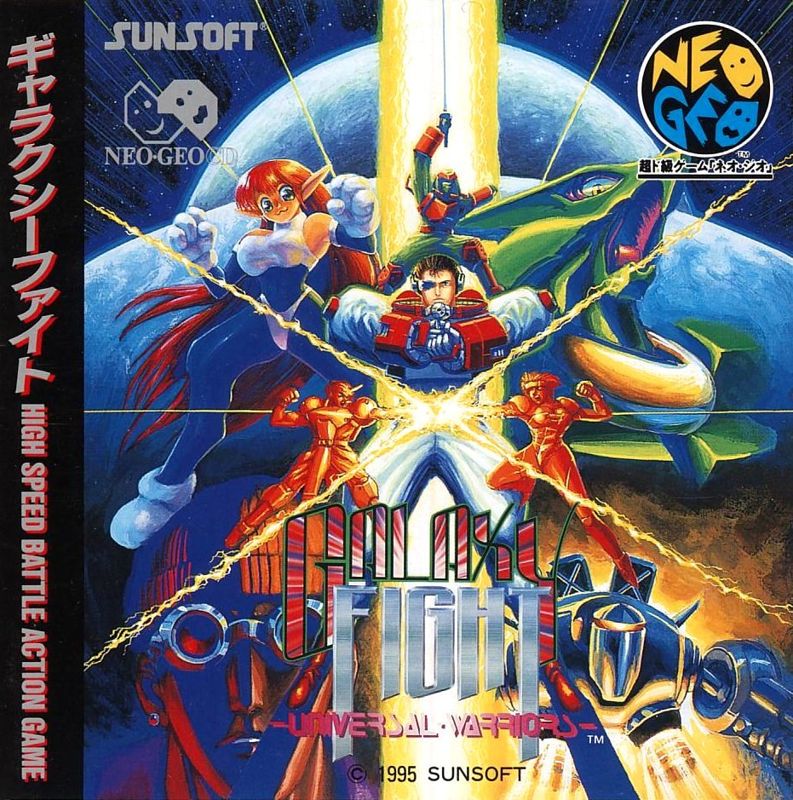
Place the Galaxy Fight CD in the well of the CD tray, face up, and turn on the Sega Saturn. After the introductory screens, the title screen appears. When the Title screen appears, press Start to see the game modes. Press the D-Pad to cycle through the mode choices and press Start to select a mode.
Game Modes
•
GAME START: Select this option to enter the 1-Player game mode. Pick a fighter and challenge the CPU in a series of battles for the chance to defeat Felden Cryce and restore peace to the Galaxy!
•
VS MODE: This option is a 2-Player, one-match battle. Players pick their fighters and test each other's battle skills. The winner returns to the Player Select screen.
•
SPECIAL COMMAND MODE: Set Button X or Button Y for any of a fighter's Special Attacks.
•
OPTION: Change various game settings in this mode.
To fight in 2-Player battles, a second Control Pad is needed. Make sure to insert Control Pad 2 in Control Port 2 before turning on your Sega Saturn unit. Press Buttons A, B, and C and Start simultaneously to return to the Title Screen from the VS Mode.
Battle HUD
•
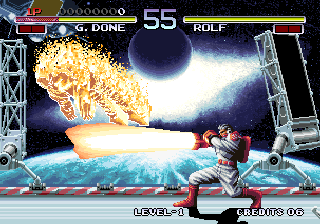
Power: Indicates how much damage the fighter has received in the current battle. As the fighter is hit, the Power level decreases. When the bar reaches zero, the fighter loses the round.
•
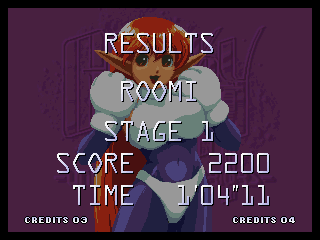
Score: Shows the current score for the battle. Each successful attack increases the fighter's score. When the fighter wins the round, any remaining power and time remaining is converted into additional score points.
•
Time: Shows the amount of time remaining in the round. If the time runs out before one fighter is defeated, the amount of power each fighter has remaining is used to determine the winner of the round.
.png)

.png)

.png)
.png)
.png)
.png)
.png)
.png)
.png)