EPISODE ONE: ESCAPE FROM WOLFENSTEIN
A single kick to his knee sends him to the floor. Giving him your version of the victory sign, you grab his knife and quickly finish the job. You stand over the guard's fallen body, grabbing frantically for his gun. You're not sure if the other guards heard his muffled scream.
Deep in the belly of a Nazi dungeon, you must escape. This desperate act has sealed your fate - get out or die trying.
FLOOR SCORE ITEM AMMO HEALTH
•
Floor 1: Score 1, Item 0000000, Ammo 00, Health 2- 021 100%
GETTING STARTED
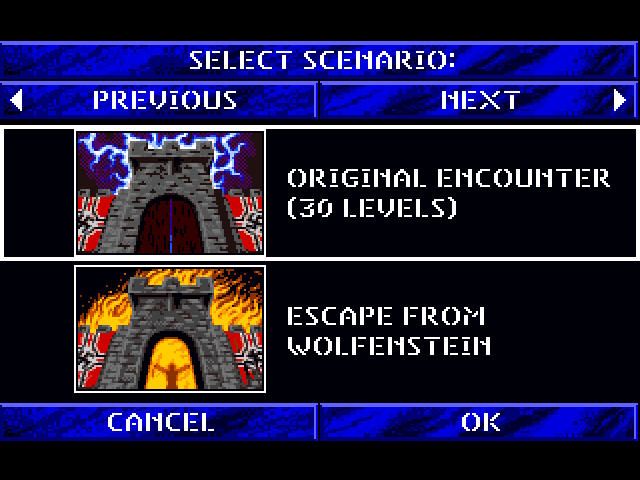
Turn on the 3DO system and insert the Wolfenstein CD. After the 3DO logo vanishes, several credit and logo screens will appear. After the logo screens disappear, the episode selection screen will appear. Select the episode which you wish to play. It is recommended that you play the episodes in order.
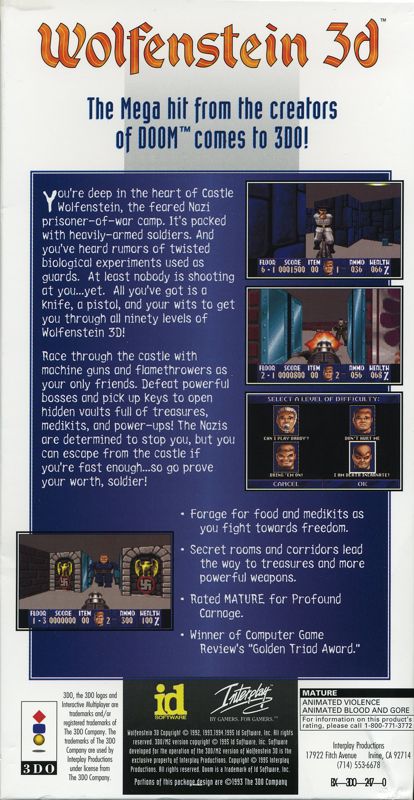
Next, you will need to choose a difficulty level to play. Each level differs in the skill of the enemies you'll face, as well as the amount of damage they can take.
SELECT A LEVEL OF DIFFICULTY:
•
CAN I PLAY DADDY?: Appropriate for younger players or non-gamers.
•
DON'T HURT ME: Designed for part-time gamers who are starting Wolfenstein 3D. •
BRING 'EM ON!: Designed for most game players.
•
I AM DEATH INCARNATE!: For those people who want a real challenge.
CONTROLLING THE ACTION
If you've selected New Game and Episode One, you are standing over a dead Nazi guard. The door to your prison cell is unlocked. You are carrying the recently-terminated guard's knife and pistol. Outside that door is a world of hurt waiting for you!
The following is a list of controls and commands for moving and fighting within Wolfenstein.
Traveling
The key to playing Wolfenstein 3D is learning how to effectively maneuver through the Castle's passages. Once in the game, you'll need to move quickly in order to surprise or avoid guards. •
Walking: Use the up and down directions on the directional control pad to walk through the dungeon.
•
Running: Hold down the "C" button along with a walking direction to run.
•
Turning: Use the left and right directions on the directional control pad to turn. If you hold down the "C" button, you'll turn faster.
•
Strafing: Hold down the "L" button to slide left, and the "R" button to slide right.
OPTIONS
•
New game: Quits current game and returns you to the episode selection screen.
•
Restore game: Allows you to restore a previously saved game.
•
SFX Volume: Allows you to alter the sound volume for the game's sound effects.
•
Music Volume: Allows you to change the volume for the game's music.
Save Game
At the end of every level you will have the option of saving your game in progress. If you do choose to save your game, you will be able to enter a word to describe the game you are saving.
To restore a saved game you need to go to the options screen in the game by pressing the 'X' button.
Note: you can only save as many games as your 3DO has memory. 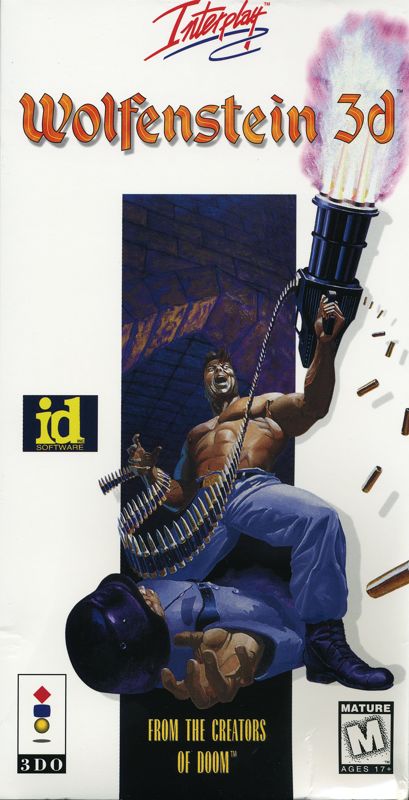
.png)

.png)


.png)