GETTING STARTED
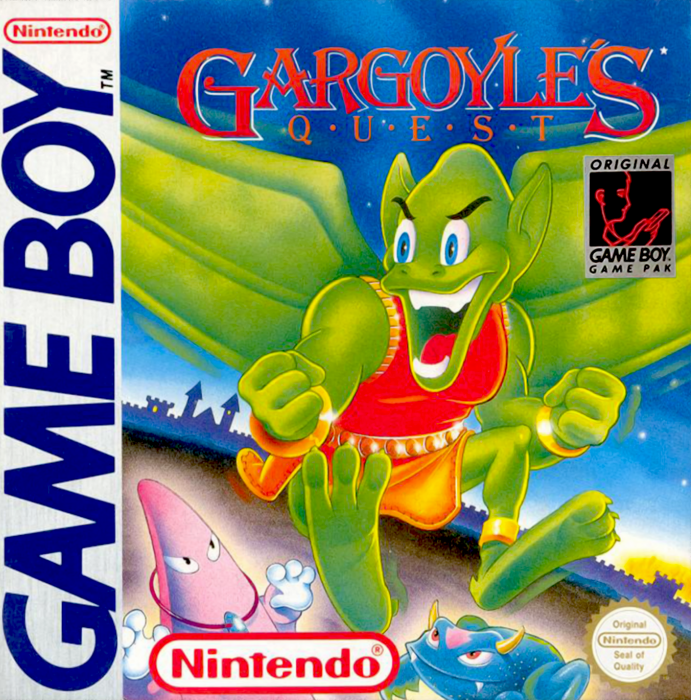
Insert the Gargoyle's Quest cartridge into your Game Boy. Turn the machine on. The story of the game will slowly move up the screen.
After it disappears (or if you press START), you will see the start option page. You can either choose to begin a new game by pressing START, or continue a previous one by selecting the password.
Vantage Points
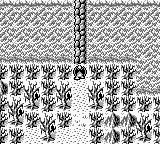
There are two vantage points within the game. The first one you will see is an "above-view" of the hero, Firebrand. This view is used when the character needs to discover important information. This is used for interior and exterior scenes. There is no combat in this mode.
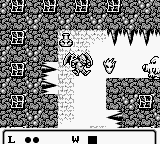
The second vantage point is a close-up side view of the character. This is the view point of all battle sequences. When you complete your search or battles in these areas, you'll be sent to the above-view area.
CONTROLLING FIREBRAND
The controls for Firebrand are simple, but true mastery will take both practice and skill.
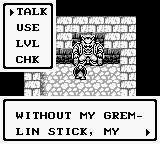
When in the above-view areas of the game, UP, DOWN, LEFT and RIGHT moves Firebrand in those directions. In most areas, pressing the A button brings a small menu on the screen. The menu has four categories.
•
TALK - Converse with other on screen characters by using this selection. To continue the dialogue, press A button.
•
USE - Operate a Magic item by using this selection.
•
LVL (Level) See the current status of your character and the items he possesses by using this selection.
•
CHK - (Check) Examine/obtain items found by using this selection.
To cancel any screen, press the B button. This will return you to the scrolling above-view mode. START and SELECT do nothing in this mode.
.png)

.png)

 (SGB Enhanced).png)

_1.png)