Getting Started
Set up your console according to its instruction manual. Ensure the power is off before inserting or removing a compact disc.
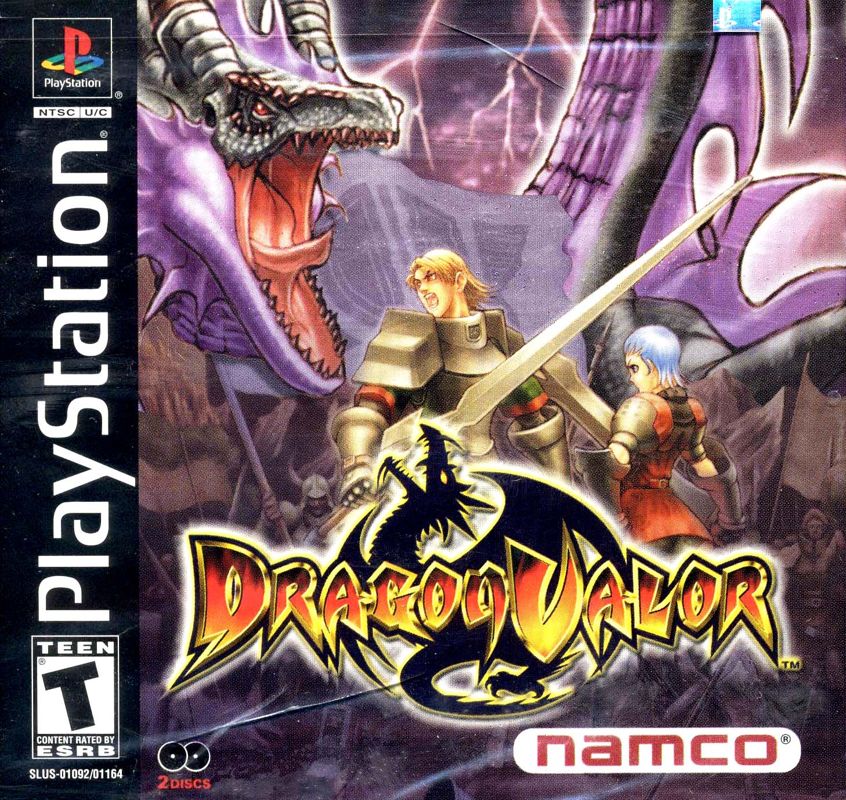
Insert the Dragon Valor disc and close the disc cover. Insert the game Controller and turn on the PlayStation® game console. Follow on-screen instructions to start a game. The Title Screen will appear after the opening movie. If desired, press the START Button to skip the opening movie.
Changing the Disc
As progress is made through the game, instructions to "Insert Dragon Valor Disc 2" (or Disc 1) will appear. When this occurs, open the disc cover without switching off the power.
Remove the current disc and insert the specified disc, then put the disc cover back down. The game will then restart.
It may also be necessary to change the disc when starting the game using a previous save. Again, open the disc cover without turning off the power, and insert the specified disc.
•
Insert Dragon Valor Disc 2
Title Screen
On the Title Screen Menu, use the Directional Buttons to select an option, then press the Button to accept the selection.
New Game
To start the adventure from the beginning, select "New Game". The Dragon Valor story will now unfold before your eyes.
Load Game
This option loads a previously saved game from a Memory Card. Insert the Memory Card holding the saved data into Memory Card slot 1 on your PlayStation console. Select "Load Game" and the Memory Card data will be displayed on screen. Use the Directional Buttons to select the data to load, then press the Button to accept.
Configuration
Each setting can be adjusted. Using the Directional Buttons, highlight an option, then press the Button to enter each sub-menu.
Please be sure to make any adjustments to the configuration before starting the game. No changes will be possible once the game starts.
Sound Settings
This screen allows changes to the SE (Sound Effects) and BGM (Background Music) settings. Use the Directional Buttons to highlight each item, and the Directional Buttons to change the settings.
To switch between STEREO and MONO, select the preferred option using the Directional Buttons (the selected option will appear within a green frame).
To return to the Configuration Menu, either select EXIT and then press the Button, or press .
EXIT
Selecting this option returns you to the Title Screen.
Continue / Game Over Screen
The CONTINUE/GAME OVER Screen appears when the character's HP Gauge is depleted, and will inquire whether you wish to continue.
Use the Directional Buttons to select Yes or No then press either the or Button. If you select Yes, the game will restart from the beginning of the current stage. Select No and the game is over.
Clearing the Chapter
At the end of each chapter, the character is required to fight the Boss Dragon. Defeat this formidable opponent to complete and clear the chapter.
The character then marries, and the couple has offspring. In the following chapter, this child matures and becomes the main character, and the story moves on.
This child also inherits the strengths of both parents (i.e. the male and female characters of the previous chapter).
Map Screen
This screen appears upon completion of a stage. From this screen, switch to the Status Screen or the Save Screen by using the ▲/▼ Directional Buttons to highlight an option, then press the ✘ Button.
Moving Around
The destinations you can move to are shown on the screen. Occasionally there will be more than one available.
Available Destinations
When multiple locations (other than the shop) are displayed on screen, you can only move to the destination selected.
Duck
•
Press the R1 Button to make the character Duck.
•
Press the R1 and Directional Buttons at the same time to move while Ducking.
•
Press the Button while the character is Ducking to Attack while Ducking.
Rising Impale
•
Press the Button while the character is ducking to perform a Rising Impale.
•
This is useful for attacking enemies above you.
Jump
•
Press the Button to Jump.
•
The height of the jump is dependent on how long the button is held down.
•
Press the Button while Jumping to Attack while in mid-air.
Double Jump
•
Press the Button a second time during a Jump to perform a Double Jump.
•
Again, press the Button during a Double Jump to Attack while in mid-air.
Hammer Blow (big Jump)
•
Press R1 during a single big jump to perform a powerful attack called the Hammer Blow.
•
(Note: This will not work with a small jump.)
Magic
Press and release the Button to perform Magic. It is possible to control the direction of the Magic, so be sure to time the enemy's movements carefully before releasing the Button.
(Note: Immediately releasing the button will not affect the strength of the Magic attack.)
Attain the Magic Tomes
For every type of Magic, there is a specific Magic Tome. Before the character can use any particular type of Magic, he must acquire the specific Magic Tome for it.
There are two situations in which the Magic Tomes are acquired. One situation is when a particular enemy is defeated. The other situation is when a Tome is located in a particular area.
When the first Tome is acquired, level 1 Magic is gained. Each consecutive Tome acquired for that particular type of Magic provides subsequent levels of Magic.
To use Magic
 (Disc 1).png)

 (Disc 1).png)
.png)
 (Disc 2).png)
 [NTSC-U] [SLUS-01092].png)
