PlayStation SETUP
Console Top View
Front View
MENU RING CONTROLS
Use Up and Down on the Directional buttons and the Action Button to select throughout all menus. The START or the Action Button also quits FMV Sequences. Use Right and Left on the Directional buttons to toggle through individual category options.
Use Draw Button within the Menu screens to take you back to the previous screen until you arrive back at the Title Screen.
STARTING THE GAME
It is advised that you do not insert or remove peripherals or Memory cards once the power has been turned on.
Following a short introductory FMV sequence you will be presented with the main game options.
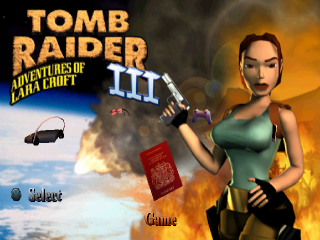
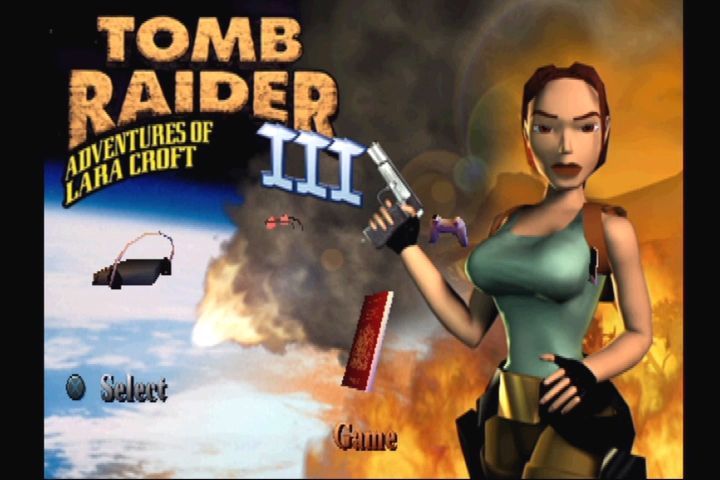
Passport - main game options
The passport allows you to start a new game, load a previously saved game or quit.
Press Action Button and the passport will flip open. Pressing Left and Right flips you through the pages of the passport.
The first page allows you to choose and load a previously saved game.
The middle pages will start a new game or Restart a level after death.
The last page of the passport quits the game (In game option only).
Snapshot Lara's home
Choose the snapshot to access the interactive training level. Lara will explain how the game controls work.
To exit the Assault Course press the SELECT Button and use the exit option within the passport.
Sunglasses
This option allows you to re-center the game screen on your TV.
Use the Directional buttons and press Action Button to select position. Personal CD Player
Press Action Button on the Personal Stereo, and you will be presented with two bars. The top bar sets music volume, the lower bar sets sound effects volume. •
Press Up and Down to toggle between sound and music.
•
Press Left and Right to adjust volume.
Controller
Use Right and Left to scroll through the pre-set control configurations.
Press Action Button to select your desired configuration. Swimming
Underwater
If Lara finds a deep pool of water, she can jump in, and swim around. Lara can hold her breath for about one minute; if she is still underwater after that she'll drown.
Some water is very cold, Lara can only swim in this water for a short time. An Exposure Bar will appear and begin to deplete when you enter this kind of water.
•
Pressing Up, Down, Left or Right makes Lara rotate in that direction.
•
Pressing Jump Button makes Lara swim.
Lara can pull levers and pick up objects under water. Just position Lara as close as you can and press Action Button. Swimming on the surface
Left and Right will rotate her, and Up and Down make her swim in those directions.
You can also use the side step actions to swim Left or Right when on the surface of the water.
Pressing Jump Button will make Lara dive under the surface again, while pressing Action Button when Lara is close to an edge will make her climb out. Wading in shallow water
Lara won't swim in waist deep water; instead she wades. The controls are basically the same as when she is on dry land, except it is slower going and she can only jump on the spot, not in a direction.
Attacking
Lara starts the game carrying two pistols. Later in the game she may find some extra weapons.
Note that the pistols have unlimited ammunition.
Shooting
Press Draw Button and Lara will draw her guns. If she sees something she doesn't like the look of she will point her guns at it.
If there are multiple enemies, Lara will lock on to different targets, choosing the best one as she sees fit.
Pressing Action Button while Lara is aiming at something will assign that enemy as the current target. It will remain as the current target indefinitely while the Action button is held down, regardless of whether or not Lara loses her lock. While Action Button is held, Lara will only fire at the current target, ignoring any other enemy in the vicinity. If Lara loses sight of the enemy, it will break her lock, but that enemy will still be assigned as the current target. The camera will track the current target, so even if Lara loses sight of it, you can still see where it is.
To make Lara continue shooting the current target after she has lost her lock, simply point her in the right direction.
If you want to shoot a different enemy, simply let go of Action Button, and Lara will pick a new target. While you have your guns out, Lara can no longer do anything that would involve the use of her hands. These actions are described below.
Note: Lara can also shoot down certain doors in areas.
Other Actions
Vaulting
If Lara is faced with an obstacle that she can climb over, pressing Up and Action Button will make her vault onto it. Climbing
Some walls are climbable. If Lara comes across such a surface, pressing Up and Action Button will make her jump up (if there is room) and catch handholds on the wall. She will only hang on while Action is held down. She can then be made to climb up, down, left and right by pressing the Directional buttons. Pressing Jump Button will make Lara jump backwards away from the wall.
When Lara arrives at the top of the ladder she may be
 (Rev 2).png)

 (Rev 2).png)