SETTING UP
Set up your PlayStation®2 computer entertainment system according to the instructions supplied with your system. Check that the system is turned on (the on/standby indicator is green).
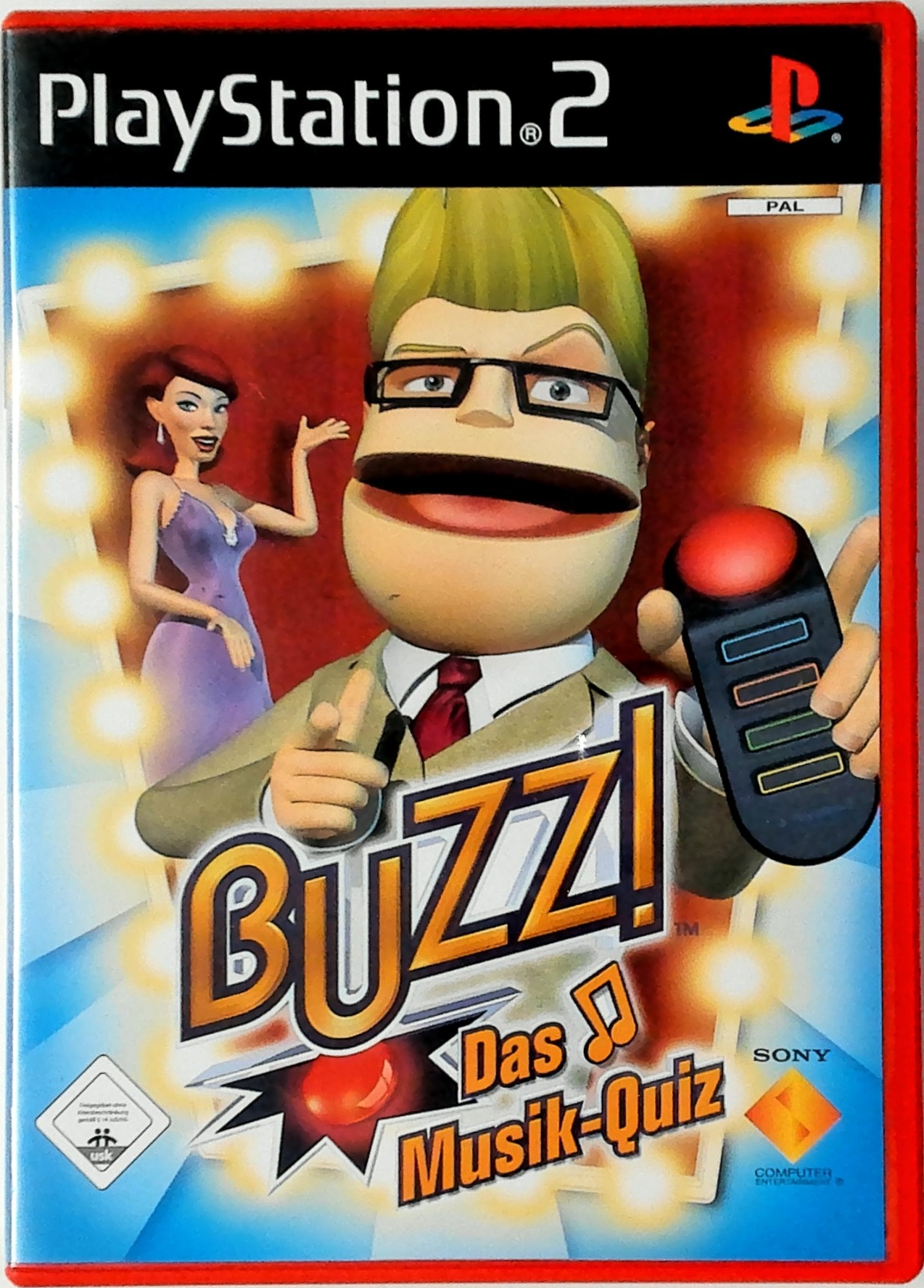
Insert the Buzz!™: The Mega Quiz disc in the system with the label side facing up. Attach game controllers and other peripherals as appropriate. Follow the on-screen instructions and refer to this manual for information on using the software.
MEMORY CARD (8MB) (for PlayStation®2)
To save game settings and progress, insert a memory card (8MB)(for PlayStation®2) into MEMORY CARD slot 1 of your PlayStation®2 system. You can load saved game data from the same memory card or any memory card (8MB) (for PlayStation®2) containing previously saved games.
Buzz!™: The Mega Quiz features an autosave function that saves progress after a save game file has been created. At certain points during the game, a "Save" icon will be displayed on-screen indicating that progress is being saved. While the icon is on screen, DO NOT remove the memory card (8MB) (for PlayStation®2) or turn off your console.
GETTING STARTED
The following on-screen message will be displayed when playing Buzz!™: The Mega Quiz for the first time with a memory card (8MB) (for PlayStation®2) inserted into MEMORY CARD slot 1: "No Buzz!™: The Mega Quiz saved data present on memory card (8MB) (for PlayStation®2) in MEMORY CARD slot 1."
Press the orange button to select "Continue", and then either press the blue button to select "yes" to enable the autosave feature or press the orange button to select "no" to disable the autosave feature. Enable the autosave feature to automatically save Buzz!™: The Mega Quiz data and information to memory card (8MB) (for PlayStation®2).
CAUTION: do not insert or remove a memory card (8MB) (for PlayStation®2) after start-up as this may cause data to be overwritten.
Press the blue button to continue and an introductory video sequence will then be displayed. Press any Buzz!™ Buzzer button to skip the video sequence and access the Main Menu.
MAIN MENU
Okay! Now that you are all set up and raring to go, it's time to get a quick touch-up from Vanessa — our resident make-up artist — before heading down to the Buzz!™ studio floor to get in front of our cameras.
Roger — our longest-serving cameraman — will make sure he gets your best side, but feel free to strike a pose for him, and then it's on with the show...
As ever, my glamorous assistant Rose will be on hand to guide you through the show's rules and regulations — so listen very carefully to what she has to say and don't be put off by the studio's bright lights and razzle-dazzle!
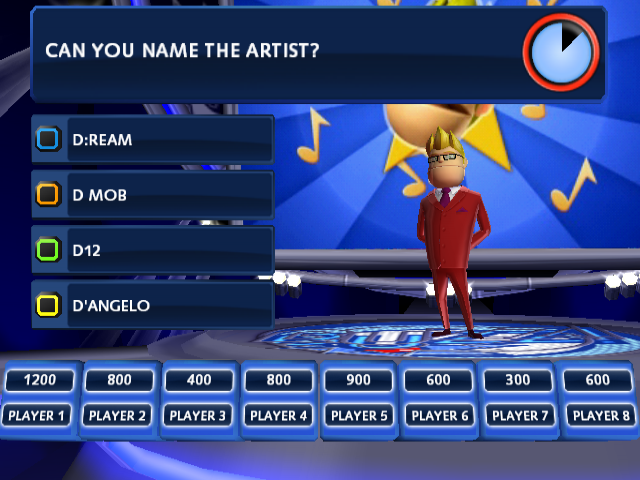
Speaking of razzle-dazzle, please allow me to introduce myself — my name is Buzz and I'm the dashing and debonair, suave and sophisticated, smart and sassy host of Buzz!™: The Mega Quiz.
As quizmaster, it's my job to pose the questions; and it's your job to come up with the answers to prove that you are either a smarty pants or just plain pants! And by the look of you, I know which one my money's on...
But seriously... welcome to my show, welcome to Buzz!™: The Mega Quiz, now get ready to buzz in when you know the answer...
PLAY BUZZ!™
Here at Buzz!™ HQ, "variety" is the name of the game and there are so many ways to experience the mega quiz challenge. But before Jenni the director shouts "lights, camera, action", let me explain one or two things about Buzz!™: The Mega Quiz to get you up and running.
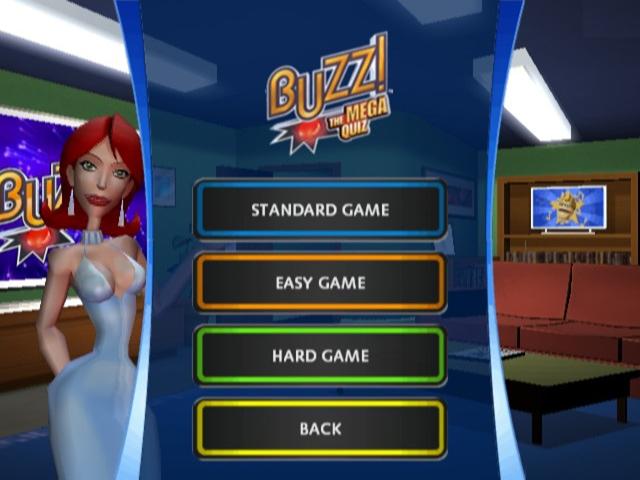
First of all, press the blue button on the Main Menu to access the "Play Buzz!™" option, then choose either "2-4 Players", "Single Player" or "5-8 Players" depending on how many contestants in your house are clamoring around the TV ready to battle it out in the greatest quiz of all time.
Then choose whether to participate in a "Standard Game", an "Easy Game" or a "Hard Game". The "Hard Game" option may sound like it is solely for hard core trivia buffs, but trust me, it's not just for eggheads and brainiacs — even your Uncle Mike can join in too.
So how long have you got? Well, it's time to choose the length of your game, simply press the blue button to start a Regular Game, or press the orange button to begin a Short Game, or press the green button to begin a Long Game.
You will then get a straight choice between Select Your Contestant and Quick Start.
SELECT YOUR CONTESTANT
There are fourteen wonderful contestants to choose from, and some of them have flown in from around the world just to be here! Who will you choose?
CHOOSE YOUR POSITION
In Multiplayer Mode only, Buzz!™: The Mega Quiz is easier to play when you folks at home are in the same position as the contestants in the studio. Pick the podium that best mirrors your position in front