Beginning the Game
Turn on the MAIN POWER switch on the back of your PlayStation®2 computer entertainment system. Insert the game disc into the PlayStation®2 computer entertainment system.
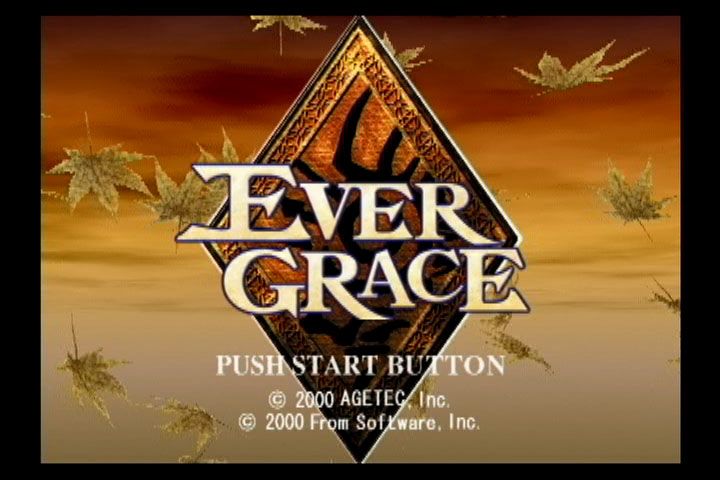
Then press the (ON/Standby)/RESET button. The title screen will be displayed when the START button or button is pressed after the demo has completed or during the demo.
The Start Menu will be displayed when the START button is pressed at the title screen.
NEW GAME
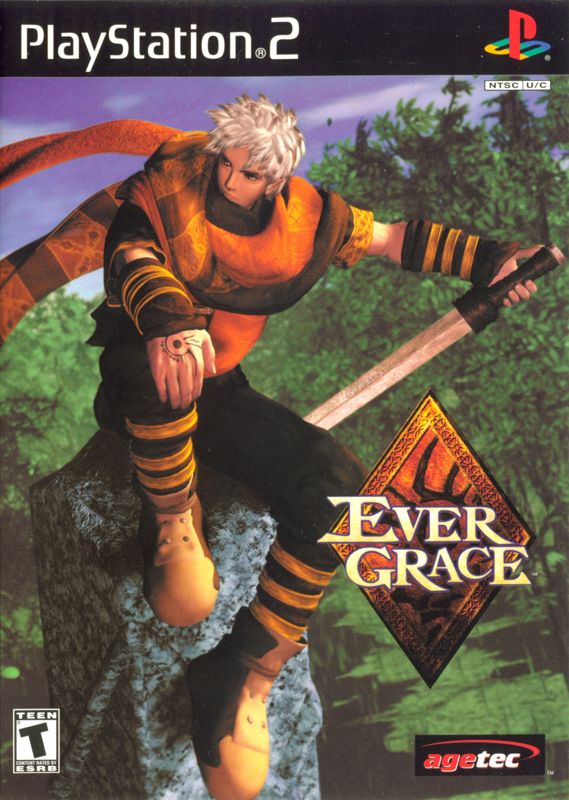
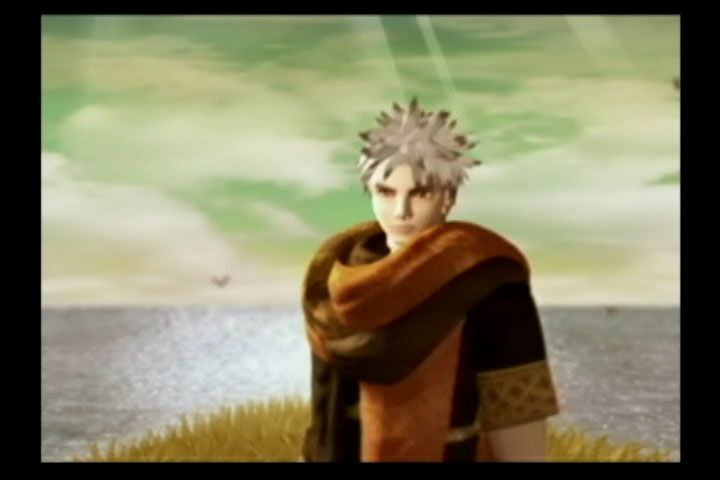
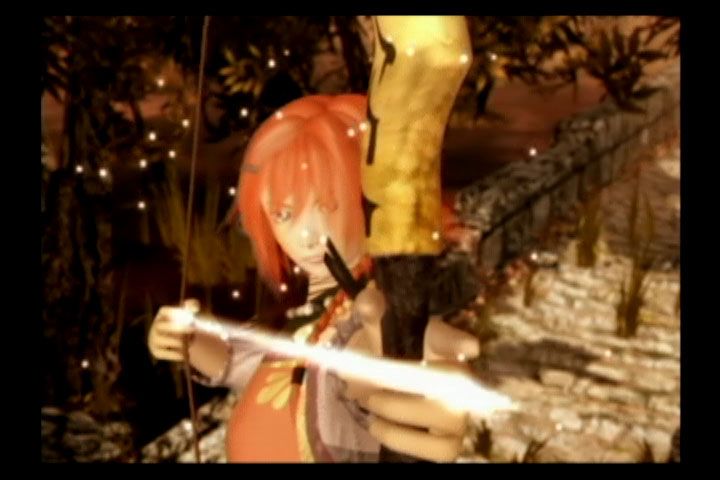
Start the game by selecting one of two main characters, Darius or Sharline. You can alternate between Darius and Sharline at any save point during the game. LOAD GAME
The game will begin at the point where you saved previously. A Memory Card (8MB) (for PlayStation®2) is required in order to save game data.
To load a game, select a slot and choose a saved game. You can also load game data by using the menu during the game.
OPTION
Select this to change various settings.
CREATURES/ITEM BOOK
Use this to view the Creature Notes or Item Book.
PALMIRA ARMAMENTS
Darius and Sharline can be equipped with items having special powers. These are called "Palmira armaments." 1. PALMIRA ACTION
Some Palmira armaments have powers called "Palmira action," which enable the use of various powers. There are many types of Palmira actions, including magic and physical attacks using weapons.
2. ATTRIBUTES
Each Palmira armament has its own attributes. All weapons have physical attributes, and some have magical attributes. All defensive equipment has defensive power against all attributes.
When the armament is changed, the attribute corresponding to that particular armament is displayed in the "Offense/Defense Window" in flashing characters, enabling you to check the attributes involved in that armament. The color of the characters in the "Offense/Defense Window" also changes according to magical attributes of that particular armament.
3. UPGRADING
Palmira armaments can be upgraded by adding Palmira pieces to them. Upgrading results not only in the physical strengthening of Palmira armaments, but in facilitating new Palmira actions or new attributes.
Since actions and attributes are added rather than traded, the Palmira action or attributes the armament already has will not be lost in the upgrading process. Palmira armaments can be upgraded to increase up to two levels.
Upgrading can be performed at the shops located at save points.
Fighting Tip #1
Many types of enemies populate the world of EVERGRACE. Among them are enemies that have characteristic movements or parameters. In order to fight battles effectively, select the character's attack method according to the characteristics of the enemy. When you encounter a new type of enemy, try using different techniques.
Attributes
Enemies have strengths and weaknesses against certain attributes. Damage will increase when you attack enemies using attributes against which they have little defense.
PHYSICAL ATTACK
Pressing the button will attack enemies using the equipped weapon (horizontal slash). Strength and range differ according to the weapon provided.
Pressing a directional key while pressing the button will attack enemies using a stronger "vertical slash" attack. Note that the "vertical slash" will leave you more vulnerable to attack than "horizontal slash."
COMBO
To enable combo attacks, press the button at the exact moment the "horizontal slash" hits the enemy. (Some weapons may not allow combo attacks.)
QUICK CHANGE
By pressing the button and then the button immediately you can switch to your auxiliary weapon. (Quick Change can also be performed using the Right stick only when the LED is lit red.)
ATTACK STRENGTH and POWER GAUGE
The strength of your physical attack is greatly affected by the amount of power you have stored (that is, the amount of red in the on-screen gauge: fully red indicates 100% attack power). When there is little power stored, the attack is weaker.
This game is compatible with the Analog Button Input function of the DUALSHOCK™ 2 analog controller. With this function you can control the amount of power via the power gauge. For example, you can tap the Attack button lightly to slightly decrease the amount of power used in order to perform combo attacks or dashes.
On the other hand, you can press the button more forcefully to perform a more damaging attack by using up all your stored power, allowing you to defeat an enemy in one blow. The Analog Button Input function can be set using OPTION.
DASH
To dash, press the button while moving. Dashing will use some of the power from your power gauge.
PALMIRA ACTION
Palmira armaments offer many different Palmira actions. A Palmira action is activated by pressing the button during the game. However, the power gauge must be at 100% for you to access it. Also, note that the Palmira action will use 100% of the power gauge.
1. MAGICAL PALMIRA ACTION
This type of Palmira action will, as the name indicates, give you the use of magic. Using magic effectively will allow you to attack over great distances.
2. PHYSICAL PALMIRA ACTION
This type of Palmira action lets you perform various attacks associated with that action. It increases the number of variations you can use for physical attacks, and will allow you to fight more efficiently by combining powers with physical attacks using swords and the like.
3. OTHER PALMIRA ACTIONS
These Palmira actions give you an
.png)

.png)
