START UP INFORMATION
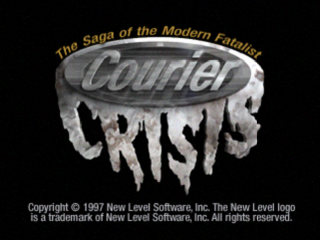
Set up your PlayStation™ game console according to the instructions in its Instruction Manual. Make sure the power is off before inserting or removing the disc. Insert the COURIER CRISIS disc and close the disc cover. Insert the controllers and turn on the PlayStation console. After the Main Menu comes up, press twice to start a game. EMPLOYMENT CONTRACT
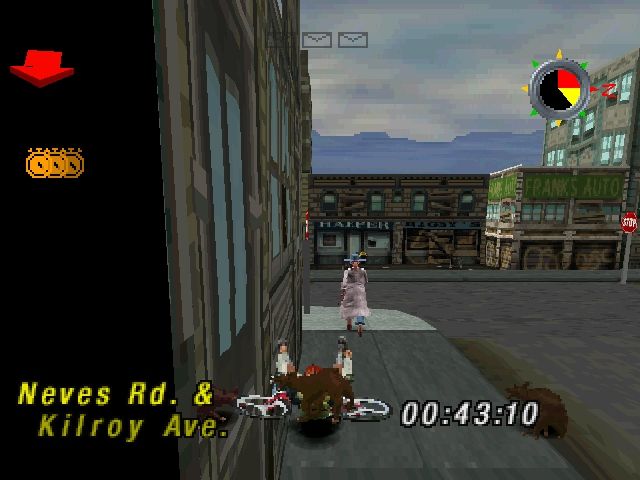
As a bike Courier, your job is to pick up and deliver packages in a timely manner. Start by looking for the ped with the package, and pick it up by riding up to him/her. You can tell which one he/she is by the pickup icon (a giant yellow arrow) over his/her head.
Once you have the package in your sweaty hands, you need to find the drop off ped. He/she's easy to spot - just look for the giant dollar sign above his/her head. Ride by him/her to drop off the package and collect the green.
Each delivery mission is paid only on timely completion. If you finish when your timer's in the green, you get paid full price. Yellow gets you 75% of the full amount, and red gets you 50%. If you can't get the job done before the red's out, you're fired. At that point your time's your own. Do what you want.
MAIN MENU
The Main Menu offers five options. Use Directional Buttons Left/Right to highlight an option. Then use to select it.
•
GO: Select this to go to the 'hood selector screen.
•
GT BIKE SHOP: Select this to go to the GT bike shop.
You can go to the Bike Shop any time the Main Menu is available to you. Once there, you can trade your bike in on a different model. You get full trade-in value on your present bike, so all you have to do is come up with the difference. The cashflow figure tells you the combined value of your trade-in and your available cash.
AUDIO & MUSIC
•
OPTIONS: Select this to adjust the audio mix & select music style.
Press Directional Buttons LEFT and RIGHT to move between the different options, and press Directional Buttons UP or DOWN to raise or lower the volume or to choose a different musical selection.
•
Your Boss's Comments Volume
•
The Sounds of the City Volume
•
American Flag (what did you think?)
'HOOD SELECTOR (City Area Selector)
Select the City Area for your next set of delivery missions. If an area has police tape over the icon, then it's closed for that level. If there is a thumbs up icon over the graphic then you've already successfully played that mission.
You can still replay a mission for a better time and more money. You must complete all the areas in order to progress to a new level. If you want to do a few practice runs, press L1 & R2 to go into the practice level.
During a mission, if you press the Select button and, while holding it down, press and hold down the Start button for two or more seconds, the game returns to the title screen.
RESTARTING A LEVEL
You can restart a level from the following menus.
•
PAUSE MENU: Press START at any time during gameplay to get this menu. While the game is paused, you have the option to Continue, Quit or Restart.
•
To continue with the mission, press the Start button.
•
To Quit the mission, press the Select button. The message "Really Quit?" appears. If you press the Select button again, the game will return to the Main Menu.
•
If you wish to restart the mission, press the button.
•
BUSTED MENU: If you've been busted you get this menu, kay?
•
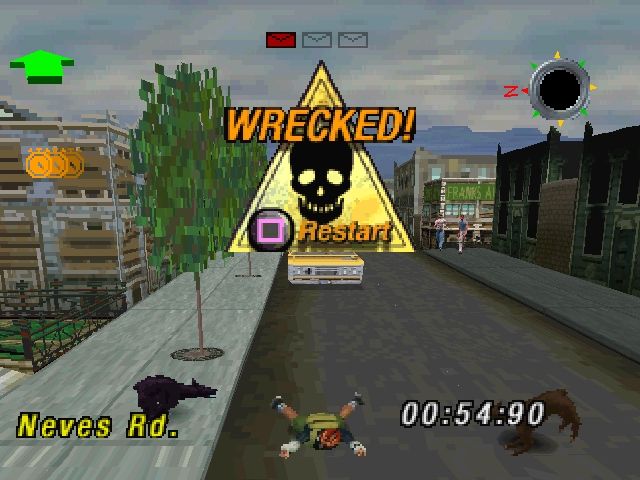
WRECKED MENU: If you totally thrashed your bike you get this menu.
If you've been fired, busted, or you've wrecked out, you can restart the level by pressing the Start button, then use the Restart option from the Pause Menu.
By selecting Restart you can start the mission afresh without waiting for the graphics sets to reload. By selecting Quit you return to the Main Menu where you can go to the bike shop to buy a different bike, save or load a game, or change game options.


.png)
.png)

.png)