Getting Started
Set up your PlayStation game console according to its Instruction Manual. Ensure the power is off before inserting or removing a compact disc. Insert the SKELETON WARRIORS disc and close the CD door. Insert game controllers and turn on the PlayStation game console. Follow on-screen instructions to start a game. Console Top View
Console Front View
Prince Lightstar Actions
Run
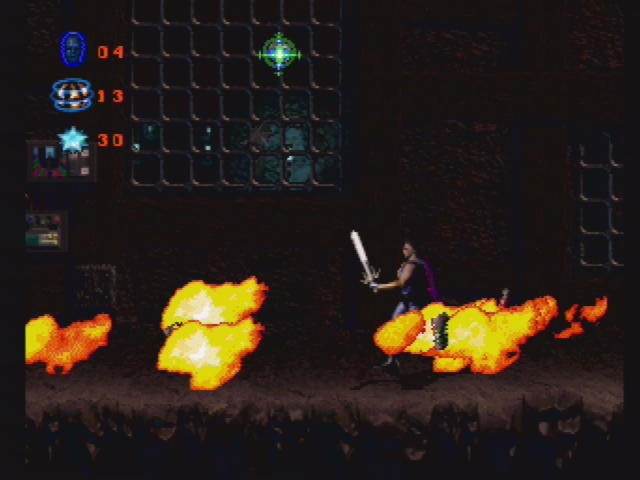
Prince Lightstar can run swiftly to evade enemies.
•
If Prince Lightstar is facing left, press Left on the control pad twice in quick succession, and hold Left after pressing it the second time.
•
If Prince Lightstar is facing to the right, do the same thing but press Right instead of Left.
Options Screen
Level
Use this option to set the difficulty level of the game (Easy, Normal or Hard). Use Left or Right to select a difficulty level.
Control Type
Set your control pad to your personal preference from one of the control configurations. Use Left or Right to select a control configuration.
Music
Play one of the great musical selections. Press Left or Right to select a tune and press to play it.
SFX
Play one of the exciting sound effects. Press Left or Right to select a sound and press * to play it.
Audio
This option allows you to set your sound input to Stereo or Mono, depending on your television equipment. Use Left or Right on the control pad to select an input.
Music Level
Controls the volume level of the background music during the game. Use Left on the control pad to decrease volume or Right to increase volume.
SFX Level
Controls the volume level of the background music during the game. Use Left on the control pad to decrease volume or Right to increase volume.
Exit
Exits the Options screen. Press any button.
.png)

.png)
