Getting Started
PlayStation 2 Setup
Set up your PlayStation 2 computer entertainment system according to its Instruction Manual. Ensure the MAIN POWER switch (on the back of the console) is ON. Press the RESET button. When the power indicator lights up, press the OPEN button to open the disc tray.
Place the Airborne Troops disc on the disc tray with the label side facing up. Press the OPEN button again to close the disc tray.
Attach game controllers and other peripherals as appropriate. Follow on-screen instructions and refer to this manual for software usage information.
PlayStation 2 Console Types
Illustration may not match all PlayStation 2 console types. For owners of SCPH-70000 series PlayStation 2 systems, refer to the setup instructions supplied with your system. Memory Card
To save game settings and progress, insert a memory card (8MB) (for PlayStation 2) into MEMORY CARD slot 1 of your PlayStation 2 system. You can load saved game data from the same memory card or any memory card (8MB) (for PlayStation 2) containing previously saved games. Start a Game
New Game
To run a new game, select "New Game" on the title screen using the ←,→,↓,↑ directional buttons and press the ✘ button to confirm. Before starting, you must select the difficulty level.
•
Easy: Only a few enemies appear when the alarm is raised, and they are very easy to shoot. Life bonuses fully restore the hero's health.
•
Normal: More enemies appear when the alarm is raised, and they are easy to shoot. Life bonuses partially restore the hero's health.
•
Hard: Many more enemies appear when the alarm is raised, and your shots must be accurate. Life bonuses minimally restore the hero's health.
Continue Game
To load a saved game, select "Continue" in the title screen using the ←,→,↓,↑ directional buttons and press the ✘ button to confirm. Choose the profile you wish to load and confirm with the ✘ button.
Mission Selection
•
(4) Name of the mission selected
•
(5) Image/description of the mission selected
•
(6) Gallery of artwork (only accessible if all mission objectives have been accomplished)
Select a mission using the ←,→,↓,↑ directional buttons and confirm with the ✘ button to view the mission description. Press the ▲ button to go back or the ✘ button to start the mission.
Background and Gameplay
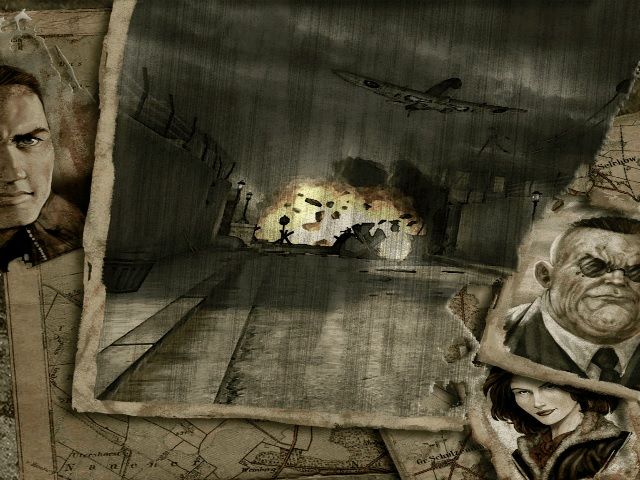
On June 4th, 1944, 48 hours before the Allied landing in France, secret agent Murat is sent to Normandy to coordinate resistance fighters.
You are John Welsh, a young American non-commissioned officer in the "paratrooper" regiment. Your task is to escort and protect Murat.
The plane carrying Murat is hit by anti-aircraft fire. You must now take Murat's place and carry out the dangerous missions yourself.
John Welsh
Now 25 years old, John joined up after the events of Pearl Harbor. Born in Montana, he arrived in England in early 1944 with Lieutenant-Colonel Vandervoort's airborne division.
John is considered one of the best in his squadron, earning him the rank of staff sergeant. His initial task is to monitor and safeguard complex parachute drops of resistance agents over occupied Europe. For John, the "landing" will happen two days earlier than planned.
Infiltration
German patrols are on the lookout. In Airborne Troops, you must proceed with extreme caution to accomplish your missions.
Remain Concealed
You must crouch in the shadows to avoid being detected.
Stay Quiet
You must not run near guards for fear of being heard. The knife is an effective weapon for silently eliminating a sentry. You can also eliminate guards by hitting them with a rifle butt, but this makes more noise.
Combat
When you are discovered, enemies call for reinforcements and will attack you.
Alarm
Guards can activate the alarm. When the alarm sounds, reinforcements arrive. To halt reinforcements, you must disable the alarm by pressing the alarm buttons.
Weapons
You can use various weapons to fight enemy soldiers.
•
The knife is useless in full combat but effective for neutralizing sentries.
•
The Colt .45 is the US Army's standard issue handgun. It's not renowned for accuracy but will never run out of ammo.
•
Rifles are precision weapons and the only firearms with auto aim. They have a slow firing rate but are deadly at long range.
•
Sub-Machine Guns are effective in close combat but inaccurate.
Inventory Screen
To open the inventory, press and hold down the A button.
•
(1) The name of the weapon and relevant ammunition
The Left analog stick selects a weapon. Release the A button to confirm the selection.
Actions
•
Information: Press the button to display information.
•
Life bonus: Press the button to access it.
•
Object: Press the button to pick up or use an object.
•
Objective: Press the button to accomplish the objective.
•
Alarm: Press the button to activate or deactivate the alarm.
•
Leave the sector: Press the button to
.png)

.png)
.png)
.png)
