GETTING STARTED
Set up your PlayStation®2 computer entertainment system according to the instructions supplied with your system. Check that the system is turned on (the on/standby indicator is green).
Insert the CID The Dummy disc in the system with the label side facing up. Attach game controllers and other peripherals as appropriate. Follow the on-screen instructions and refer to this manual for information on using the software.
Memory Card (8MB) (for PlayStation®2)
To save game settings and progress, insert a memory card (8MB) (for PlayStation®2) into MEMORY CARD slot 1 of your PlayStation®2 system.
You can load saved game data from the same memory card or any memory card (8MB)(for PlayStation®2) containing previously saved games.
INTRODUCTION
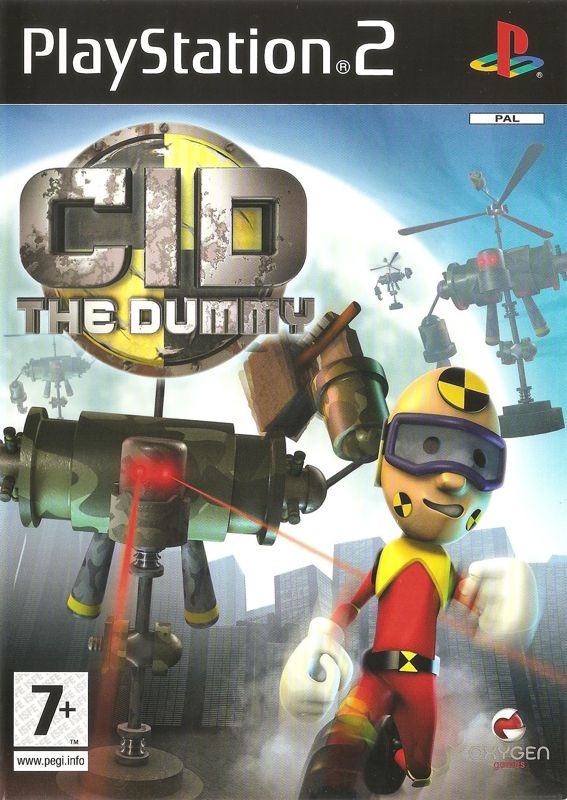
In a world obsessed with safety, the once lowly Crash Impact Dummy (CID) has risen to a position of great importance amongst us. His day job: crashing, smashing, checking, re-checking and re-re-checking everything from lemonade to escalators in order to make the world a better place.
Now, the inventor of the Crash Impact Dummy, Prof. B.M. Werken, has lost his daughter, M.I.A., and has chosen CID The Dummy to rescue ... err ... find her. Help CID blast, smash, and crash his way to find Prof. B.M. Werken's daughter and prove himself the greatest dummy of all!
STARTING UP
System Setup
Turn on the PlayStation®2 console. A memory card (8MB) (for PlayStation®2) is required to save the game.
New Game
•
To start a new game: Select NEW GAME from the main menu.
Load Game
•
To load a game: Select LOAD GAME from the main menu.
Options
Music Volume
•
Use the and directional keys to increase/decrease music volume.
Sound Volume
•
Use the and directional keys to increase/decrease sound volume.
Vibration Function
•
This can be toggled on or off using the directional keys.
Restore Defaults
•
To restore game defaults, select Yes or No using the and directional keys.
Extras
Gallery
A collection of artwork from the game that cannot be unlocked.
•
Navigate through the various images, using the L1 and R1 buttons.
•
Press to return to the main menu.
.png)

.png)





.png)

.png)
_1.png)
.png)


_1.png)