System Set Up
Set up your PlayStation®2 computer entertainment system according to the instructions in its Instruction Manual. Make sure the MAIN POWER switch (located on the back of the console) is turned on.
Press the RESET button. When the power indicator lights up, press the OPEN button and the disc tray will open. Place the HIDDEN INVASION disc on the disc tray with the label side facing up. Press the OPEN button again and the disc tray will close.
Attach game controllers and other peripherals, as appropriate. Follow on-screen instructions and refer to this manual for information on using the software.
Main Menu
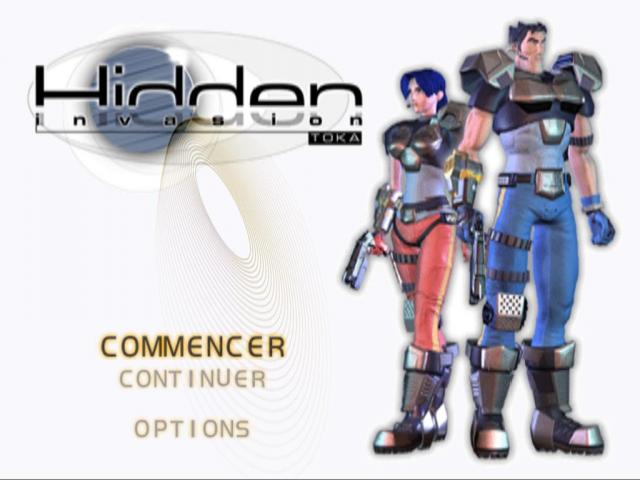
Press the directional buttons UP/DOWN to make a selection and press the button.
•
ONE PLAYER GAME: Begin a new single player game.
•
TWO PLAYER GAME: Start a two player co-operative game.
•
LOAD GAME: Load a saved game from a Memory Card.
•
OPTIONS: Access the Options Menu.
Options Menu
Press the directional buttons UP/DOWN to make a selection and press LEFT/RIGHT to change settings.
•
Difficulty: Select from Easy, Normal or Hard. Difficulty settings affect the number of enemies, damage inflicted and damage received.
•
Music Volume: Adjust the volume of the background music.
•
Sound Effects Volume: Adjust the volume of the sound effects.
•
Controller Setup: Customize your controller configuration.
•
Vibration: Turn the Dual Shock controller vibration function on or off.
Memory Cards
To save game settings and progress, insert a memory card (8MB) for PlayStation®2 into MEMORY CARD slot 1. You can load saved game data from the same memory card, or from any memory card containing previously saved HIDDEN INVASION games.
At least 53Kb of free space must be available in order to save. If less free space exists, erase older data before saving. Do not remove the memory card or turn off the power on the PlayStation®2 while data is being saved or loaded. Your game data may be lost if you do. Select An Agent
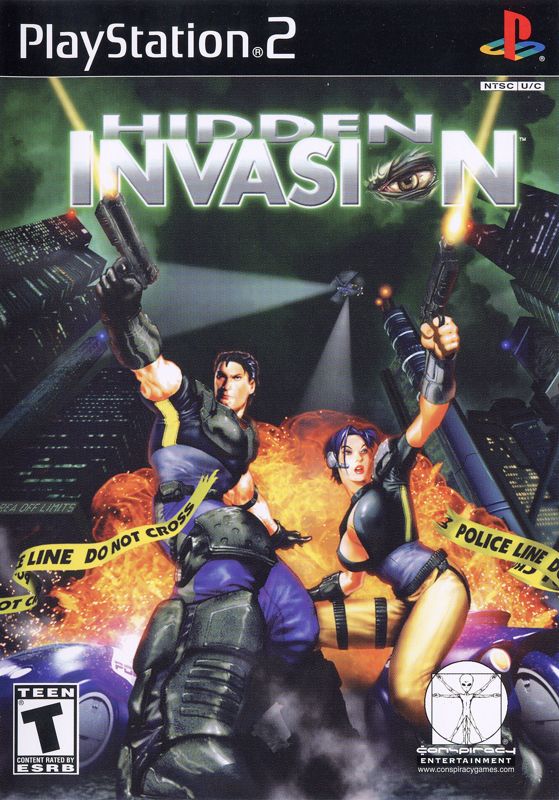
Upon starting a game you must choose your agent from the Shadowforce Team. Your only options are Special Agent Dean Travis or Special Agent Karen Bride. Each of these agents possesses unique skills critical to success. Due to the gravity of the situation, no other personnel are qualified.
The Director has authorized a multi-agent task force. Should you wish to use both agents in the field at the same time, you must select both agents prior to departure to Alpha City.
Additional information on Special Agents Travis and Bride is available in the 'Shadowforce Team' portion of this file.
Game Flow
The game consists of a number of missions, each mission spanning multiple levels. Upon successful completion of a level, you will be given the opportunity to save your game state.
Mission Objectives
Each level contains certain mission objectives that must be carried out in order for the mission to be a success. You can check the status of your mission objectives at any time by pausing the game.
Combat
WEAPON COMBAT
FROM NSSO AGENT TRAINING MANUAL Section 21 Article 6 Section 2
Upon drawing sidearm or obtaining a firearm, the agent will immediately enter WEAPON READY mode.
Pistol (permanent side arm)
Both agents carry a standard issue, semi-automatic pistol on them at all times. This pistol can never be dropped. Provided the weapon has sufficient ammunition, you can draw and use this pistol whenever you want. Holster the pistol to return to hand to hand combat mode.
Pick-up Weapons
Larger, more powerful weapons will occasionally be dropped by defeated enemies. You can collect and use these guns to your advantage. To collect a weapon simply stand over it and press the Action button. Pick-up weapons contain a limited amount of ammunition. Using A Weapon
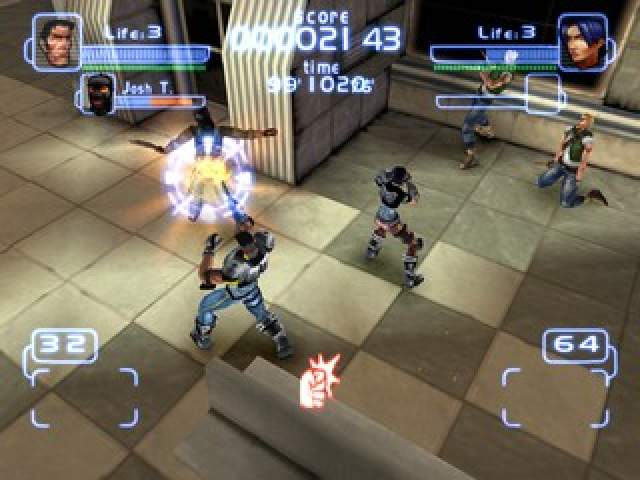
To fire your selected weapon, just press the Weapon/Fire button. Your agent will automatically aim his weapon at the nearest visible enemy. A targeting icon will appear on screen and highlight your current target. To drop a pick-up weapon (or holster your side arm), just press the L1 button.
Grenade Throw
REQUIRES LEVEL 1 FIREARMS CERTIFICATION
Press L2 to throw a grenade. Grenades are useful for clearing groups of enemies. You have a limited supply of grenades.
Throwing Environmental Objects
Certain objects in the environment (like boxes) can be picked up and used as a weapon.
Ground Stomp
When an enemy is down, you can press the Kick button to perform a Ground Stomp.