Setting Up
Set up your PlayStation®2 computer entertainment system according to its Instruction Manual. Ensure the MAIN POWER switch (on the back of the console) is on.
Press the RESET button. When the power indicator lights up, press the OPEN button to open the disc tray. Place THE GETAWAY disc label-side up on the tray. Press the OPEN button again to close the disc tray.
Attach game controllers and other peripherals as appropriate. Follow on-screen instructions and refer to this manual for software information.
Memory Card (8MB) (for PlayStation®2)
Throughout this manual, "memory card" refers to the memory card (8MB) (for PlayStation®2). Saved options data on the memory card will autoload on boot up.
To save game settings and progress, insert a memory card into memory card slot 1. You can load saved game data from the inserted memory card, or any memory card containing previously saved THE GETAWAY data.
Ensure there is enough free space on your memory card before playing.
Directional Buttons - Movement
In this manual, ↑, ↓, ←, →, etc. denote the direction of both the directional buttons and the left and right analog sticks.
To use the left and right analog sticks, the analog controller (DUALSHOCK®2) must be in analog mode (indicator: red). THE GETAWAY can only be played with an analog controller (DUALSHOCK®2).
Using Menu Screens
•
Press ↑, ↓, ←, or → to highlight an option.
•
Press △ to return to the previous menu screen.
Main Menu
New Game
Launch directly into a new game.
Load Game
•
Press ✖ to load previously saved game data from a memory card.
•
Game data will be loaded automatically.
•
If more than one save file is present, you will be asked to select a file.
•
Press ← and → to select a save slot and press ✖ to continue.
•
When the game data has loaded, the Level Selection Screen will be displayed.
•
Press ← and → to select a level and press ✖ to start.
•
All menu options will be updated when the game begins.
Options
Auto Save
The Auto Save function automatically saves your progress to the Memory Card at the end of each level.
•
Press or to highlight "Auto Save".
•
Press or to select "ON" or "OFF".
•
If Auto Save is set to "OFF", an option to manually save your progress will be displayed at the end of a level.
•
The default setting for Auto Save is "OFF".
Subtitles
•
Press or to highlight "Subtitles".
•
Press or to select "ON" or "OFF".
•
Choose "ON" to display English subtitles during the game.
Screen
Aspect Ratio
Choose either a 16:9 or a 4:3 aspect ratio for your TV screen. The recommended option is 16:9 widescreen.
Screen Adjust
•
Press or to position the screen to your satisfaction.
•
Press to confirm the new screen position and return to the Screen Menu.
Sound
Balance
•
Press or to alter the sound balance between the music and the sound effects.
•
Press to accept the changes and return to the Sound Menu.
Mode
•
Press or to choose either "Mono" or "Stereo" sound output.
Vibration
•
Press or to highlight "Vibration".
•
Choose "ON" to activate the vibration function of your analog controller (DUALSHOCK®2).
Pause Menu
Continue
Continue the mission from where you left off.
Mission Briefing
These handy mission briefings will remind you of your current assignment.
•
Press to listen to the current mission briefing.
•
Press or to scroll through completed missions.
•
Press to return to the Pause Menu.
Options
For more details, refer to the Options Menu section outlined in the 'Main Menu' section of this manual.
Exit Game
Choose this option to return to the Main Menu.
Playing the Game
Crouch
•
Press when near an object to crouch behind it.
•
Use the Left analog stick or to move character/lean out at a corner.
•
Press to shoot over the object.
•
Press again to exit crouch mode.
Choke Hold
•
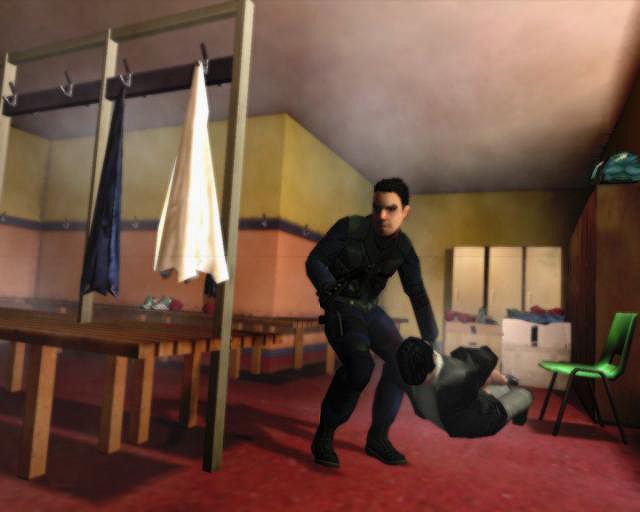
Press when up close to anyone to grab them in a choke hold. This protects you from enemy fire.
•
Use the Left analog stick or to move the character.
•
Use the Left analog stick or to turn the character while moving.
Stealth Mode
•
When close to a wall, press to sneak up against it.
•
When against the wall, push the left analog stick or to carefully walk alongside the wall.
•
Push the left analog stick or when close to a corner to peek around it.
•
Press again to move away from the wall. (Useful for stealth attacks).
•
Press to blind fire around a corner.
•
When leaning out from a doorway, keep the left analog stick in the direction of the "lean out"