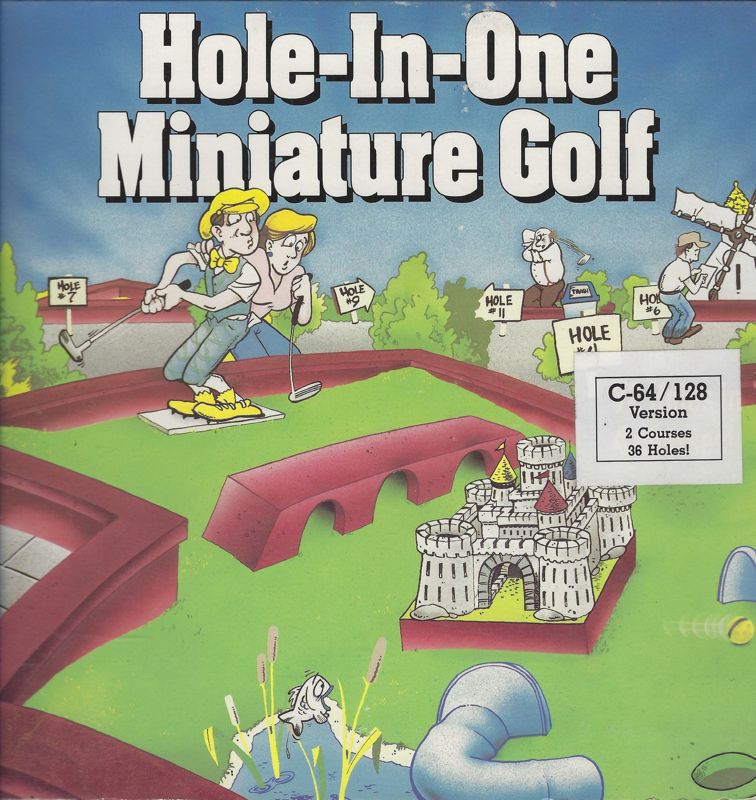
Hole-In-One Miniature Golf provides an overhead view of each hole. The gameplay is controlled entirely with the mouse. You place the ball on the starting pad and click the left mouse button. Once you have placed the ball, "stretch" a line from the ball to the pointer. The direction the line is pointing is the direction the ball will go. The length of the line or the distance between the pointer and the ball is relative to the power on the shot. Once you are satisfied, click the left mouse button to putt the ball.
You have three shots over par allowed. Exceeding this and you'll get a penalty stroke and must move on to the next hole (or player). You can also incur a one-stroke penalty for hitting into a water hazard. Your scorecard will be displayed after the first nine holes, but it's available anytime using the Options Menu. After completing the course, your scorecard will be displayed again. You can print your scores or exit to continue.
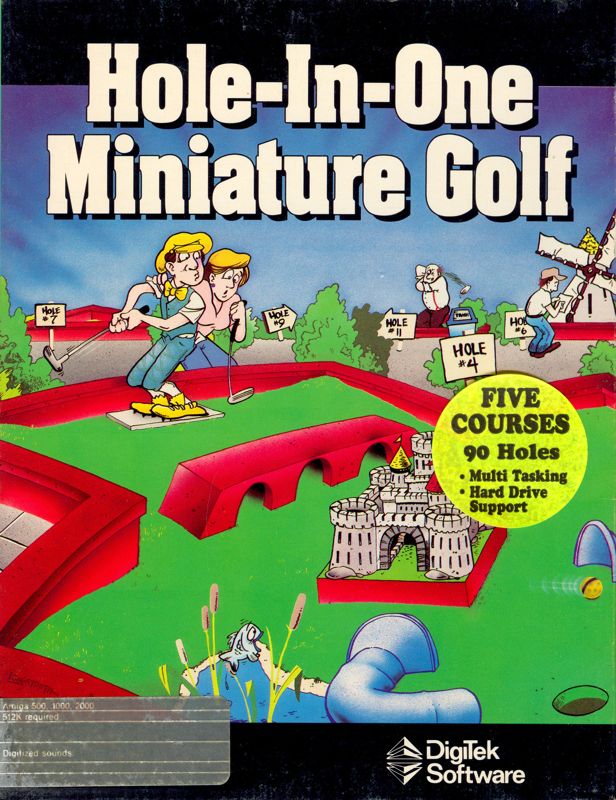
The game features five complete 18-hole courses with different themes. These include a Tutorial Course that teaches you how to play, a Classics Course based on traditional miniature golf, an Intermediate Course with added obstacles and challenges, an adventurous Fantasy Course with unique designs like castles and pinball, and the Expert Course for those who master the game. The game can be installed on a hard drive.



.png)