Starting the Game
Play a Story Mode game from the beginning.
In Story Mode you can continue playing from the last place you saved your progress by entering a password. The game always starts again from your home. See Section 7 for details.
Play by yourself against the computer. Select your favorite model with the Control Pad and press the A button to start the game.
Select your favorite model and play against a friend. To do so you'll need to join up two Game Boy units with a special Game Link cable (sold separately).
Story Mode Objective
In Story Mode, you move around town, fighting people and collecting information. Your objective is to win the national tournament. You receive money when you win a battle, which you can use to buy parts to improve and strengthen your model.
Note: In this mode, you need a special item to be able to do your model's super attacks and counter attacks.
Inside Shop
Select this when buying parts or items.
Note: You can only have one of each kind of part. If you want to upgrade to a higher level part, you must sell the old part first.
Select this when selling parts or items.
Switch your current model for another, for free.
Linked Games
Note: Make sure you carefully read the precautions for use of the Game Link cable (sold separately).
1. Check that both Game Boy units are switched off, then connect them with the Game Link cable.
2. Make sure the cable is properly attached, then switch on both units simultaneously. Once the Title Screen has appeared on both units, decide who will be player 1 and who will be player 2.
3. Each player should select a model with the Control Pad, and then press the A button to start the game.
.png)

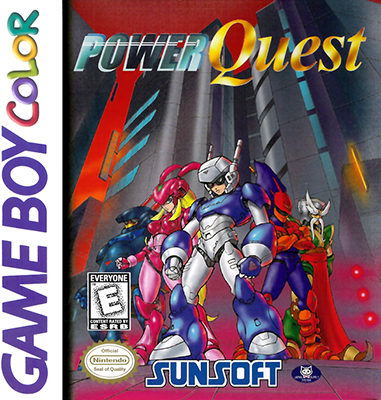


 (En,Fr,De,Es,It) (SGB Enhanced) (GB Compatible).png)
 (En,Fr,De,Es,It) (SGB Enhanced) (GB Compatible).png)
