Game Start
Power on your Nintendo GameCube™ and insert the Nintendo GameCube™ Game Disc.
Main Menu
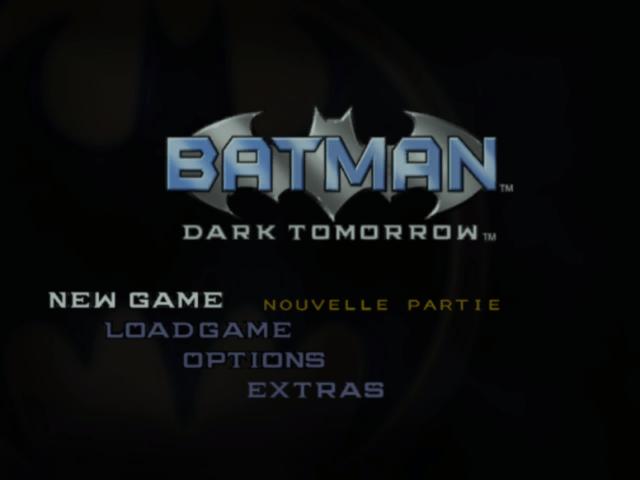
At the Main Menu Screen, select "NEW GAME" to start a new game.
Select "LOAD GAME" to load a saved game from a Nintendo GameCube™ Memory Card. You can save game data by pressing START/PAUSE while playing the game.
Select "OPTIONS" to select various configurations.
Select "EXTRAS" to listen to in-game music or open production sketches and cinematics. Music and production sketches become available when you acquire hidden items.
Game End
If Batman is injured and his physical energy (HP) reaches zero, the game will end.
•
Select "CONTINUE" at the "Game Over" screen to restart the game from the beginning of the stage that you last played.
•
Select "QUIT GAME" to end the game.
The Rules of Engagement
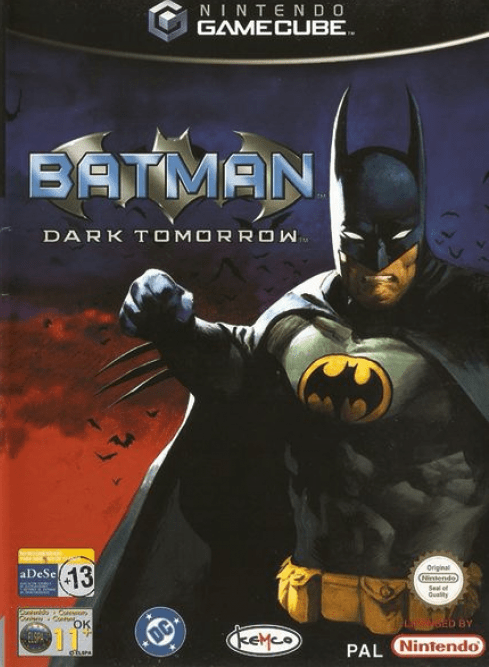
Game play in Batman: Dark Tomorrow alternates between highly compelling cinematic sequences and challenging game play. The movie-like episodes often introduce vital information or clues that can help you overcome obstacles in upcoming game sequences.
It's also important to pick up as many items as possible in each stage, especially newspapers or seemingly ordinary scraps or notes. These thorough searches may yield vital clues that can help you in the future.
Throughout the game, you'll encounter common thugs, psychopathic killers, and criminal masterminds. Because Batman has vowed to never take a life, he relies on his expert fighting skills during combat. A well-placed punch or kick will incapacitate almost any enemy.
Batarangs and Smoke Capsules are non-lethal devices that will be invaluable tools against the criminals of Gotham. Batarangs are ideal for disabling enemies at a distance, while Smoke Capsules are useful to distract, confuse or temporarily blind enemies.
Options
Customize the visual and audio game configurations at the Options menu. Use the Control Stick to highlight a feature and press the A Button to select or change it.
SOUND
Toggle between stereo or mono sound quality:
BGM VOLUME
Select the background music volume level:
SE VOLUME
Select the sound effects volume level:
BRIGHTNESS
Toggle the brightness level:
STATUS VISIBILITY
Select the brightness level for the Status Display. Selecting "40%", "60%", or "80%" determines the degree of transparency through the Status Display:
RADAR SYSTEM
Select the radar system between fixed (standard) and rotating (advance):
RADAR DEVICE
Select the brightness of the Radar Display:
RADAR RANGE
Select the radar range:
RUMBLE FEATURE
Activate or deactivate the Controller Rumble feature:
BUTTON INFORMATION
Toggle the controller function instructions for using Batgear:
CUTSCENE TEXT
Subtitle text can be displayed by choosing ON or OFF:
.png)

.png)



_1.png)