GETTING STARTED
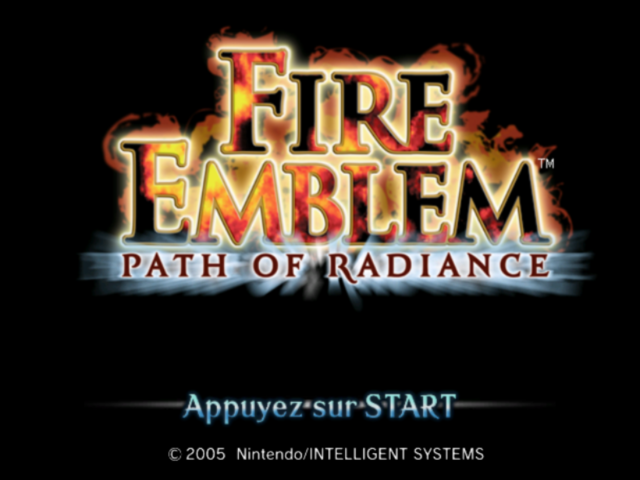
Put the Fire Emblem: Path of Radiance Game Disc into the Nintendo GameCube and insert a Memory Card into Slot A. Close the Disc Cover and press the POWER Button. When the title screen appears, press START to bring up the menu screen. Follow the onscreen instructions to create a game file.
Once the file is created, select New Game and then No Data. Finally, choose a game difficulty and you're ready to go!
The Menu Screen
The menu screen can contain a maximum of six items, depending on the status of your game.
•
Resume Chapter: Resume a game from suspended data.
•
Restart Chapter: Resume a game from suspended data.
•
Copy File: Copy save data to another file.
•
Delete File: Delete a save data file.
•
New Game: Start a new game.
•
Extras: Enjoy fun bonus features! (Extras will not appear until you complete the game once.)
Game Difficulty
This game has three difficulty levels: Easy, Normal, and Hard.
Memory Card
Please refer to the Nintendo GameCube instruction booklet for directions on how to format and delete Memory Card files. This game requires 1 file and 19 blocks to save your game.
SAVING YOUR GAME
You can save your game progress by choosing either Save or Suspend. You can have up to 5 saved data files on one Memory Card.
When to Save
•
After Finishing a Chapter... The save-data screen appears automatically after you clear a map. Simply choose a file and save your progress.
•
In the Base Menu. The Save command appears on the base menu. Select it to move to the save-data screen.
•
In the Combat Preparation Menu.. The Save command also appears on the combat-preparation menu. Select it to move to the save-data screen.
When You Suspend
You can suspend a game in progress at any point during your turn. On the map menu, select Suspend and choose Yes to confirm the decision.
The next time you play, choose Resume Chapter from the main menu to continue the suspended game.
If you have suspended game data and choose Restart Chapter or New Game, the suspended game data will be lost.
Important Warning
Never press the POWER Button or remove the Memory Card while saving! Doing so may corrupt your game data or damage the Memory Card or Nintendo GameCube. Greil
The father of Ike and Mist and leader of the Greil Mercenaries. Though demanding of his men, his fairness and dedication have earned him the complete trust of his company.
THE BASICS
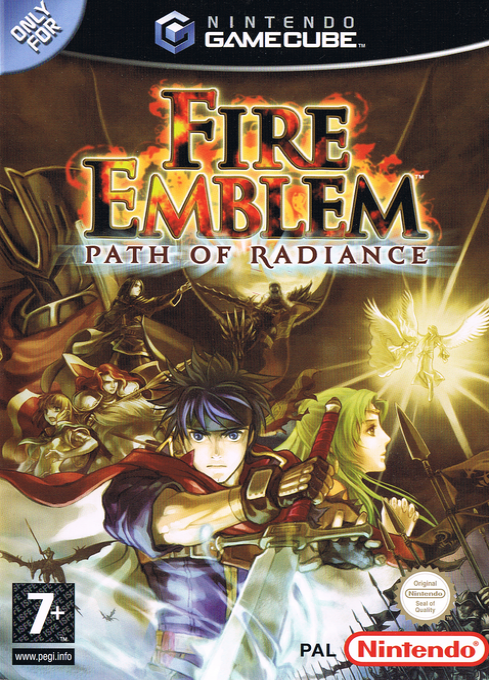
Fire Emblem: Path of Radiance is a role-playing strategy title set against a background of terrible warfare and unimaginable courage. Select your party members, deploy them with care, and defeat the enemy to bring lasting peace to Tellius.
Game Flow
This game is divided into chapters, and you must complete each chapter to progress through the game. Chapters can be broken down into the following steps:
•
Base preparations (starting at Chapter 8)
•
Completion or failure of map objectives
Armies
The individual characters that appear on screen are called units. You can see which army a unit belongs to by looking at the color of the circle surrounding it. (Note that this circle turns gray after a unit has completed an action.)
Turns
This game is divided into turns. Each turn is made up of phases that occur in the following order: Player phase, Partner phase, Enemy phase, and Other phase. You can give orders to your units during the Player phase only.
Winning and Losing
When units lose all of their HP (hit points), they vanish from the map. Units can recover HP by using vulneraries or other healing items, resting on a healing space, or by using a healing staff.
If one of your units falls in combat, he or she will be lost to you forever and the game will continue. If, however, Ike falls in combat (or if you fail to meet a map objective), your game will end. If that happens, try playing the chapter again using your most recent save data.
ALL ABOUT UNITS
To select a unit, place the cursor on him or her and press A. Press and hold A to increase the cursor speed.
Controlling Units
Want to make units fight? Here's how!
1. Select a unit, choose where you want to move it with the Control Stick, and press A to move.
2. The unit menu appears automatically once the unit has moved. Select Attack, then choose the item or weapon you want to use and confirm the choice.
3. Finally, the combat-information window appears. Choose the enemy you want to attack and confirm your choice to start the battle.
Your unit gains Exp (experience points) after the battle. The better the result, the more Exp gained.
Once every unit has been given orders, the Player phase ends automatically. To end the Player phase before issuing orders to every unit, select End from the map menu.
Movement and Attack Ranges
A unit's movement range is displayed in blue, while its attack range is displayed in red. You can check and lock enemy range displays on, too.
•
Different types of terrain can reduce your movement range.
•
On terrain where height is a factor, there are certain situations where units cannot attack other units.
.png)

.png)