GETTING STARTED
Connecting the Nintendo GameCube™ Controller
This is a 1 player game. Plug the Nintendo GameCube™ Controller into Nintendo GameCube™ Controller Socket 1. You cannot use a Controller plugged into any other port. Shut the power off before connecting/disconnecting Controllers.
Playing for the First Time
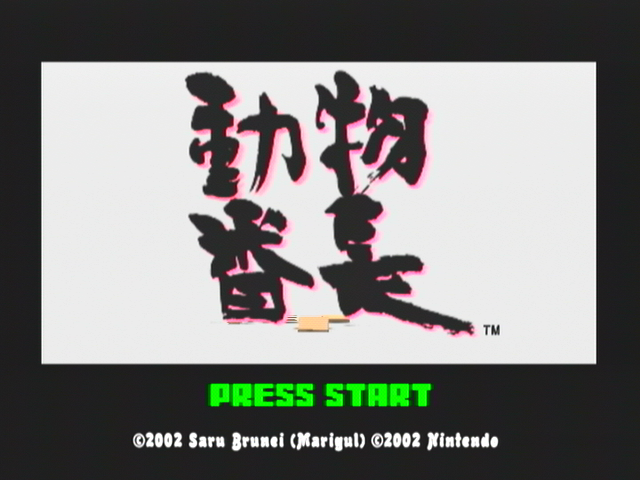
Place the Cubivore Game Disc in the Nintendo GameCube™ and turn the system on! A demo will start to play, so press START! From the title screen, select "GAME START" by pressing the A Button! The "FILE SELECT" screen will then be displayed. You can create up to 3 save files!
Select "Play" from the choices at the top right of the screen by pressing the A Button! Now select a file that says "New Game"!
For those of you who don't have a file that says "New Game", select "Delete" instead at the top of the screen. Then pick a file which you no longer need and press the A Button to confirm your choice! Now you can select "New Game".
From this point on, follow the in-game instructions to create a new file. The "NAME ENTRY" screen will appear. Choose a name that you can live with. If you can't think of a good one, then try using your own name.
•
Use the Control Stick to move the cursor.
•
Press the A Button to select a letter.
•
You can input up to 10 letters.
•
You can delete unwanted letters by highlighting and selecting "Delete", or by using the B Button.
Once you've finished inputting your name, highlight "OK" at the bottom right of the screen, and press the A Button! Now that you have a name, you can start the game.
Loading Saved Data
If you want to continue from a previous save, select the save file you wish to load from the "FILE SELECT" screen and confirm your choice by pressing the A Button.
•
The Nintendo GameCube™ alone cannot save data. A Nintendo GameCube™ Memory Card is necessary. •
Insert the Memory Card in Nintendo GameCube™ Memory Card Slot A before you turn on the system. •
In order to save your progress, you must have 13 blocks of empty space on your Memory Card.
•
Do not insert or remove the Memory Card while saving or loading.
Continuing
The game ends if all of your Meat is eaten. But, don't worry. If you select "Continue", you can start at the beginning of the stage you were on or from your last save point.
If you feel like quitting the game, selecting "Game End" will take you back to the title screen.
Saving After Clearing a Stage
There aren't many places to save, but that is the nature of the Wild! When you clear a stage and open the door to the next area, you will be asked whether or not you want to save.
Select "Yes" to save, or "No" to continue without saving. Your existing file will be overwritten if you select "Yes", so don't save if you want to keep it.
Saving After Mating
You can save after you mate and an offspring is born. Select "Yes" to save, or "No" to continue without saving. Your existing file will be overwritten if you select "Yes", so don't save if you want to keep it.
Options
Sound
At the title screen, select "OPTION" and press the A Button to bring up the "OPTION" screen. You will be able to choose "Stereo", "Mono", or "Surround" sound.
Rumble
You can turn the Rumble Feature On/Off by selecting "Rumble" at the top right of the screen. Press the B Button to exit the "OPTION" screen.
GAME PROGRESSION
•
5-Raw-Meat will allow you to mate! Your offspring will be born with more Meat flaps.
•
1- Eat all you can, and you'll mutate!
•
2- Gain color and mutate. If you mutate into 10 different forms, you will be the King of 10 Cubivores.
•
The more you mutate, the more popular you will be with the females.
•
7- Become the King of 100 Cubivores! Defeat the Killer Cubivore!
•
Beat the bosses to get Raw-Meat!
•
Eat Meat and gain color!
•
Mutate a lot and become the King of 100 Cubivores!
Hunting and Being Hunted
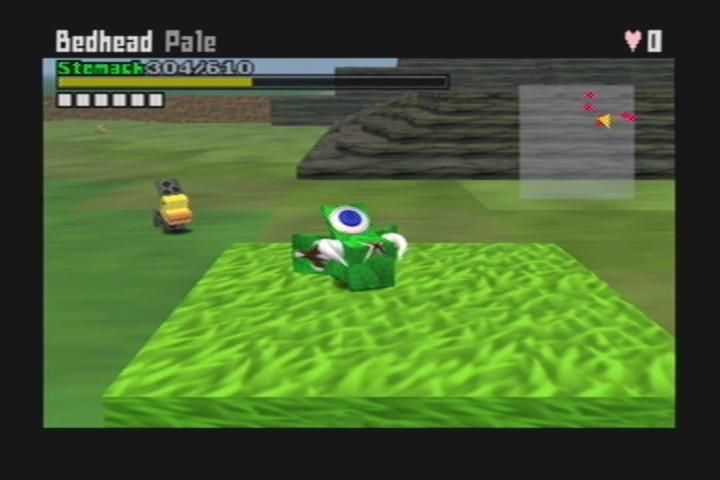
Use the L Button to target, or LOCK ON, to an enemy!
While holding the L Button, use the A Button to POUNCE!! Attack until the enemy's Stomach Gauge (Life) has been depleted!
When your enemy is down, lock on to him again with the L Button. Then press the A Button to BITE his Meat.
While biting, hold the Control Stick down to TEAR OFF his Meat.
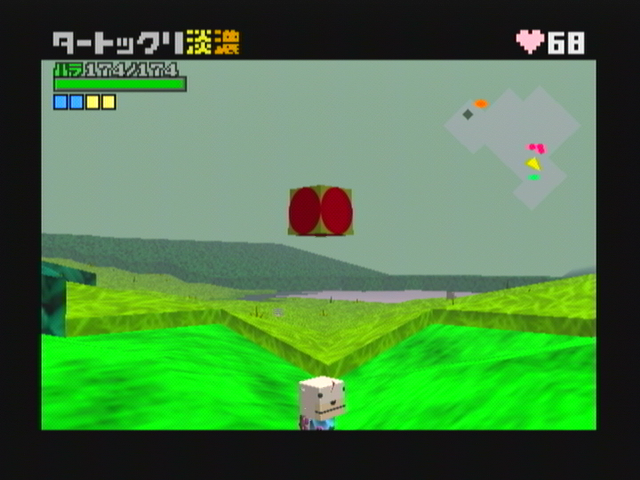
You are not the only one doing the hunting!! If a red light appears around you, it means that an enemy is targeting you.
•
Press the A Button to JUMP.
•
Press the B Button to BLOCK.
If you fall to the ground, jam on the Control Stick and the A Button to GET UP as fast as possible.
Mating and Bearing Offspring
I WANNA MATE!
100 Lovebits
If you enter a Love Tunnel
.png)