GETTING STARTED
Set up your PlayStation®2 computer entertainment system according to the instructions in the Instruction Manual. Make sure the MAIN POWER switch (located on the back of the console) is turned on.
Press the RESET Button. When the power indicator lights up, press the OPEN Button and the disc tray will open. Place the Smashcourt Tennis™ Pro Tournament disc on the disc tray with the label side facing up. Press the OPEN Button again and the disc tray will close.
Attach game controllers and other peripherals, as appropriate. Follow on-screen instructions and refer to this manual for information on using the software.
MEMORY CARDS
To save the game settings and progress, insert a Memory Card (8MB) (for PlayStation®2) into MEMORY CARD slot 1 of your PlayStation®2. You can load saved game data from the same card, or from any Memory Card containing previously saved games.
At least 72 KB of free space must be available on the Memory Card in order to save game data. If there is less than 72 KB of free space, delete old data before saving.
Do not remove the Memory Card or turn off the power on the PlayStation®2 while data is being saved or loaded. Your game data may be lost if you do.
MULTITAP
Certain modes allow up to four players. A Multitap is required when playing with more than two players. Instructions on how to connect a Multitap follow.
Two Players
Two controllers are required. Connect each of these to a controller port.
Three or More Players
For simultaneous play with three or more people, a Multitap is required, as well as controllers for each player.
Connect a controller to Controller Port 1. Connect the Multitap to Controller Port 2*.
*NOTE: A controller connected to Controller Port 2-D of the Multitap will not function.
MAIN MENU
Press the START Button on the Title Screen to get to the Main Menu. Select the desired mode with either the Directional Button or the Left Analog Stick. Press the Button to confirm the selection.
•
arcade mode p8: Compete in all four tournaments to become the top tennis champion. Singles or Doubles.
•
pro tournament mode p10: Work through the rankings to challenge the top player and exchange points for prizes.
•
exhibition mode p12: Play one match, by your own rules.
•
time attack mode p14: Compete for the fastest time to win all four tournaments. Singles or Doubles.
•
challenge mode p15: Get a knack for the game by clearing a variety of challenges.
•
trophy room p16: View prizes won in Pro Tournament Mode.
•
options p17: Adjust various options such as controller configuration, sound and screen settings.
ARCADE MODE
Win all four tournaments. Rivals' skills progressively improve with each tournament cleared.
Match Type
Use the Directional Button or the Left Analog Stick to select a match type: Singles or Doubles. Confirm the selection with the Button.
Player Select
Select a player. If playing Doubles against the CPU, also select a partner. Press the START Button on a second controller to play against a non-CPU opponent or as a team.
Selecting Players' Outfits
A variety of outfits are available for each player. To change outfits, move the cursor to the selected player and press the Button. Confirm the selection with the Button.
*NOTE: If a Multitap is connected in Arcade Mode, Player 2 cannot play as a Doubles partner. For a cooperative Doubles match, disconnect the Multitap, and use controllers only. This only applies to Arcade Mode.
Stadium Select
Select the first tournament. The remaining three tournaments will be played in a predetermined order. Depending on the tournament selected, play will commence on either a grass, hard, or clay court. Ball bounce depends on court type (see page 24).
Position Select
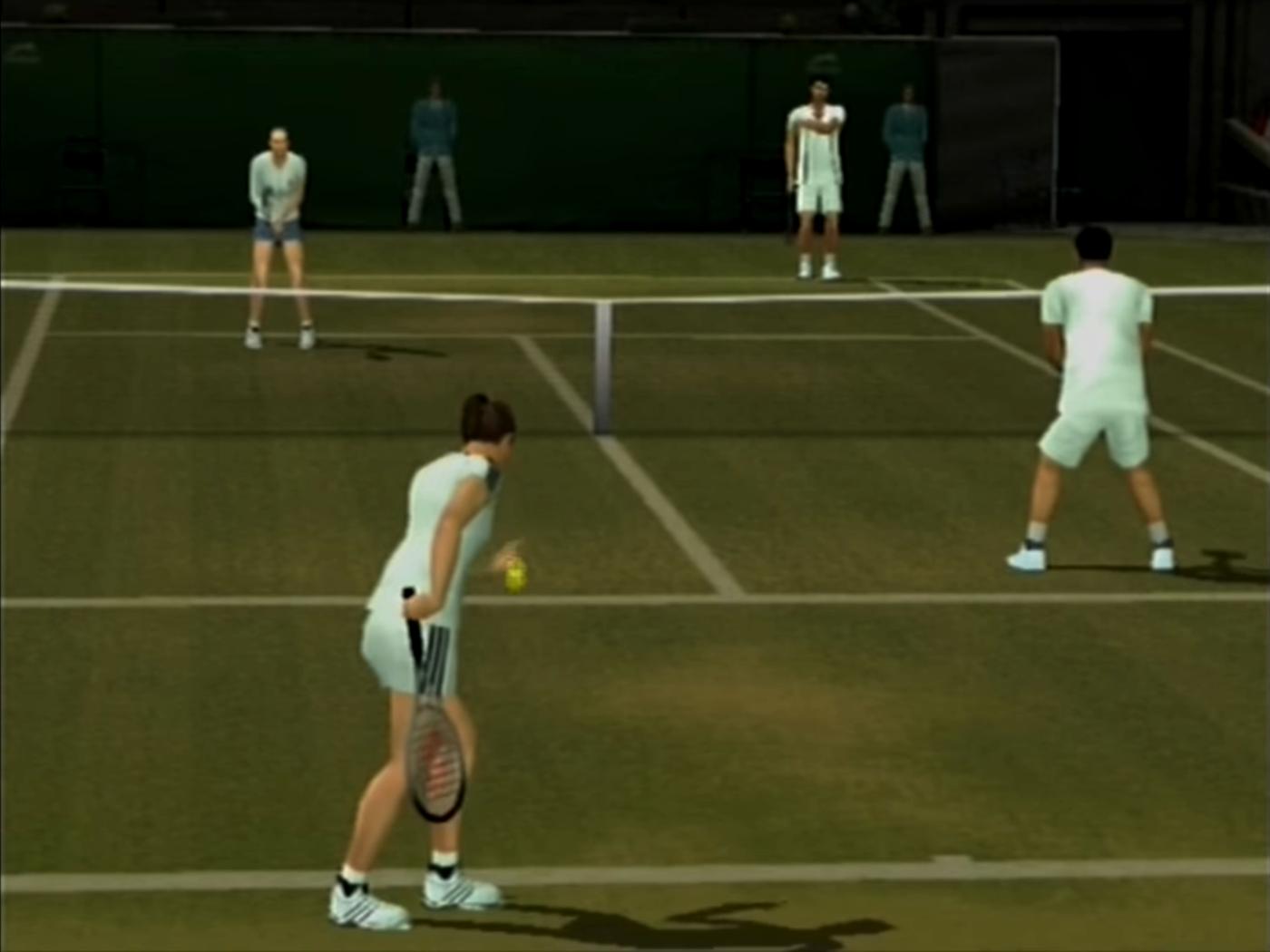
The service selection is completely random. After the server is chosen, the tournament will start with the server positioned at the near court (bottom of the screen) and the receiver at the far court (top of the screen).
PRO TOURNAMENT MODE
Work up the rankings to challenge the top-seeded player. Receive points for clearing challenges, and exchange them for prizes. The number of prizes available increases with the number of matches won.
Starting Screen
To start a new game in Pro Tournament Mode, or to continue a previous game, select NEW GAME or CONTINUE. If a NEW GAME is saved, the previous file will be overwritten.
Main Screen
Main Screen for Pro Tournament Mode.
•
SELECT TOURNAMENT: Choose the first tournament.
•
PRIZE ROOM: Exchange accumulated points for prizes.
•
LOCKER ROOM: Select new players, check records and save progress.
Progress of Pro Tournament
When a match is chosen, a table will appear on-screen. After the first round, progress can be saved before the table appears.
From the Start to the End of a Match
The match starts after the table appears. When the match is won, the total number of points earned will be displayed on the Results Screen.


.png)
.png)
