Warnings
Your TurboGrafx-16 SuperSystem and its TurboChip Game Cards are precision devices and should not be used or stored under conditions of excessive temperature or humidity.
•
Be sure power is turned off when changing TurboChip Game Cards.
•
Do not forcibly bend your TurboChip Game Cards.
•
Do not touch or expose the SuperSystem hardware or the terminal area of the game card to water.
•
Do not clean the SuperSystem or TurboChip with volatile liquids such as paint thinner or benzene.
TurboChip Game Cards are made especially for use with the TurboGrafx-16 Entertainment SuperSystem and will not operate on other systems.
Inserting the TurboChip Game Card
1. Remove the TurboChip Game Card from the plastic case.
2. Hold the TurboChip Game Card with the title side up and gently slide it into the Game Card Port until you feel a firm click. Do not bend the game card or touch its metal parts, as this could erase the program.
3. Slide the Control Deck power switch to the ON position. If the Power Switch does not move all the way to the right, the game card is not inserted properly.
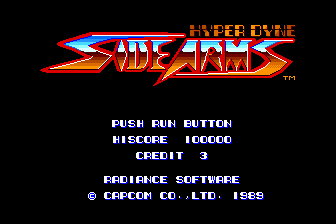
4. The SideArms title screen should now appear on your television screen.
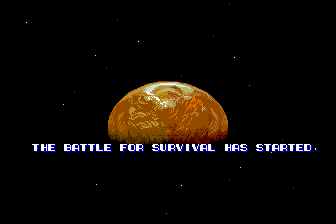
Let the Battle for Survival Begin!
It is light years into the future, and there is trouble in your sector. The galaxy is being threatened by an unknown nemesis from a distant black hole, and you, Earth's lone Interstellar Warrior, must stop the terrible destruction at hand.
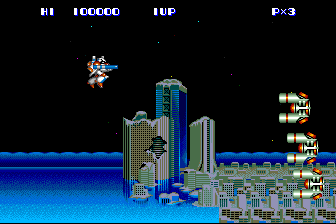
Armed only with your government-issued sidearm, you must use your brains as well as your brawn to avoid ambushes, collect treasures, and expand your arsenal of weaponry in preparation for your ultimate battle with the dreaded Nemesis 10.
Will the Earth be saved from the fury of this evil empire? Our fate is in your hands. Good luck!

.png)




.png)
.png)


