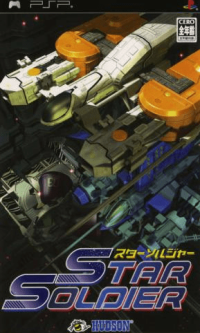
Game Options
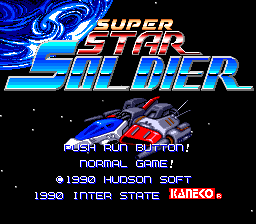
When the title screen appears, use the SELECT Button to choose one of the following options:
Note that selecting NORMAL GAME, 2 MINUTES GAME, or 5 MINUTES GAME will automatically begin the game. If you select SCORE, you must press the RUN Button to return to the title screen to choose and begin your game.
Option Descriptions
•
Normal Game: Play until you are defeated or until you conquer all eight stages.
•
2 Minutes Game: You have only two minutes to get as far and to score as many points as you can.
•
5 Minutes Game: You have only five minutes to get as far and to score as many points as you can.
•
Score: Allows you to see the highest score for each type of game.
Screen Displays
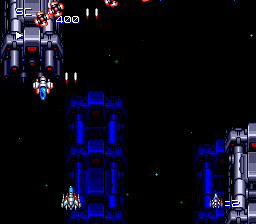
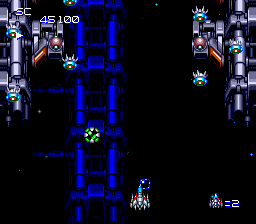
The game interface displays the following information:
•
Number of Lives Remaining
•
Time Remaining (Displayed only for 2 or 5 minute games)
Controller Setup
Starbuck's movements are controlled using your TurboPad controller. Mastering its operation is critical to your success in defeating the enemy.
Basic TurboPad Components
Button Functions
•
Direction Key (8-way controller): Press to move StarBUCK up, down, left, right, or diagonally.
•
SELECT Button: Press to choose options at the start of the game and to regulate speed during play. Also, press the SELECT Button while holding the RUN Button down to reset the game.
•
RUN Button: Press to enter options at the start of the game, begin gameplay, pause, un-pause, or continue the game. Also, hold the RUN Button down and then press the SELECT Button to reset the game.
•
Button II: Press to fire lasers and other weapons.
•
Button I: Press to rotate the StarBUCK Defense System. Please see page 4 of this instruction manual for more information on the StarBUCK Defense System. 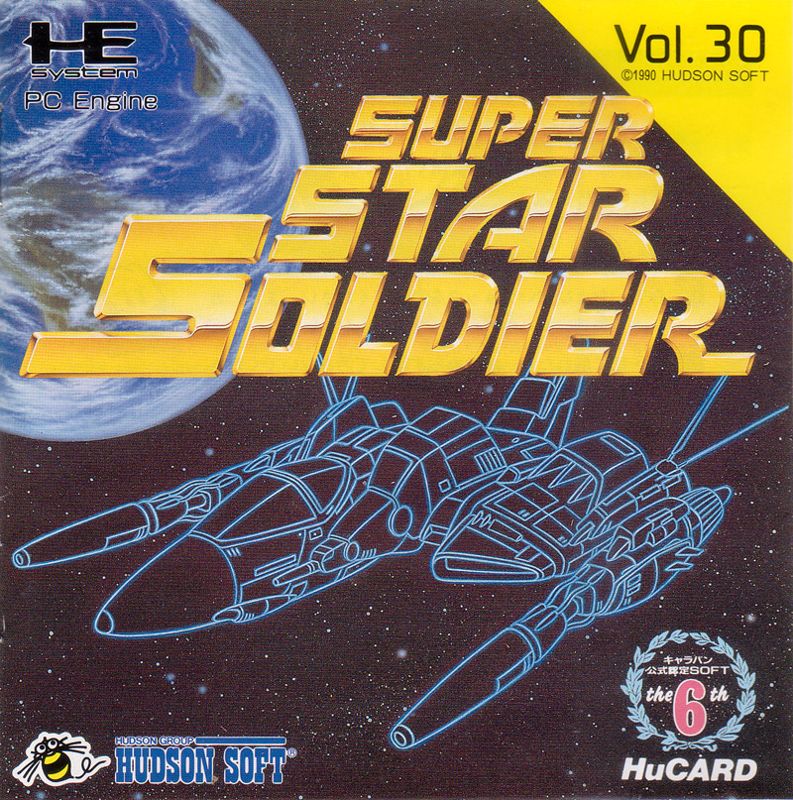
.png)
.png)






.png)
.png)

 (Alt 1).png)



.png)


.png)
.png)