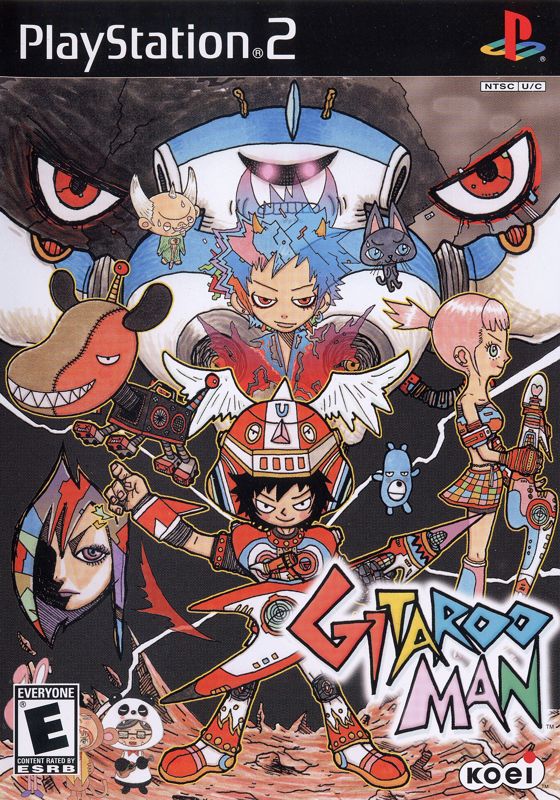
The Main Screen
At the title screen, press the START button to show the main screen. There are five menu items where you can choose game modes, view theater and character collection, or set your options.
Press up or down directional buttons to make your choice, then press the button to confirm it.
Single Play
Play Gitaroo as U-I against a different opponent in each stage. To load a previously saved game, go to Options in the main screen and select Load from option items.
VS Play
Invite up to three other friends and take them on in VS Play. There is even an option for team battles! As more stages are cleared in Single Play, even more stages and songs are unlocked for VS Play.
Theater
In the theater, you can view unlocked movies.
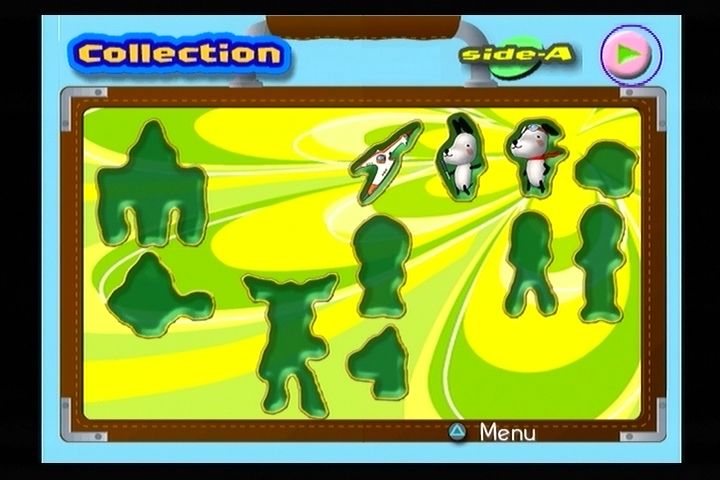
Collection
Collection is where you can view unlocked characters.
Once cleared, each stage presents you with a special stamp which can be viewed with its explanation in the Collection. The stamp given depends on the ranking received in clearing the level.
Options
There are six main option categories. Select items with the left and right directional buttons and change the setting with the up and down directional buttons. Selected items are highlighted in red.
Pressing the A button returns you to the main screen with the current settings intact.
Mode
There are two modes, Normal and Hard, available. Default is set to Normal.
Vibration
You can toggle the vibration of the controller On or Off. Default is set to On.
Volume
Adjust the volume setting with the volume meter. There are 8 levels. Default is set to its maximum.
Save
The Replay screen appears automatically when you clear a stage. You will be asked whether or not you wish to replay the current game. If you select CANCEL, the Save screen appears and asks whether or not you wish to save the current game.
Select YES to save your game. When the Save Complete screen comes on, press the button to confirm.
You must have a memory card (8MB) (for PlayStation®2) to save the game. Make sure you have more than 265KB space left in your memory card.
Load
Allows you to load a previously saved game.
Audio
Select from Stereo or Mono for game audio setting. Check your TV audio setting beforehand. You won't get the best quality audio when your TV is set to Mono and you choose Stereo for the game. Default is set to Stereo.
Controller
You can choose the configuration of your controller. See page 5 for more details.
Charge, Battle, & Final Phases
A tune is made up of three phases: Charge, Battle, and Final.
Charge Phase
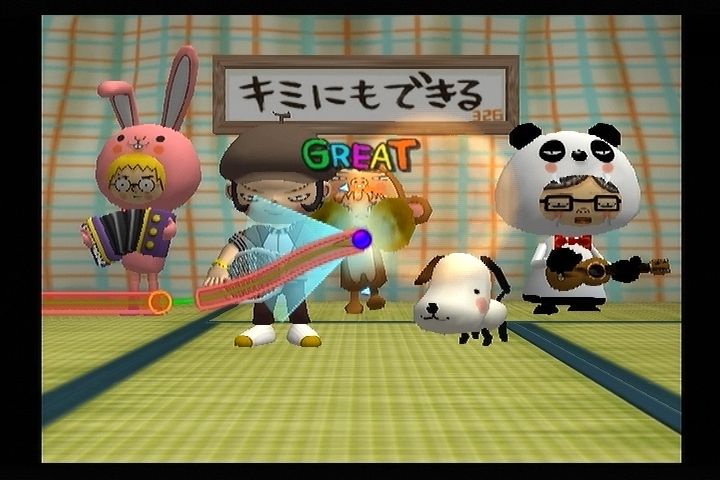
The Charge is the phase when you can gain power. The better you play, the more power goes into the Power Gauge. If your timing is off, or if the Trace Line goes out of the Blue Zone, you won't gain power.
Battle Phase
In the Battle phase, there's Attack mode and Guard mode; you alternate between them.
In Attack mode, lay down the hottest riffs you can. The better you play, the more damage your opponent takes. If you mess up, then you are the one who takes the damage.
In Guard mode, the key is to dodge your opponent's attacks. The controls work a little different in Guard mode. Follow the directions in GUARD on page 10. If you guard successfully, your damage is zero. If you don't, you lose power.
Final Phase
If you've reached Final phase, you are almost to victory. Your opponent's been weakened; so attack, attack!
But also keep an eye on that Power Gauge! The first one to run out of power loses.
VS Mode
You are able to play up to 4-players in VS Mode.
Stages
You can unlock more VS Play stages by clearing Single Play stages.
•
Player 1 selects a stage to play using the up and down directional buttons and press the button.
•
Now each player can choose a character using the left and right directional buttons. Press the button to confirm.
•
Finally, set the Power Gauge bar to desired amount using the up and down directional buttons. The bar moves from 10% to 100%. Default is set to 20%. Bring it all the way up to 100% if you are a beginner Gitaroo player.
•
The VS battle begins when each player presses the button to confirm the settings.
Victory Condition
Play a tune alternately with your opponent(s). VS Play works basically the same as Single Play. The battle ends when either player's Power Gauge reaches zero. When you battle through the entire tune, whoever has more power at the end wins.
.png)

.png)