Setting Up
Set up your PlayStation game console according to the instructions in its Instruction Manual. Make sure the PlayStation power is off before inserting or removing a compact disc. •
Insert the BrainDead 13 "Disc 1" and close the CD door.
•
Insert game controllers and turn on the PlayStation game console. •
Follow on-screen instructions to start a game.
Console Top View
Console Front View
Starting the Game
After the BrainDead 13 CD "Disc 1" has been inserted, an introduction will automatically begin. You may skip to the title screen by pressing the X Button.
Once at the title screen, use the directional pad to move the selection box, then press SELECT.
•
Choose "NEW" to begin playing BrainDead 13.
•
"CONTINUE" will allow you to start from where you left off in a previous saved game.
•
The "OPTION" selection will allow you to set the volume and re-map the Controller buttons.
Pausing the Game
To pause the game during play, press the START button. Press any key to resume play.
Stopping the Game
To stop playing the game, press the START button, then the SELECT button. This will bring up the Game Saving screen.
Controlling Lance
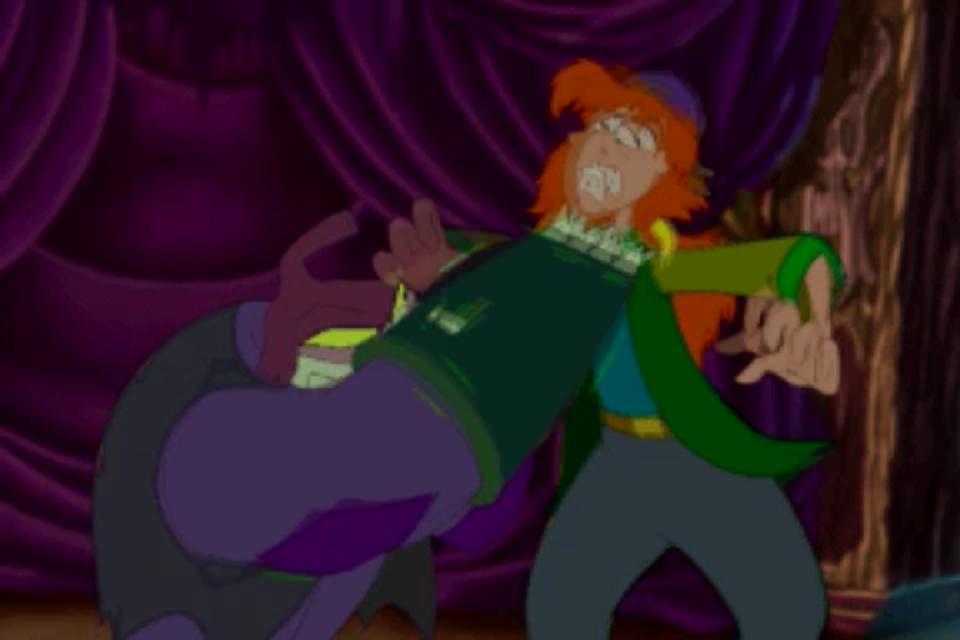
You control Lance's reactions to the events that happen around him. As you watch the animation, you must decide which direction Lance should move and when.
Timing is very critical and often you may make a correct move at the wrong time. Many scenes require more than one move. Don't be surprised if Lance doesn't move immediately.
Good Beep
The "Good Beep" (higher tone) lets you know that your move has been accepted.
Winning the Game
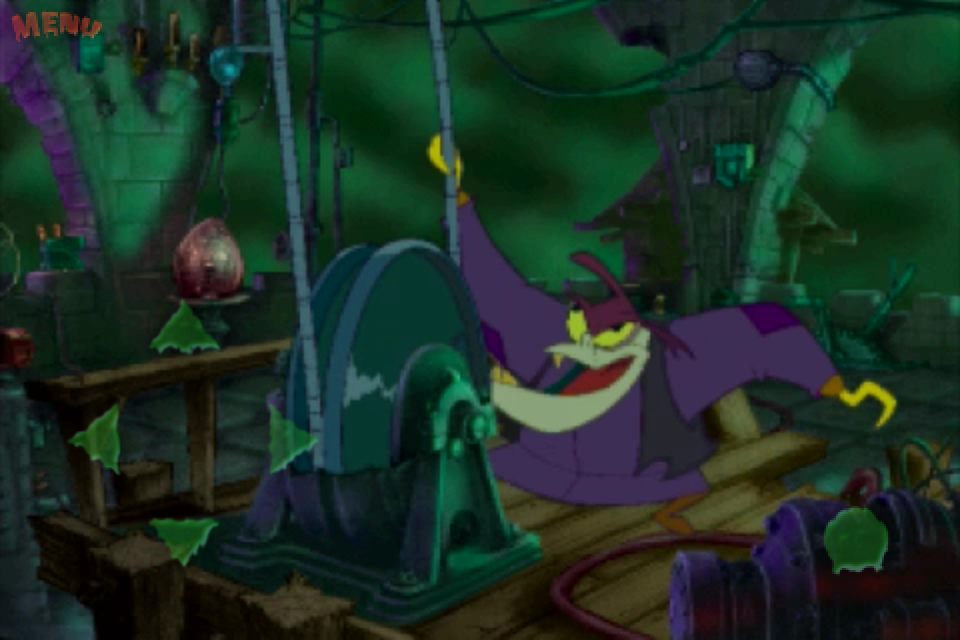
You must defeat all the characters that you encounter along your mission, including Fritz, to get to Dr. Nero Neurosis himself and win the game!
You have an unlimited number of lives in BrainDead 13 and you'll probably need them all! Keep in mind that timing is critical!
Scenes
Note: Scenes will not necessarily appear in the following order.
The Garden
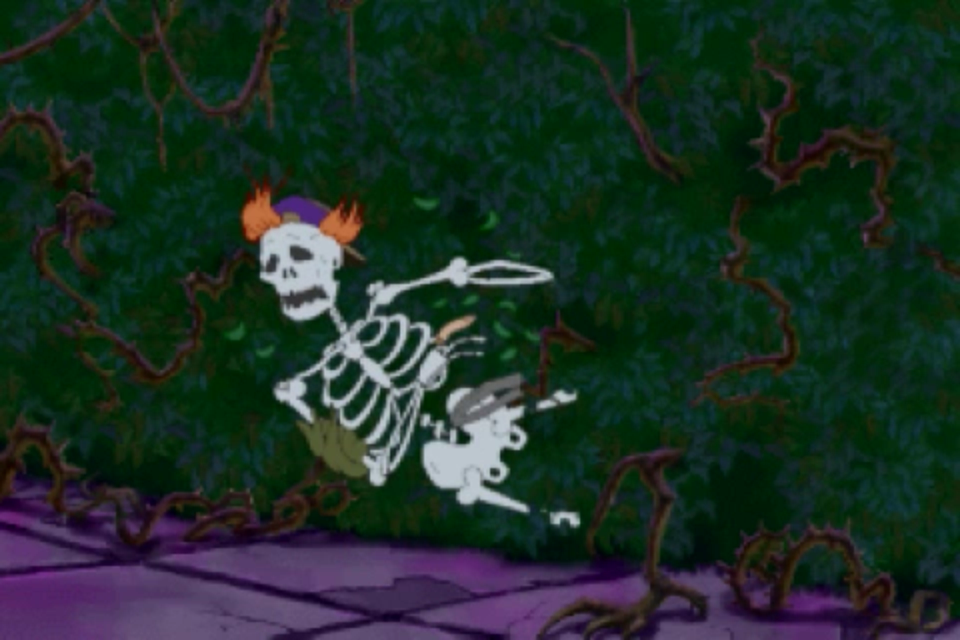
A deadly maze crawling with man-eating vines, spiked pits and killer mushrooms. Fritz won't be too far behind, so don't lose your head! Watch the "Statue of Limitations".
 (Disc 1).png)

 (Disc 2).png)
 [NTSC-U] [SLUS-00171].png)

.png)
_1.png)
.png)
_1.jpg)
 (Disc 2).png)
 (v1.0).png)


 (Disc 2).png)