Getting Started
Turn OFF the power switch on your Nintendo® Game Boy® Advance. Never insert or remove a Game Pak when the power is on.
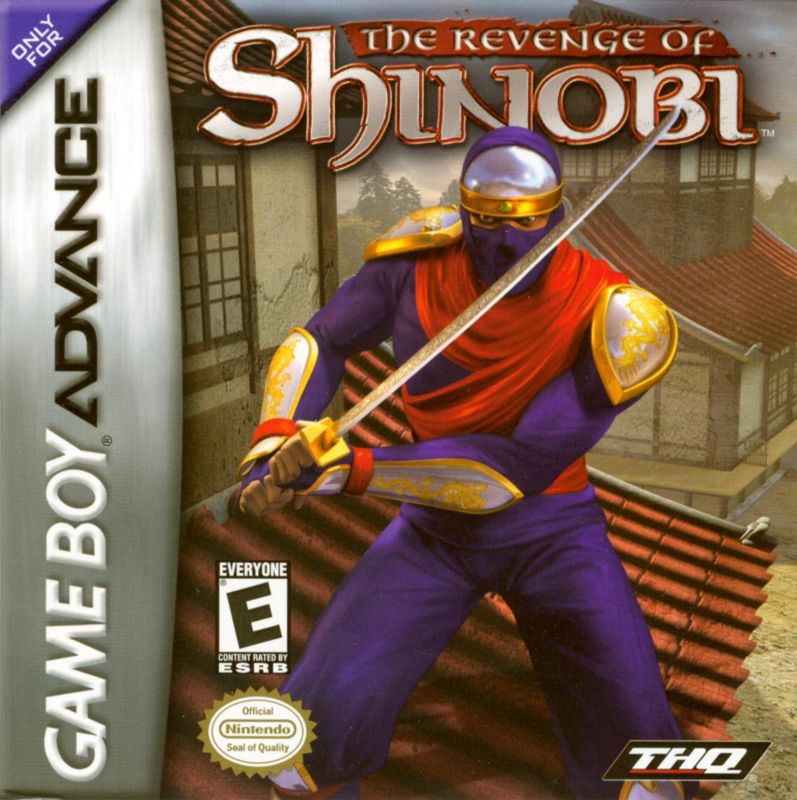
Insert the Game Pak of The Revenge of Shinobi™ into the slot on the Game Boy Advance. To lock the Game Pak in place, press firmly.
Turn ON the POWER switch. The logo screens will appear (If you don't see them, begin again at step 1).
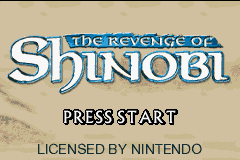
When the title screen appears, press START to proceed to the Main Menu.
Main Menu Options
You can choose from three options at the main menu, make your selection from the choices below:
•
Start Game: Begin your quest to challenge the elemental shogun lords. You will need exceptional skills to free the lands from the curse of Ashira-o.
•
Continue: Enter your password as you continue your quest.
•
Options: Adjust the game settings.
Navigation and Health
In your quest to free the lands of the curse of Ashira-o, you will move from the Temple to the various levels via an onscreen map. Use the Control Pad to move from level to level. When you complete a level, a new pathway will open up to allow you to progress deeper into the game.
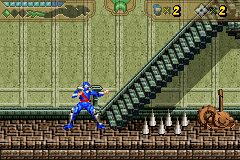
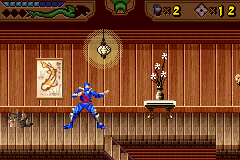
The onscreen health bar will show how well your character is doing. If the health bar reaches zero your character's life will be lost.
Each time you get hit by an enemy or touch a harmful object (like lava or spikes), your character will take damage and the health bar will diminish, so be careful!
Weapons and Combat
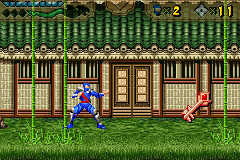
Shinobi starts out the game with a Sword and 9 Throwing Stars. Press the A Button to attack an enemy with your Sword. Press the R + A Buttons to throw a star.
You can use a throwing star to attack the enemy from a distance or to activate items. Pick up throwing stars that are located throughout each level-Shinobi can carry 99 of them at a time.
Honors
As you complete each level in Revenge of Shinobi, your character can be awarded special honors for how well you did. Here is a list of the honors you can attain.
•
Completing the level with 100% health
•
Killing every enemy on a level
•
Collecting all items in a level
Ninja Magic
By finding Magic scrolls placed throughout the game, Shinobi learns the way of the five elemental magic types. Each of the five magic types has four levels of power. These levels increase the size of the screen Shinobi affects with his magic.
Level one magic affects enemies near Shinobi while level four magic wipes out everything on the screen.
Ninja magic requires a full bar of mystic ability to trigger, represented by the dragon under the health bar. Shinobi can have up to four full bars of mystic ability.
When the dragon fills completely, a diamond will fill in below it representing a full bar is available. Shinobi can rotate through the ninja magic types that he has learned with the L Button. The currently selected magic type appears in the center of the game screen.
Mini-Game
Take on hordes of attacking Ninjas with the bonus mini-game. Use the Control Pad to move from left to right to change your aim as you rapidly press the A Button to launch throwing stars at the enemy.
The Ninjas will scroll across the backdrop wall. If any Ninjas make it to the other side, they will scroll in the opposite direction along the near walkway.
If any Ninja's make it across the screen on this walkway, the mini-game will be over. So watch out! Move as fast as you can to take them out.
Pause Menu
At any point in the game you can press the START button to access the Pause menu and the following options:
•
Resume Game: Return to your adventure
•
Options: Adjust the sound level
•
Obtain Password: Get a code to save your progress
•
Quit Game: End your play and return to the Main Menu



 (En,Fr,De).png)