QUICK START
1. Switch the Game Boy® Color off.
2. Insert the Game Pak.
3. Switch the Game Boy® Color on.
4. Press A Button or START to skip the introduction sequence.
5. Press A Button or START to begin the game.
6. Each of the first few levels features a demo of the tasks to be completed. You can stop the demo and start playing by pressing A Button or B Button.
7. You can press SELECT to restart a level from the beginning.
THE GAME
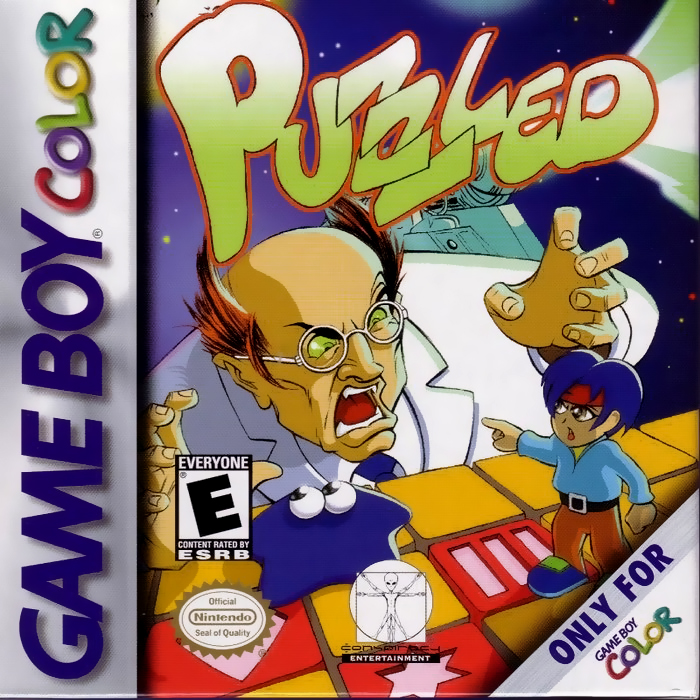
Each level contains tasks involving different pieces of a puzzle that must be combined in such a way that the playfield ends up completely empty.
In the first 16 levels, a short demonstration shows you the individual blocks, platforms and pieces, and you are shown how you can use these objects to complete the level.
PUZZLE PIECES
POROUS BLOCKS
Porous blocks disappear if the BLOB runs over them. Porous blocks cannot be moved.
BALLOONS
Balloons burst if you fire an arrow at them from the correct direction. The right direction is indicated by a small white arrow on the balloon. Balloons cannot be moved.
SYMBOL BLOCKS
Symbol blocks can be eliminated by forming pairs. To do this, the BLOB has to send out a clone. You can find out how to send out a clone in the chapter headed "Controls".
Pairs of symbol blocks must be vertically or horizontally opposite each other. In some cases an extra may be needed. Some symbol blocks can be moved, others can't.
After eliminating all the pieces of a puzzle, the BLOB must stand on the starting block (with the checkered pattern) to reach the next level. Sometimes the starting square can also be moved.
SOLID BLOCKS
Solid blocks are indestructible and cannot be moved. This also means that they do not need to disappear from the screen for the level to be completed.
ARROWS
An arrow is released as soon as another piece that is blocking it is eliminated or moved. You cannot move arrows directly.
Arrows destroy balloons if they hit them from the correct direction and can also activate specific extra generators.
MIRRORS
Mirrors can reflect arrows. Mirrors are mobile and can be moved by the player.
ICE
Ice is indestructible and cannot be moved. If you move the BLOB on to a block of ice, he will not be able to stop or change direction.
TELEPORTERS
Teleporters tend to transport the BLOB to a different teleporter square in the game. You need to try out the individual teleporters to see where they send the BLOB. A teleporter never changes direction.
EXTRA GENERATORS
There are two kinds of extra generators in the game:
•
DIRECT EXTRAS: The BLOB obtains extras by running over the generator.
•
INDIRECT EXTRAS: You have to fire an arrow at the generator to acquire the extra.
YIN YANG
This extra enables the player to replace the symbols on symbol blocks. To do this, the BLOB sends his clone to a block (e.g. with the symbol "A") that is to bear the same symbol as the one on which the BLOB is standing (e.g. a block with the symbol "O").
If you use the extra now, all blocks bearing the symbol "A" are replaced with blocks bearing the symbol "O".
BOMB
If you use this extra and then eliminate a pair of symbol blocks, all blocks bearing the same symbol automatically disappear from the screen.
ROLLER SKATES
This extra enables you to transform immobile symbol blocks into mobile ones.
IN THE GAME
You use the Control Pad to move the BLOB up, down, left or right.
You can use A Button to move a mobile piece on which the BLOB is standing. To do this, place the BLOB on the piece (e. g. a symbol block), hold down A Button and use the Control Pad to move the block with the BLOB on it.
Use B Button to make a clone of the BLOB. You can use the Control Pad to send this clone out to a different element.
If you want to form a pair of symbol blocks, place the BLOB on the first of the two symbol blocks and use B Button to send the clone on to the second symbol block (remember that the two symbol blocks must be horizontally or vertically opposite each other).
Then press B Button to select the second symbol block, on which the clone is standing. If the two symbol blocks that you have selected match, they will disappear when the BLOB moves off the (first) symbol block.
If you realize that you cannot eliminate any more elements from the screen, press SELECT. This enables you to start the current screen again.
•
START + A Button takes you back to the menu.
.png)



 (En,Fr,De).png)
.png)




 (En,Fr,De,Es,It).png)

 (En,Fr,De,Es,It).png)