GETTING STARTED
1. Turn OFF the POWER Button on your NINTENDO GAMECUBE. WARNING: Never try to insert or remove a NINTENDO GAMECUBE DISC while the power is ON. 2. Make sure a NINTENDO GAMECUBE CONTROLLER is plugged into Controller Socket 1. 3. If you're playing against friends, plug additional Controllers into additional Controller Sockets.
4. Insert the NINTENDO GAMECUBE DISC into the NINTENDO GAMECUBE and close the Disc Cover. 5. Turn ON the POWER Button and proceed to the title screen. If you can't proceed to the title screen, begin again at step 1.
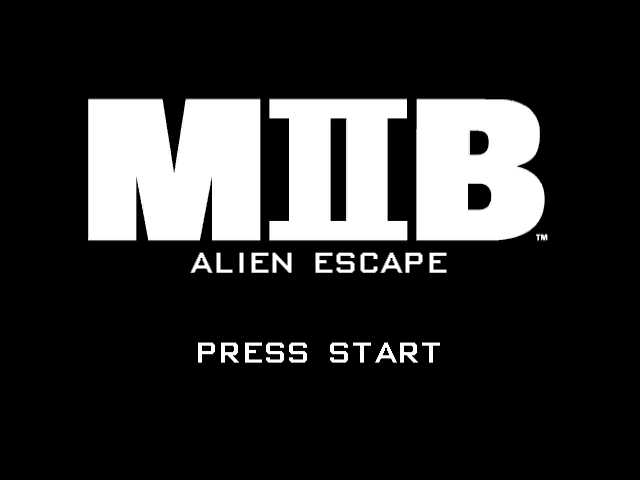
6. At the title screen, press START/PAUSE. Next, you will be prompted to start a new game or load a previously saved game. You will then continue on to the Main Menu.
CONTROLS
MENU CONTROLS
•
START/PAUSE: Skip cinematic sequences
•
+ Control Pad: Select menu items
•
B Button: Deselect/Cancel/Back
IN-GAME CONTROLS
•
Y Button: Cycle available weapons
•
Z Button: Fire Xeno Bomb
•
A Button (Tap): Fire current weapon
•
L Button: Strafe/move left
•
A Button (Hold): Charge Fusion Cannon
•
R Button: Strafe/move right
•
X Button: 180° quick-turn
USING MENU SCREENS
Use the + Control Pad to move through the options available on all menu screens. Press the A Button to confirm your selection, or press the B Button to return to the previous screen.
Zed's Tips
•
Try out the different control configurations to find the one that best suits you.
•
Learn to use the Strafe in conjunction with the Roll to avoid alien fire.
WELCOME, NEW AGENT
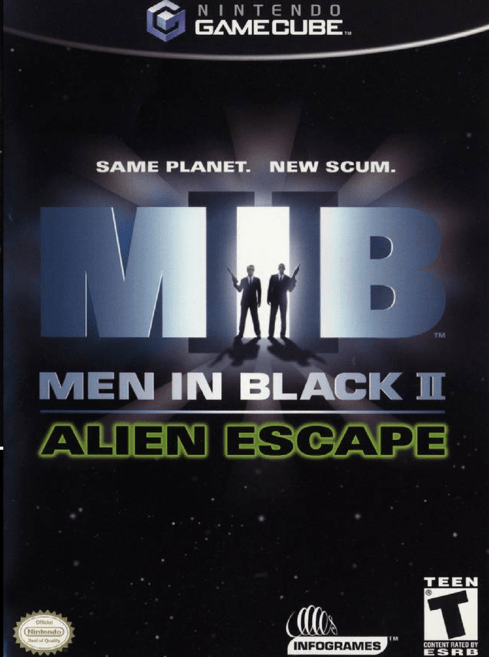
You'll conform to the identity we give you. You will have no identifying marks of any kind. You will not stand out in any way. Your entire image is crafted to leave no lasting memory. You're a rumour, recognizable only as déjà vu. You don't exist; you were never even born. Anonymity is your name. Silence is your native tongue. You are no longer part of the system. We're above the system. Over it. Beyond it. We're "them." We're "they." We are the Men in Black. Congratulations, you have been selected to join the most important law enforcement organization on Earth. For almost forty years, the MIB (Men in Black) have monitored all aspects of alien activity on this planet, in addition to providing intergalactic immigration services and representing the Earth in all fifth, sixth and seventh-dimensional foreign affairs. Your primary duty is to investigate any and all unlawful acts committed by aliens. "Unlawful Acts" are defined as those covered by "Alien Penal Codes, Volumes I-NQVII," in addition to those common laws which bind the native peoples of Earth.
While the use of physical force against aliens would normally be considered only as a last resort, the situation we currently face is like no other. Therefore, we expect you to use whatever means you deem necessary in order to enforce the law.
So, step into the black suit, white shirt, black tie, black socks and black sunglasses of the world's least-known agency, because once again, the safety of the entire planet is at stake! Oh, and bring a sponge...
CHOOSE YOUR GAME / STARTING A NEW GAME
When the Memory Card Management screen appears, select an empty slot. After you select an empty slot, enter your name.
Note: If your NINTENDO GAMECUBE MEMORY CARD 59 is not formatted, you will be prompted to format it at this point. All mission data, scores, high score table information and any classified information you unlock will be recorded and stored under this name. When you have finished entering your name, choose ACCEPT. Your game is now saved and you will move to the opening cinematic sequence of the game. Your new MIB career has begun! Note: If you do not have a NINTENDO GAMECUBE MEMORY CARD 59 with 3 blocks of free space, select CONTINUE. You will still be able to play Men in Black™ II: Alien Escape, but any progress you make, along with data such as high score information, will not be saved. The game language which is set in the game and saved on a Memory Card has priority over the language which is set in the NINTENDO GAMECUBE console. (For more information please refer to the hardware console manual.) RESUMING/DELETING A PREVIOUS GAME
Select any occupied save game slot. You will then be given the option to LOAD or DELETE that game.
•
Select LOAD to go to the Main Menu with all your previous achievements intact.
•
Select DELETE to erase that save game. You can then use that slot to start a new game.
MAIN MENU
The Main Menu gives you the following choices:
MISSIONS
Select "Missions" to enter the primary game mode. Select your character, choose a mission (from those unlocked in your current saved game), view the mission briefing, then get ready to get it on!
.png)

.png)

_1.jpg)