Game Overview
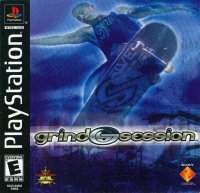
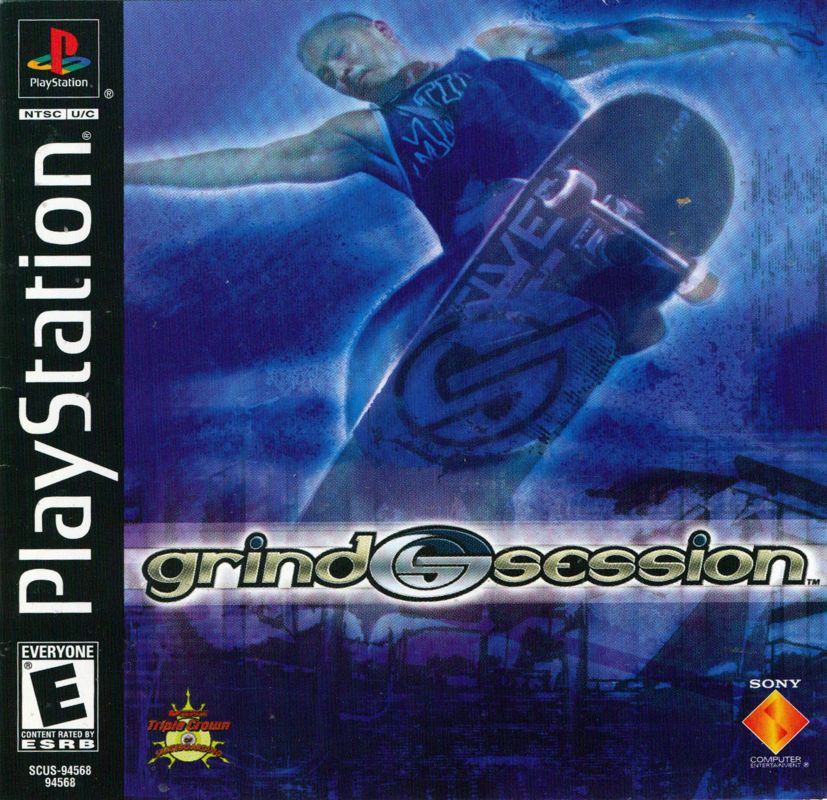
Grind Session combines hardcore street skateboarding with intense arcade-style gameplay. Compete in Tournament play, pull off incredible trick combinations, and dominate sick verts.
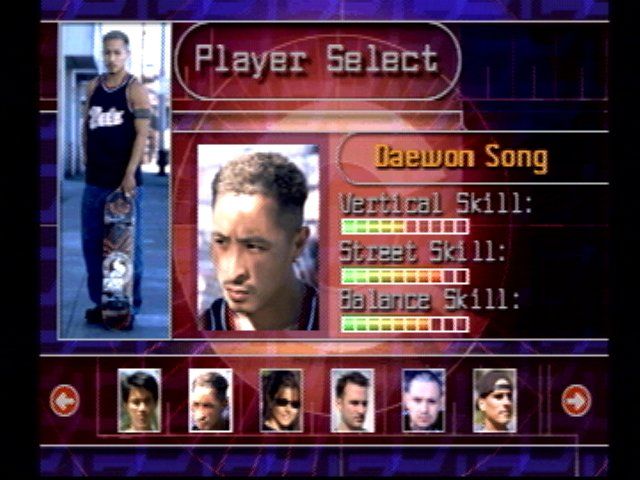
Play as pro skaters like Ed Templeton, John Cardiel, Cara-Beth Burnside, Pigpen, Willy Santos, or Daewon Song. You can also create your own rider.
Multi-player Mode
Up to 6 players can compete in tournaments, technical battles, and C.H.U.M.P. showdowns.
Open Skate
If you want to thrash without clock hassles or scores, Open Skate offers pure skateboarding freedom.
Main Menu
One Player
•
Training: Learn to shred.
•
Tournament: Compete in eight killer locales. Earn Respect to unlock new levels. (Levels must be opened in Tournament Mode before you can skate in any other mode.)
•
Open Skate: Skate any unlocked level, without any time limits. No scores here—it's just you and your deck.
•
Endurance: Pull off required trick combos within a specified time limit (1 minute 30 seconds to 3 minutes 20 seconds, depending on the level). Each level demands more tricks or combos as you progress.
Multi-player
•
Competition: Enter VS. (one-on-one) or Teamplay with up to 16 players (four teams with 4 players on each team) in turn-based events.
•
Tech Challenge: Compete in quick 10-second events pulling your best trick. Try it out in VS. or Teamplay modes.
•
C.H.U.M.P.: Battle another skater by matching each other's tricks and see how many ways you can trash your buddy's ego!
Options
•
High Scores: Displays the top five scores for each level in Tournament Mode.
•
Sound Options: Select the volume or view musical tracks in STEREO or MONO.
•
Vibration: Set the DUALSHOCK™ analog controller vibration ON/OFF.
•
Balance Meter: Set Balance Meter ON/OFF.
•
Load Game: Load saved game data.
•
Bonus Screen: View Bonus Items earned in Photo Shoots.
•
Controls: View button controls.
Player Select Screen
Each skater is rated in Vert, Street, and Balance skills. After selecting a game mode on the main screen, select either a PRO SKATER or a CUSTOM SKATER.
PRO Skater
1. Once you select your PRO skater, press the Directional button, then press the button to view the Skater's Bio Screen.
2. Press the button again to skip or exit the Bio Screen.
Custom Skater
1. Once you select your Custom skater, press the Directional buttons to highlight letters and press the button to enter the letter.
2. Press the button to cancel a letter.
3. Select END and press the button to Exit.
4. Press START to begin the game.
Custom Skater's Pick a Trick
The Pick a Trick Screen appears when a custom skater is selected, allowing you to identify 10 tricks to add to the basic trick's list. Scroll through and check out all the tricks before you begin. Pick wisely by mixing both street and vertical tricks.
1. Scroll through the list by using the Directional buttons or Left Analog Stick. Press the button to confirm. The top of the screen indicates how many tricks you have remaining to select.
2. Press the button to undo your selection.
3. Press the button to Exit.
Select a Board
At the Board Select Screen, press the Directional buttons to highlight the board and press the button to select.
Enhance board performance by adjusting the tightness of the trucks. Looser trucks are best for maneuverability on the ground, making your turns sharp and sweet.
Unlock more boards in the Tournament Mode.
The Level Select Screen
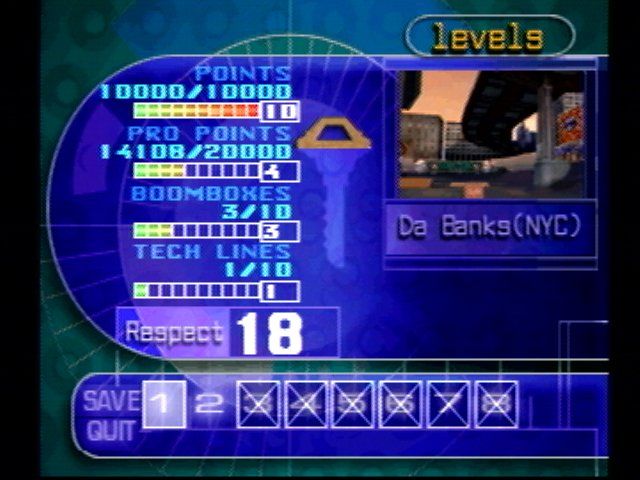
Press the Directional buttons or Left Analog Stick to highlight a level and press the button to confirm. Levels must be unlocked in Tournament mode to move on.
On the Level Select Screen you can:
•
Check out scores for levels you have skated including Trick Points, Pro Points, Items, and Tech Lines.
•
Save game data including Tournament progress and Custom Skaters.
•
View progress towards a full key for entrance to the Dream House.
Training Mode
Learn the basics.
1. Select ONE PLAYER and then TRAINING on the Main Menu.
2. Select a skater, a board, and the board's trucks.
3. A pre-session screen will appear. Press the START button to review your challenges.
4. Press the SELECT button to toggle the Balance Meter ON/OFF (Default is ON).
5. Press the button to begin your Training.
Follow the on-screen instructions to pull off the required tricks. Arrows around the course will direct you to ramps and Items.
•
To RESTART the Training Mode, press the START button and then the button to begin.
•
To view the Trick List, press the START button and then the button.
Tournament Mode
In Tournament Mode, skate through eight insane courses including street and stadium competitions.
Increase Respect with Trick Points, Technical Lines, and Vandal Points. Each subsequent course requires a progressively higher Respect rating.
Note: In order to gain access to levels in all other modes, each level must be unlocked in Tournament Mode, first.
Trick Points
Score points for sick tricks - the bigger the better! No points for wipin' out
.png)

.png)

.png)




_1.png)
_1.png)
_1.png)
.png)