TABLE MENUS
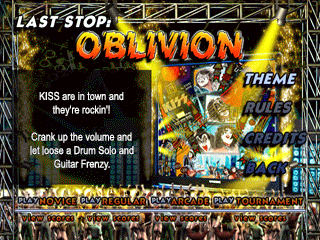
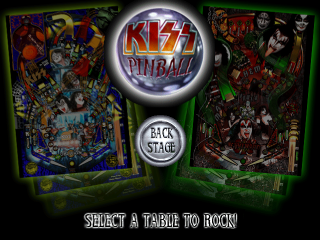
There are two tables to choose from, each with four game modes.
LAST STOP OBLIVION
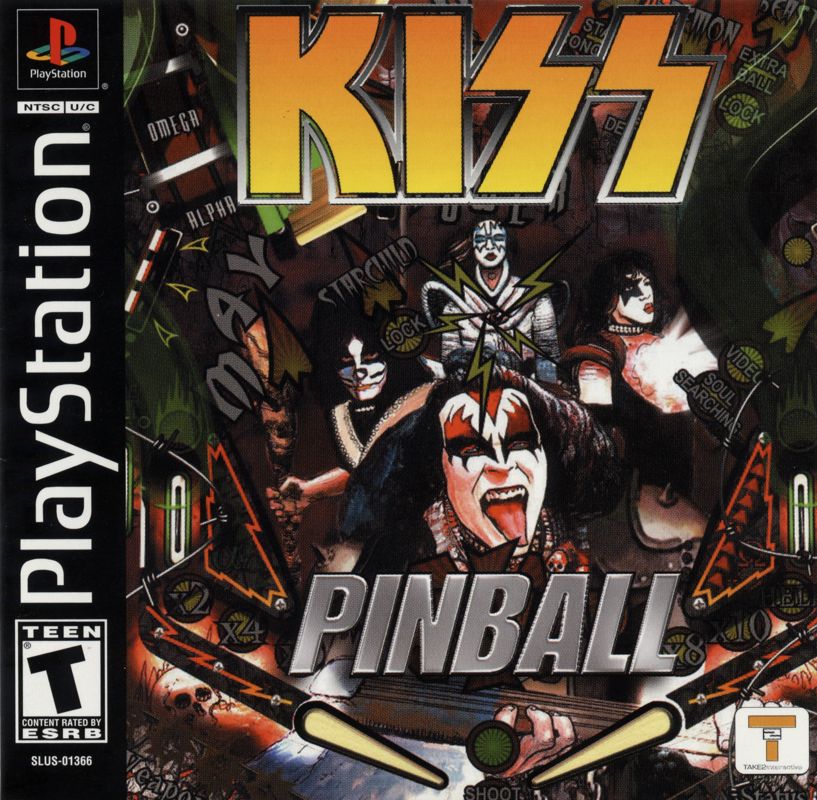
KISS are back in town and they're really rockin. Join the party by getting past security for a hard won autograph. Jump in the KISS jet for a world tour.
Upgrade your transport with shots to the Ace scoop. Shoot huge scores and watch those record sales go sky high.
NETHERWORLD
It's all for rock and rock for all as the band members battle the Dark lord and claim the kissneth as their own. Collect lost souls and lock balls with Gene's tongue!
Journey into the pit and rescue your own groupies from the clutches of evil- if you dare!
Select a Table from the main menu to display the game modes and information.
GAME MODES
Regular
Standard 5-ball play with extra balls, end-of-game score matching, and Powerball bonus mode.
Novice
The same as Regular play except that the ball saver is active for several minutes.
Arcade
3-ball play with Extra Ball awards based on score. There is no end-of-game match.
Tournament
Random game play elements have been standardised, and there is no match or Powerball. Points are awarded instead of extra balls. This is to make Tournament games as directly comparable with each other as possible.
Game Mode Selection
•
Highlight the mode button you wish to play with the directional buttons.
•
Press the button to start.
High Scores
•
Highlight "Scores" beneath each mode and press the button each time to see the current High Scores for that mode.
•
If you get a High Score, you will be prompted to enter your name at the end of the game.
•
Use the directional buttons to enter your name in the dotpanel.
•
Press the button once you have finished.
Starting a Game
•
Once a game mode has been selected, it will load in its attract mode and display basic instructions in the dotpanel.
•
To play a one-player game, press the button and then the button again to fire the ball.
•
To add extra players to the game (maximum of four) during the table's attract mode, use the directional buttons and then the button to confirm your choice.
OPTIONS MENU
Accessed by selecting "Backstage" from the main menu.
Music Volume
Adjust music volume.
SFX Volume
Adjust volume of sound and voice effects.
High Scores
Load, Save or clear High Scores.
Back
Back to select table by using the button.
PLAYING KISS PINBALL
•
Button: the default button to launch the ball.
•
L1 and R1 buttons: default buttons for flipper (Left and Right).
•
Directional button UP: default button to nudge UP.
•
Directional button LEFT: default button to nudge LEFT.
•
Directional button RIGHT: default button to nudge RIGHT.
•
Note: in case of excessive use of these buttons, there will be a tilt and the ball will be canceled.
•
START button: allows you to pause the game. It also allows you to access the panel, which displays information on jackpots, ramps, extra balls, etc. Once the game is paused, use the directional buttons to view the panel.
.png)


_1.png)

.png)