Getting Started
Life decreases when your character is attacked. When it is depleted, your character is KO'd and loses the match.
Pause Menu
Access this menu by pressing the Start button during gameplay. The menu items may be different depending on what game mode you play.
Time
Each round ends when the counter reaches 0. Each fight consists of 3 rounds with 5 minutes per round. Round length can be altered in the Options menu.
Rules
Winning
Victory is yours when one of the following occurs:
•
Knockout / KO: Opponent's life bar is empty.
•
Submission: This is a move that forces your opponent to tap out.
•
Time Up: When time expires, the judges will decide the winner based on the fighter that scored the most points during the match.
Stars
Stars are earned for beating Road to the Championship, allowing the user to keep track of who they have won with. If all stars are obtained, the player will be rewarded with a secret character. This, however, is not the case for secret characters.
Draw
•
In UFC Tournament, a draw counts as a loss.
•
In Road to the Championship, a draw counts as a title defense.
•
In Multi-Player Tournament, a draw causes a do-over. The two contestants must fight another bout until there is a winner.
•
In Exhibition, a draw is just a draw.
Title Screen
Press the Start button during the title screen to display the Main Menu. Select a mode by pressing the Up/Down directional buttons and then press the X button to confirm your selection.
UFC Tournament
This mode allows you to quickly jump into a tournament. You can choose from 22 real-life UFC fighters or one created in the Create Fighter mode and battle it out against the computer.
Earn a title belt with your fighter to enter him into the "Road to the Championship".
Road to the Championship
In this mode, you must defend your title against up to 18 challengers in order to earn the true title. This mode can only be played with fighters that have won UFC Tournament mode.
Each time you beat this mode with a different real-life UFC fighter, you will unlock more points to improve all your newly created fighters.
Create Fighter
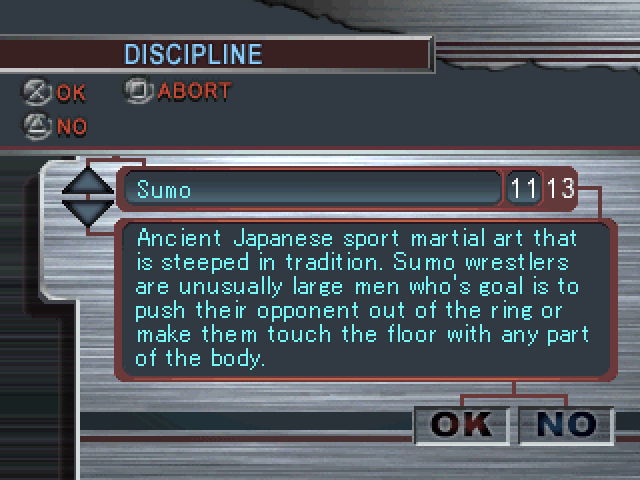
This mode allows you to create your own fighter. You can alter not only the way he looks, but also choose from many different fighting styles to create a totally unique character. Multiplayer Tournament
Play a tournament with up to eight players.
Exhibition Mode
Allows you to start a two-player or one-player game quickly and lets you choose from the 22 real characters or your own character from the Create Fighter mode.
Big John's Training
This mode allows you to learn the basic game system and refine your fighting skills. First select your fighter and then fight against Big John. All commands that you input will be displayed on the screen for your reference. In addition, a command list is available to help you find and perfect your fighter's moves.
Options Mode
The Options Mode allows you to adjust various game settings.
Game Options
•
Match Configuration: Sets the number of rounds for each game.
•
Minutes: Allows you to adjust the amount of time the rounds will last during the fight.
•
Vibration: Allows you to turn on and off the vibration function on your controller.
•
Fighters Demo: Allows you to show the fighter entrances to the Octagon before a fight.
Fighter Moves
Each fighter varies slightly so be sure to check the unique moves list for each one.
Move the directional buttons and/or analog stick left and right repeatedly to change position when in bottom ground positions.
Press R1 to get up and go back to the standing fighting position when in the upper ground position. Tip
Many moves are performed by two button combos. For instance, all fighters can grapple another fighter by pressing the X button and O button together.
Guarding Against Attacks
Pressing back in the opposite direction the character is facing will guard against your opponent's attacks.
When you are on the ground, you will need to press in the direction that you would use while standing. In other words, if you are on the left side of the ring, press left.
.png)

.png)
.png)
