GETTING STARTED
Set up your PlayStation®2 computer entertainment system according to its Instruction Manual. Make sure the MAIN POWER switch (located on the back of the console) is turned ON.
Press the RESET button. When the power indicator lights up, press the OPEN button and the disc tray will open. Place the Asterix® & Obelix® disc on the disc tray with the label side facing up. Press the OPEN button again and the disc tray will close.
Attach game controllers and other peripherals, as appropriate. Follow on-screen instructions and refer to this manual for information on using the software.
Memory Card (8MB) (for PlayStation®2)
To save game settings and progress, insert a memory card (8MB) (for PlayStation®2) into MEMORY CARD slot 1 of your PlayStation®2 system. You can load saved game data from the same memory card or any memory card (8MB) (for PlayStation®2) containing previously saved games.
Controller Support
Asterix & Obelix supports the DUALSHOCK®2 analog controller in controller port 1. Dolby® Pro Logic® II Decoding
This game is presented in Dolby Pro Logic II. To experience surround sound, connect your PlayStation®2 console to a sound system with Dolby Pro Logic, Dolby Pro Logic II or Dolby Pro Logic IIx decoding.
You will also need to select "Dolby Pro Logic II" from the Audio section of the Options menu of the game (see "Options" on page 4 for details).
The Action Button
The Action button is displayed on the screen when the character you are controlling can do something special. This includes actions such as pulling a lever, lighting a torch, or talking to the Peddler. Press the button to perform the action when indicated. Energy Gauge
Each time you bash a Roman, the energy gauge on the left side of your screen fills up. To execute combos, this gauge needs to be full.
You can continue to use combos until the gauge is empty. If you stop bashing, the energy level in the gauge will drop.
SAVING AND LOADING
In each level, you will encounter sleeping Druids. Wake them up (press the button) and they will offer you the chance to save your game.
Later, if you load a saved game from the Main Menu, you will restart the game beside the Druid. When a game save location is activated, that location appears on the Great Map. The game requires 360 KB of free space on your memory card to save your progress.
To load a previously saved game, select Load Game from the Main Menu.
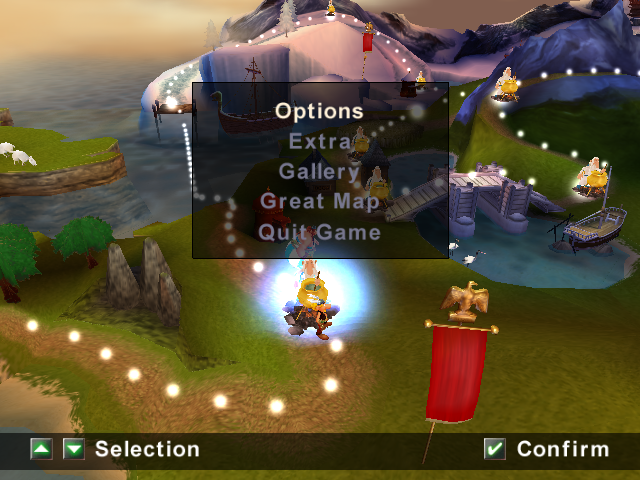
THE GREAT MAP
Province Selection
Each province you complete adds a new fragment to the Great Map. You will also be able to access the province revealed by the fragment.
As you explore the provinces, you can collect Gold Laurels. If you find all the Gold Laurels in the province you are exploring, you will receive a special reward.
PROVINCES
THE VILLAGE (GAUL)
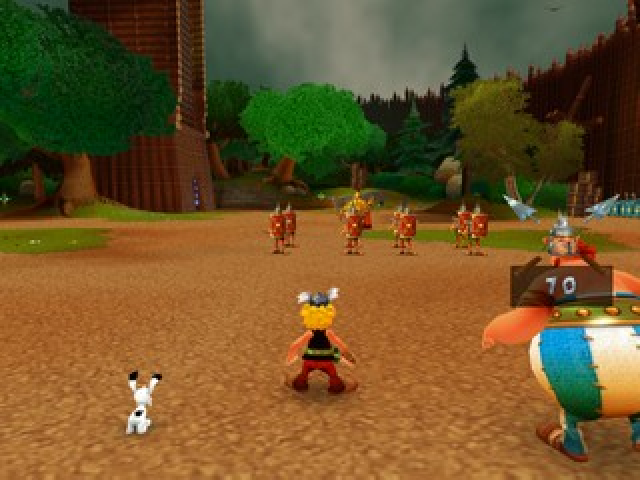
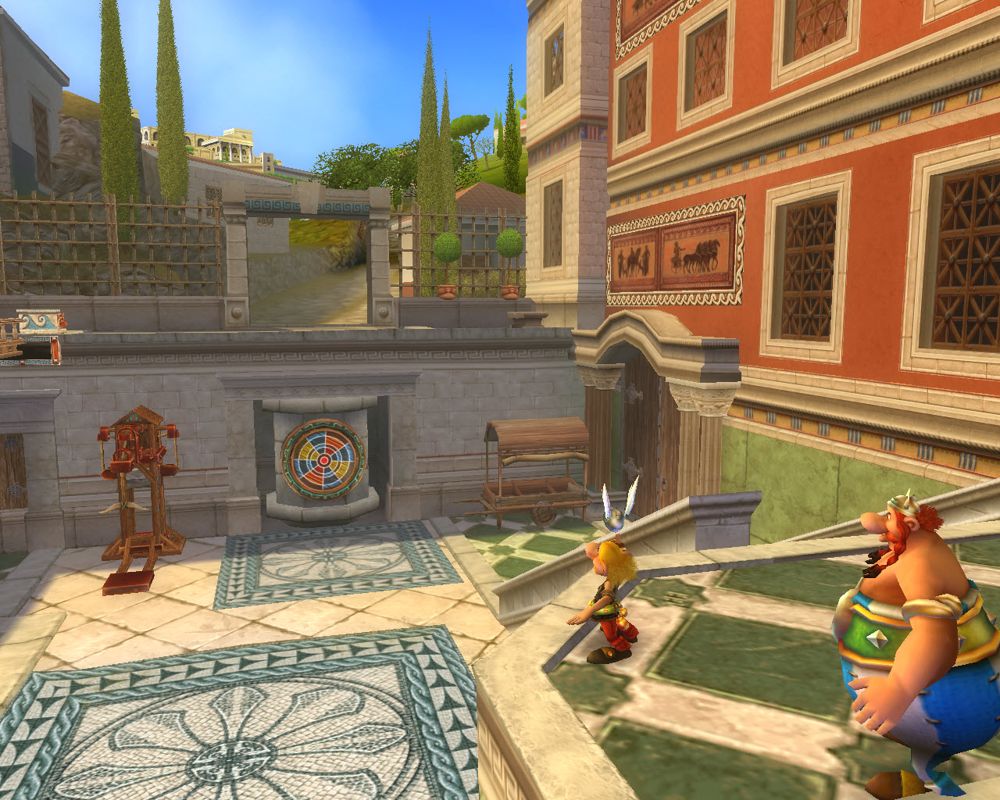
Complete this level to win map fragment 1. This training level will limber up your Gaulish reflexes. Release Getafix from his Roman captors to move on to the next level.
.png)

.png)
.png)
.png)


 (En,Fr,De,Es,It,Nl).png)








.png)

.png)



.png)


_1.jpg)

.png)
