Launch the Game
When starting the game, select your language using the up or down directional keys. Press the key to confirm.
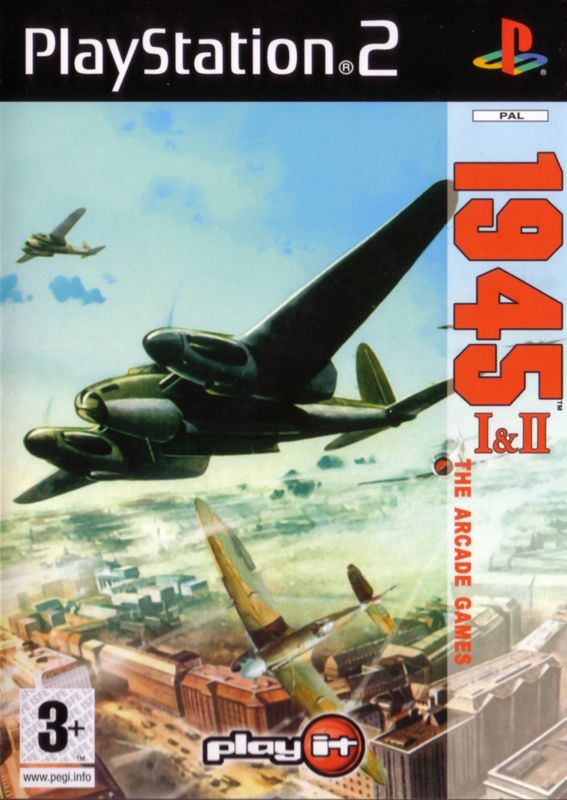
When the main screen appears, press the key. You can then choose to play either 1945 I or 1945 II. Use the directional keys left or right to make your choice, then press to confirm.
At any time, you can return to the previous menu by pressing the key.
Game Modes
Before starting, choose your game mode. For 1945 I & II, the available options are:
•
Original 1: The mission background always scrolls downwards.
•
Original 2: Similar to Original 1, but you can reverse vertical scrolling by pressing the up or down directional key. This is useful for retrieving missed items or destroying ground targets.
•
Arcade: Recreates the original arcade experience. You must move your screen to its side. Controls are inverted by default to adapt to the screen orientation. To cancel this inversion, use key configuration mode, or press the key then the key during the game. Game Options
Once your game mode is selected, different options are available:
•
Difficulty level selection from 1 to 7
•
Options: Select your fighter, extra life points, mono or stereo sound, and button configuration.
Choosing Your Plane
Before starting your mission, choose the type of plane you will pilot. You have ten seconds to decide using the directional keys, otherwise a plane will be assigned automatically.
Each aircraft has specific characteristics, such as speed, primary basic ammunition type, and secondary weapons.
If you are a novice player, take time to discover the differences and advantages of each aircraft to select the most suitable one for your mission.
On-Screen Information
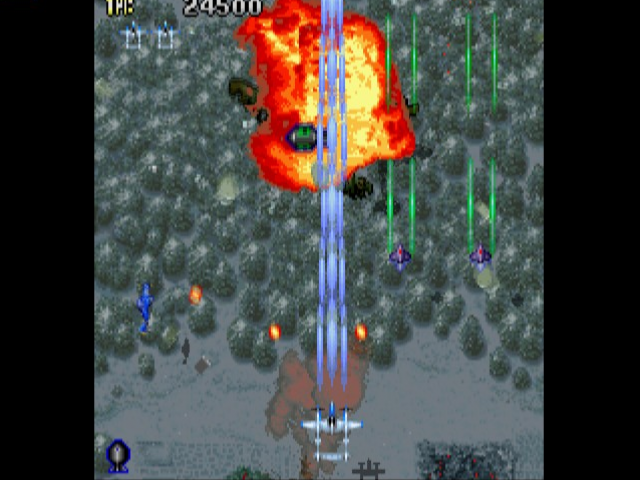
During the game, the following information is displayed:
•
NUMBER OF LIVES REMAINING
•
NUMBER OF SPECIAL ATTACKS REMAINING
Throughout the game, you will also have the possibility of recovering power-ups and energy units.
.png)


.png)
.png)
.png)



_1.png)









.png)