GETTING STARTED
Note: Illustration may not match all PlayStation 2 console types. For owners of SCPH-70000 series PlayStation 2 systems, refer to the setup instructions supplied with your system. Set up your PlayStation®2 computer entertainment system according to the instructions in its instruction manual. Make sure the MAIN POWER switch, located on the back of the console, is turned on.
Press the /RESET button. When the indicator lights up, press the button.
Insert the FLATOUT disc on the disc tray with the label side facing up. Close the disc tray by pressing the button.
The FLATOUT disc will be recognised as a game disc, and the game will boot up automatically. Should the disc not boot-up automatically press the /RESET button on the console. Follow on-screen instructions and refer to this manual for information on using the software.
Saving Game Data
A memory card (8MB) (for PlayStation®2) with at least 109KB of free space is required to save game data. Please note: only MEMORY CARD slot 1 is supported.
It is advised that you do not insert or remove accessories once the power is on. Make sure there is enough free space on your memory card (8MB) (for PlayStation®2) before commencing play.
FLATOUT uses an autosave feature. Please ensure that a memory card (8MB) (for PlayStation®2) is present in MEMORY CARD slot 1 and has at least 109KB of free space. If a memory card (8MB) (for PlayStation®2) containing a FLATOUT save game is present at boot up the save will automatically be loaded.
INTRODUCTION
FLATOUT is a close-pack, high-octane, merciless racing game, where ruthless drivers wreck their souped-up cars and demolish racing tracks while battling it out for victory and prize money! CONTROLS
All menus within FLATOUT are navigated in the same way.
•
Use the directional buttons or the left analog stick to highlight a menu item and press the button to select an option.
•
Press the button to go back to the previous menu screen.
•
Use the directional buttons or the left analog stick to cycle through choices or move sliders.
Car Dealer
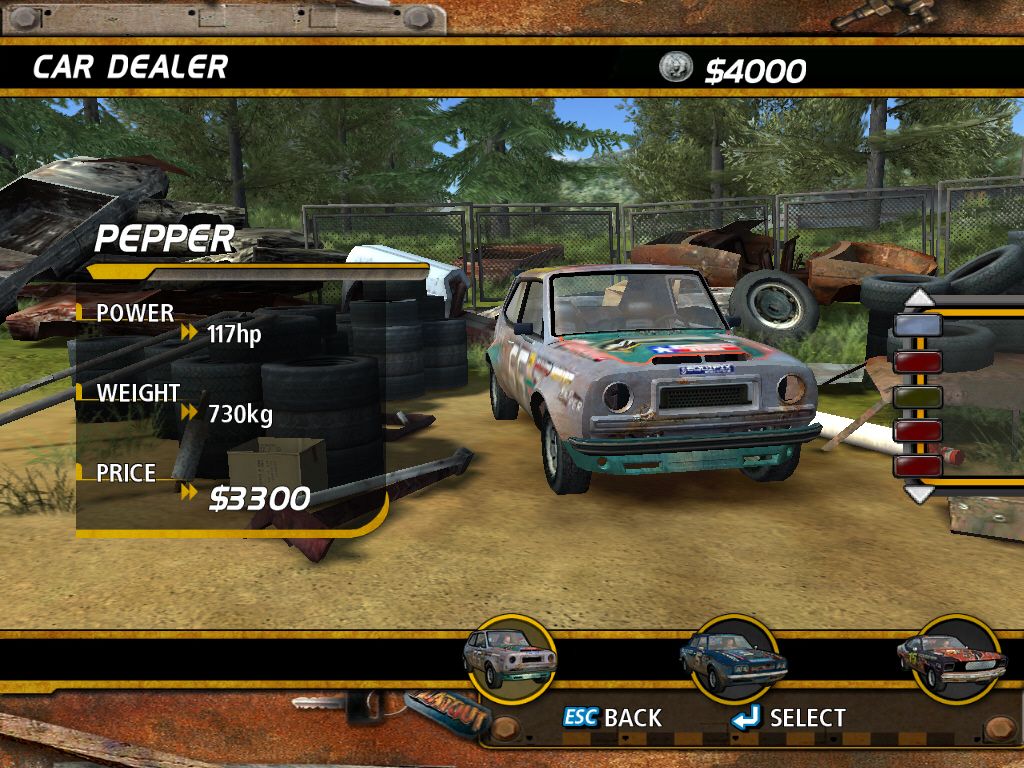
Your first stop should be the Car Dealer. Only the first five cars are available to buy in the Bronze Class. After your selection you can either opt to go straight for the first race, or have a look around the Tuning Shop (assuming you have some money left to spend).
NOTE: All purchases in FlatOut are permanent and will be automatically saved.
TIP: Press the up or down directional buttons or up and down on the left analog stick to change the color of the selected car.
Tuning Shop
The Tuning Shop allows you to upgrade 6 main areas of your car. Each main area contains various items to upgrade, these are:
ENGINE
Achieve increased torque, horsepower, efficiency and durability by purchasing race-prepared parts to improve engine efficiency and power.
DRIVE TRAIN
Minimize power loss and prepare the drive train for higher power output and harsher race conditions. Increased shifting speed and power transfer by reducing inertia and friction.
EXHAUST
Improved gas flow speed with minimal restrictions in the exhaust system allows your engine to output more power.
SUSPENSION
Improve the handling and traction by upgrading your suspension. Remember power is nothing without control.
TIRES
Power means little if you can't slow down. The better the brakes, the more aggressively you can drive by breaking later. Of course breaking power is useless if you don't have the tires to handle it.
BODY
Upgrade the framework and bodywork of your car for reduced risks, added safety and all new driving comfort. Each area gives you various options of how you can upgrade your car. For example, selecting ENGINE will give you various engine upgrades such as Tuning Kits, Turbos and Carburetors.
Statistics
There are two parts to the Statistics page, your current Car Specifications and the overall Career Statistics. The Car Specs page shows you detailed information about your car along with any upgrades purchased from the Tuning Shop.
The Career Stats page shows you your Career progress including your current class, total distance covered, Percentage of the Game Completed and Total Money earned.
Race
When you are ready to get into the action select Race from the menu. Next, select the class you want to race in. The Bronze class consists of 9 tracks with the first 3 tracks available to compete on; the rest of the tracks must be unlocked.
In order to progress through the game and unlock the tracks, you must finish each race in the top 3. Money is awarded for all positions except last place (8th).
FLATOUT Meter
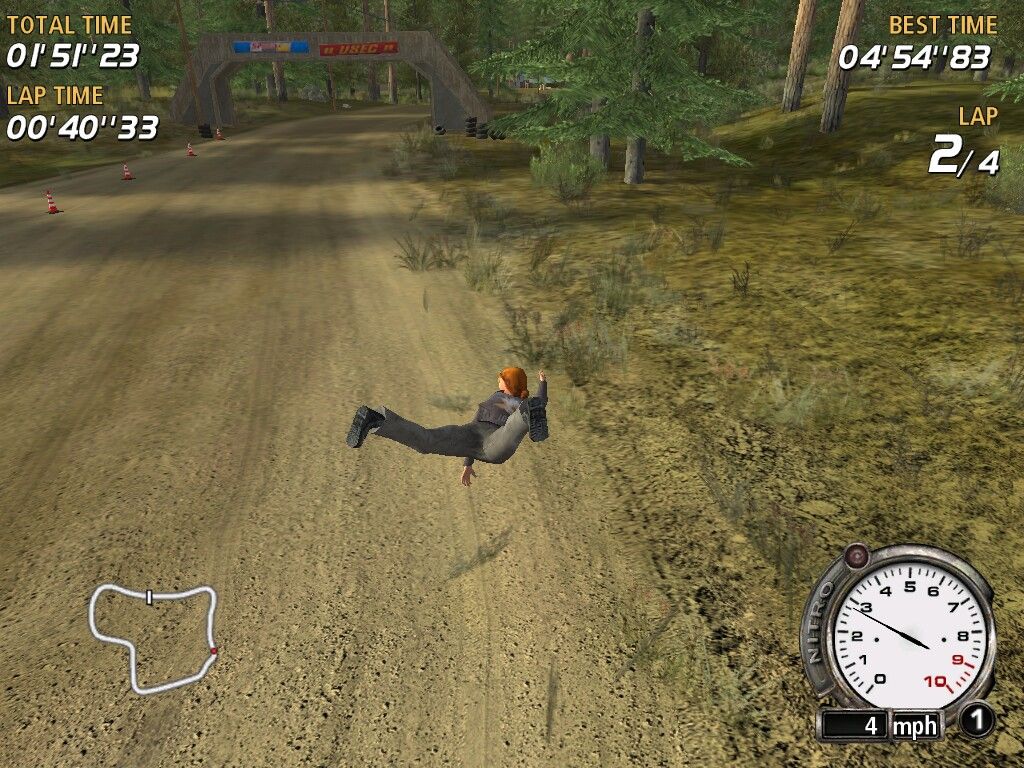
The FLATOUT Meter increases when you smash into interactive scenery or the other cars.
When the FLATOUT Meter is partially full (a red light will flash just above the meter), you can go into FLATOUT mode, which gives you a Nitro boost for as long as the button is pressed or until the FLATOUT Meter is empty.
.png)

.png)