GETTING STARTED
SETTING UP YOUR PLAYSTATION®2 SYSTEM
Set up your PlayStation®2 computer entertainment system according to the instructions supplied with your system.
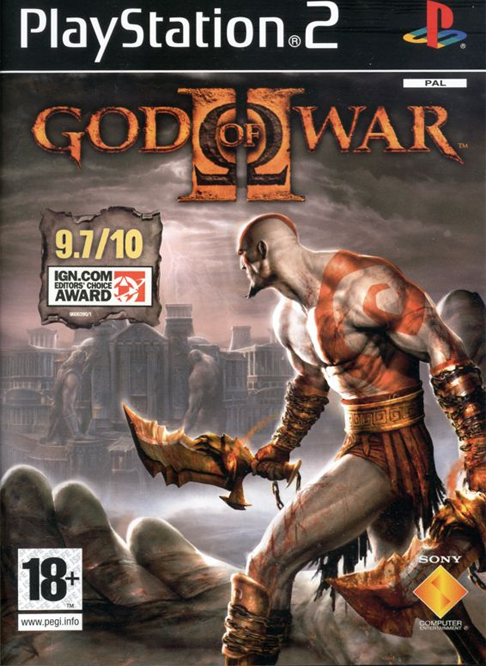
Check that the system is turned on (the on/standby indicator is green). Insert the God of War® II disc in the system with the label side facing up. Attach game controllers and other peripherals as appropriate. Follow the on-screen instructions and refer to this manual for information on using the software. MEMORY CARD (8MB) (FOR PLAYSTATION®2)
To save game settings and progress, insert a memory card (8MB) (for PlayStation®2) into MEMORY CARD slot 1 of your PlayStation®2 system.
You can load saved game data from the same card or any memory card (8MB) (for PlayStation®2) containing previously saved games.
STARTING UP
•
LEFT ANALOG STICK (L3 BUTTON WHEN PUSHED DOWN)
•
RIGHT ANALOG STICK (R3 BUTTON WHEN PUSHED DOWN)
STARTING A NEW GAME
Choose New Game at the Main Menu. God of War® II offers four different difficulty configurations: Note: To access Titan difficulty mode, you must first beat the game on the Mortal, Spartan, or God difficulty level.
.png)

.png)



.png)

.png)



.png)
