GETTING STARTED
Set up your PlayStation®2 computer entertainment system according to the instructions supplied with your system. Check that the system is turned on (the on/standby indicator is green).
Insert the Harry Potter and the Order of the Phoenix™ disc in the system with the label side facing up. Attach game controllers and other peripherals as appropriate. Follow the on-screen instructions and refer to this manual for information on using the software. STARTING UP
DUALSHOCK®2 ANALOG CONTROLLER CONFIGURATIONS
•
directional buttons (D-buttons)
•
left analog stick (L3 button when pushed down)
•
right analog stick (R3 button when pushed down)
HARRY'S MOST DANGEROUS YEAR YET
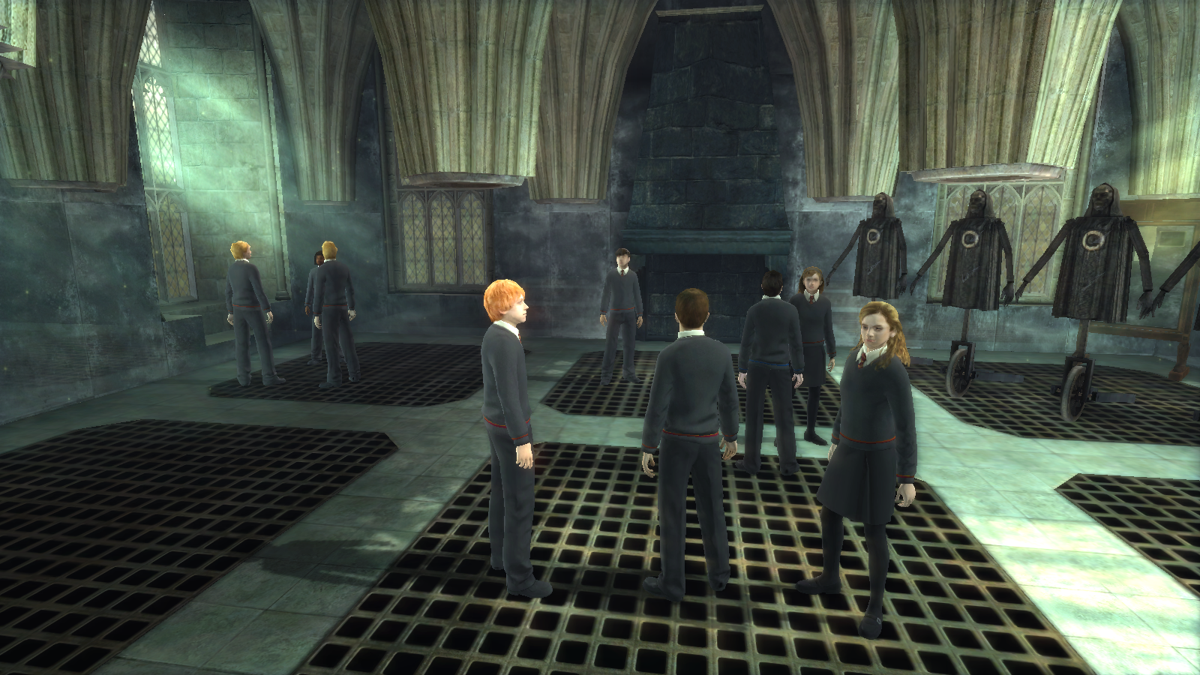
From the Dementor™ attack in Little Whinging to the epic battles at the Ministry of Magic, experience all the harrowing action of Harry's fifth year at Hogwarts School of Witchcraft and Wizardry. With the wizarding world in denial about Voldemort's return, Harry recruits a small group of his fellow students and secretly trains them in practical defensive magic. The group name themselves "Dumbledore's Army" (D.A.).
Take up Harry's wand and explore the dark corridors, secret rooms, and extensive grounds of Hogwarts. Compete in Mini-Games, talk to enchanted portraits, and perfect your spell-casting.
So sharpen your wizarding skills, boost your courage, and prepare yourself to battle Lord Voldemort™ and his fearsome Death Eaters, in Harry's most dangerous and demanding year yet.
DISCOVER HOGWARTS
When Harry isn't training other students or practicing Defense Against the Dark Arts, he can explore Hogwarts to discover some of its magical secrets.
MARAUDER'S MAP
Use the Marauder's Map to find characters, tasks, and locations in the game.
•
Press the button to access the map.
•
Press the D-buttons to view locations on the map.
•
Press the D-buttons to see the active tasks on the map from the tab to the right of the map. Then select the name of the person you want to find and see where they are in the castle.
•
Press the D-buttons / to scroll through either list.
•
Press the button when you have a task or destination highlighted to see where it is on the map in relation to Harry's current location.
TIP
If you get confused about which way to go, access the Marauder's Map and pick the location or task you wish to locate. Then return to the game and follow the direction of the footprints - they'll point you in the right direction.
DISCOVERABLES
There are many items that Harry can interact with scattered throughout the castle. Try casting spells on various items.
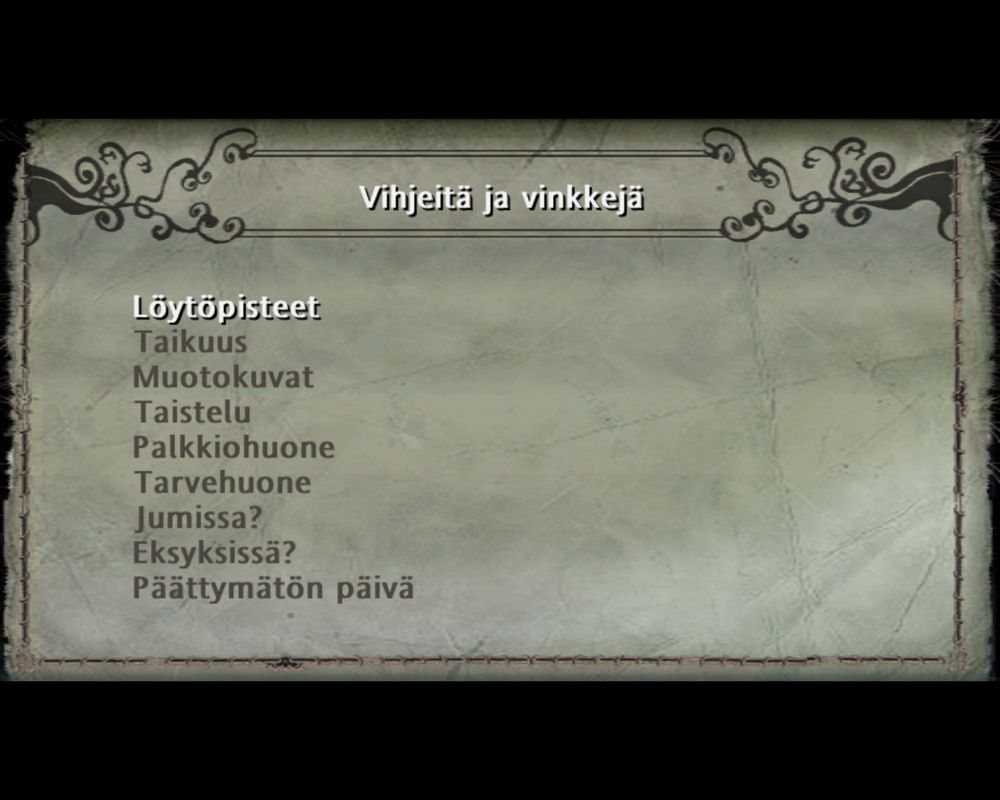
When Harry uncovers these items, he earns Discovery Points. When he earns enough Discovery Points, he unlocks different items in the Room of Rewards.
TIP
You may come across broken objects as you explore the castle. Cast a quick Reparo spell to set things right in no time.
TASKS
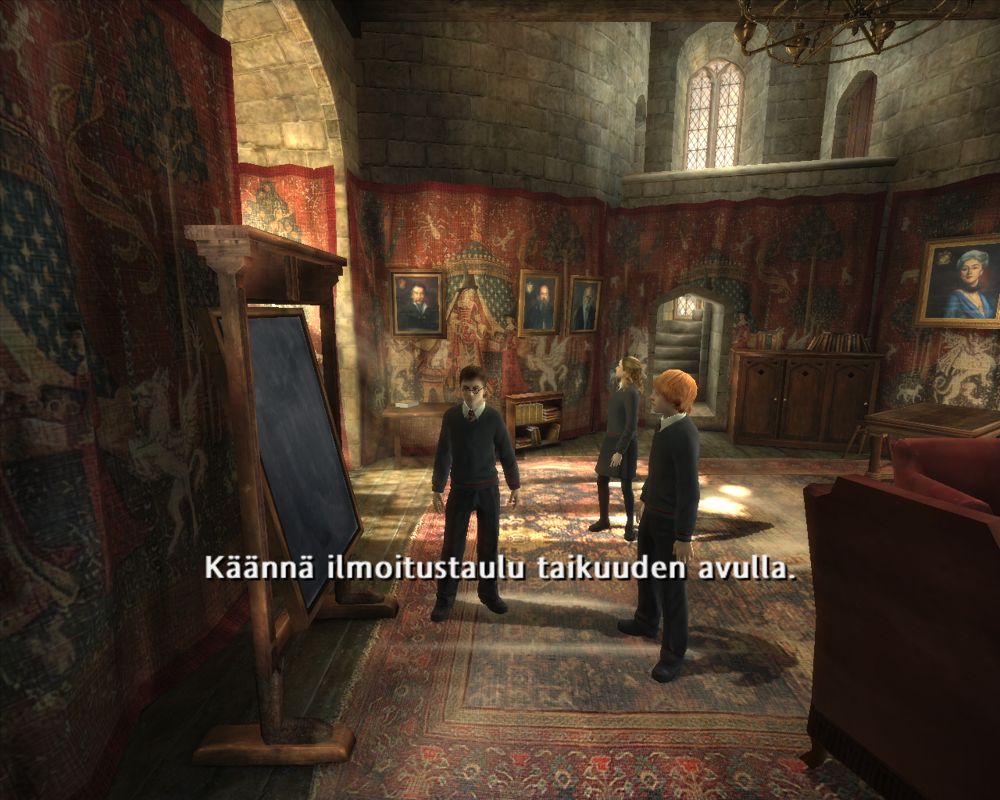
To get around Hogwarts and to assemble Dumbledore's Army, Harry will need to talk to students, teachers, portraits, ghosts, and gargoyles and complete various tasks for them. Complete the tasks they assign and they may reward you!
HOGWARTS PORTRAITS
The enchanted portraits dotted around Hogwarts guard hidden shortcuts that Harry can use to quickly go from one area of the castle to another. However, to get past a portrait, Harry will need to learn its password by completing a task or a puzzle.
TIP
Look for pairs of portraits. If you find the same portrait in two different areas of the castle, there is usually a shortcut from one area to the other. But you have to know the password to use it.
WIZARD GAMES
Test your skills against the top players in every Hogwarts house. If you can outplay the best at Exploding Snap, Gobstones, or wizard chess, you earn Discovery Points.
WIZARD CHESS
Wizard chess is much like Muggle chess, except the game pieces follow the commands of the players and actually engage in battle to destroy the opposing pieces.
Approach a pair of students playing wizard chess and press the button to challenge one of them to a game.
•
Press the right analog stick to move the highlight and then press the button to select that piece.
•
Press the right analog stick to move the highlight and then press the button to select a position to move the piece to.
•
Press the left analog stick to reposition the camera to get a better view of the board.
GOBSTONES
Approach a pair of students playing Gobstones and press the button to challenge one of them to a game.
•
To flick a Gobstone, press the right analog stick and then press the right analog stick 1. The further down you press the right analog stick, the harder the stone is flicked.
•
Press the left analog stick to reposition the camera and aim your shot.
There are three ways to play and win at Gobstones. Harry's
.png)

.png)

 (En,Fr,De,Es,It,Nl,Da).png)








.png)

.png)



.png)




_1.png)