Main Menu
After pressing the START button at the Title Screen, the Main Menu appears.
•
Press the left analog stick or directional buttons to highlight your selection.
•
Press the button to confirm.
•
Press the ▲ button to exit a menu.
New Game
Select after loading a previously saved game or after choosing to begin a New Game.
Before you can start a new game, a session must be created so your progress can be saved. To create a session, enter a name from the alphabetical menu by navigating with the left analog stick and pressing the button. Up to ten games can be saved.
Load Game
A list of previously saved games is available through this selection. Saved games may also be deleted from this screen. See page 28 for more information on loading.
Options
To enhance your gameplay experience, you may want to adjust the following:
•
Controls: You can reconfigure the controller with the provided presets, and turn the vibration function ON/OFF.
•
Camera: You can reverse the vertical viewing direction for your first-person views, and the vertical and horizontal views for your third-person view.
•
Audio: You may set the volume levels of the game's Music, Sound FX, and Voice.
•
Display: You can turn the subtitles ON/OFF.
•
Difficulty: There are three levels of difficulty: Easy, Medium, and Hard. These options alter your maximum Health Level and the strength of your enemies, and may provide a more challenging experience.
Artifacts
Find all the artifacts in the game to unlock a bonus.
Credits
See the adventurers who brought you this incredible Indy experience! Special Moves
Shimmy
While hanging from a precipice, pressing the left analog stick left or right will make you shimmy along the edge. Pressing up will pull you back up (if possible).
You can dismount by pressing the Jump button ( button), but be careful you don't fall!
Wall Hug
Press the Action button ( button) while facing a wall to hug your back to the wall. This is useful for traversing narrow ledges (by pressing the left analog stick) or to stealthily see around corners (by pressing the right analog stick) without exposing yourself to an enemy. Press the Action button ( button) again to disengage from the wall. •
Note: If you are carrying your gun while Wall Hugging, you can lean around corners with the L1 and R1 buttons and shoot with the Primary Attack button ( button).
Swim
Press the Jump button ( button) to swim, and the left analog stick to control your direction. Remember, you can only hold your breath for a limited time.
Watch your Air Bar and resurface, if you can, to get more air. A lack of air detracts from your Health Meter (see page 25). Don't drown! You can pull yourself out of the water by pressing up on the left analog stick only at an area that is close to the water level.
Roll
Pressing the L1 button while running will perform a roll. The roll can be used to navigate through low spaces, and is useful in evading certain traps and enemy attacks.
Whip Swing
The whip is your most valuable tool. Not only can you crack it at an enemy (see Combat Moves on page 20), but you can also use it to swing across a chasm.
You can swing from a wide variety of objects that extend from walls or ceilings. Not all whip swing anchors may look like this, but if you are able to perform a whip swing a Whip Swing Action Icon will appear in the upper-right corner of the screen (see page 24). •
Press and hold the Primary Attack button ( button) to grab the marker with your whip.
•
If you release the Primary Attack button ( button) before you reach the bottom of your swing, you will fall.
•
If you hang on too long and stop swinging, press the left analog stick in the appropriate directions to resume your swing.
•
Furthermore, with good timing you can also swing from one target to another by releasing the Primary Attack button ( button) and quickly pressing the button again to strike another target.
Rope Swing
If you encounter a rope or chain, press the Jump button ( button) to jump and grab on.
•
To swing, press the left analog stick in the appropriate direction.
•
Use the right analog stick to turn and face another direction.
•
To climb the rope, press the right analog stick up or down.
•
You can release the rope (don't fall!) by pressing the Jump button ( button) again.
Setting a Charge
If you find a Demo Charge, you can strategically place it on destructible walls or floors by pressing the Action button ( button) and running to a safe distance before the fuse runs out. An icon of a bomb will appear in the upper-right corner of the screen if you are near an area that can be affected by a Demo Charge (see page 24). Falling
If you hold down the R1 button while carefully walking off a precipice, you will automatically catch the edge. This technique allows you to safely lower yourself from dangerous heights.
Otherwise, you will sustain varying damage from a fall. If you fall too far, you will surely die (see Health Meter on page 25). However, you will not be hurt if you fall into water, unless from a great height.
Combat Moves
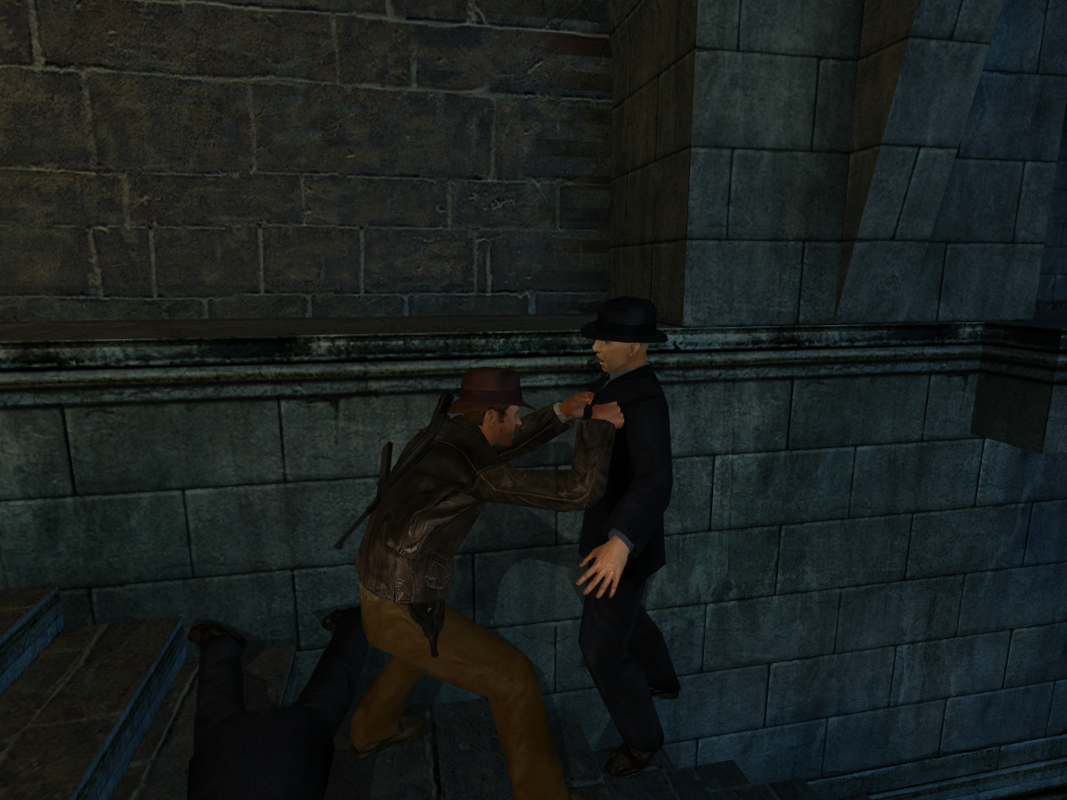
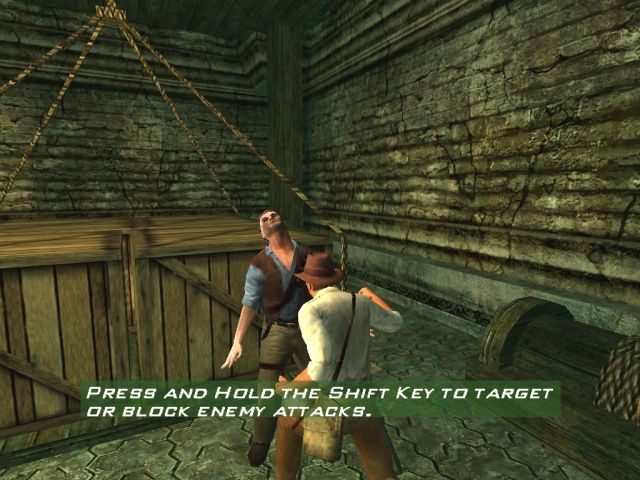
You will fight your enemies in either Close Combat or Ranged Combat.
Close Combat is bare-
.png)


.png)




.png)

.png)



.png)
