This is a surreal
action-adventure game where players control
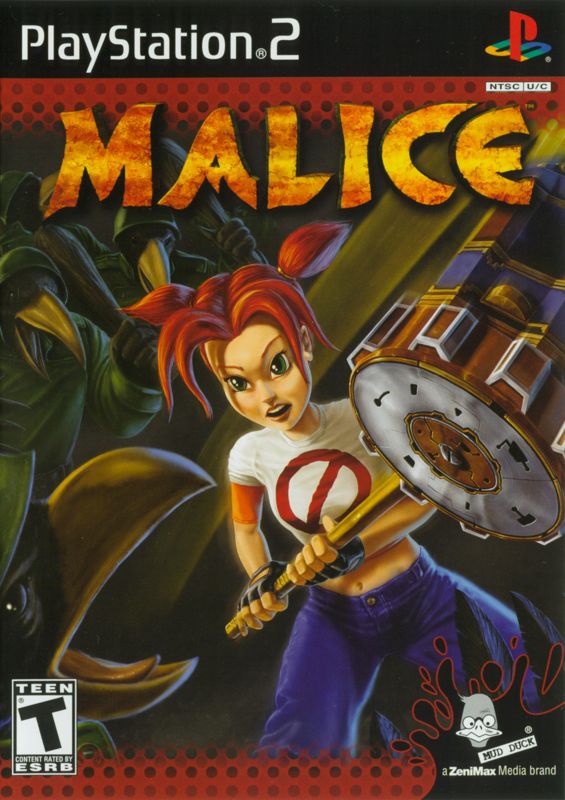
Malice, a temporal deity, as she travels through a bizarre clockwork universe to uncover how the world ended. Players will power up machinery, collect key items to upgrade unique weapons, and gain magical powers to confront the Dog God and fulfill a prophecy.
OUR STORY
A headless girl stands before Death on the Beach of Souls, surrounded by zombies and Soul Eaters. This girl is Malice, a Temporal-Deity-Paradox, who begins our game having just failed to save the world. To uncover how things came to this end, you must travel through an odd universe. This journey involves using the portal of an automated Solar System, built within a defunct clockwork-ElementOmeter.
As you power up the machinery, you'll gain access to more of this strange universe. You will need to recover "Key" items to improve your weapons: the Mace of Clubs, the Clockwork Hammer, and the Quantum Tuning Fork. Each weapon has its own distinctive powers and attributes.
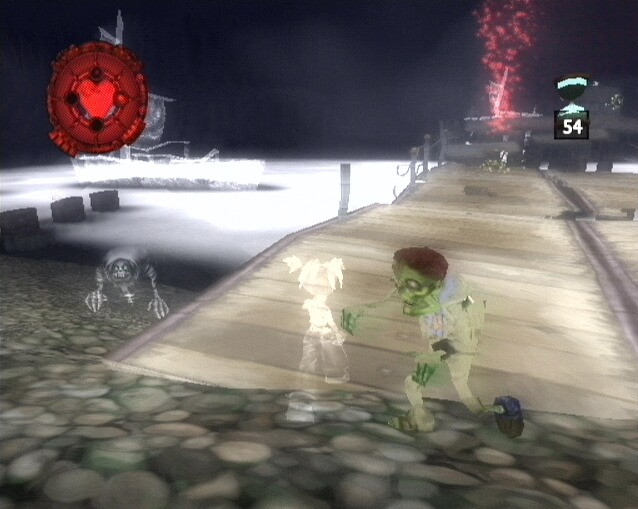
You may find yourself changed into a kid or a ghost as you unveil more of this universe and your part in the mayhem. Above all, keep your head!
Along the way, you'll gain magical powers to help with your Quests. These powers will make you strong enough to confront the evil mind behind everything: the Fuhrer of Fire, the Dog God!
You will fulfill the prophecy and become the Goddess... MALICE!
MALICE
GETTING STARTED
Set up your PlayStation®2 computer entertainment system according to the instructions in its Instruction Manual. Make sure the MAIN POWER switch (located on the back of the console) is turned ON.
Press the RESET button. When the power indicator lights up, press the OPEN button and the disc tray will open. Place the Malice™ disc on the disc tray with the label side facing up. Press the OPEN button again and the disc tray will close. Attach game controllers and other peripherals, as appropriate. Follow on-screen instructions and refer to this manual for information on using the software.
THE GAME
Having inserted your Malice™ disc successfully, you will be presented with the Main Menu screen. From here you will be able to choose from the following options: Start a new game.
Load a previously saved game from a MEMORY CARD (8MB) (for PlayStation®2).
Adjust the volumes and select vibration on or off. Adjust screen settings and positions. Load and Save configurations from/to a MEMORY CARD (8MB) (for PlayStation®2).
Try some extra challenges - but only if you can find the means of unlocking them....
SAVING AND LOADING
To save a game, first access the Save Game Menu by pressing the START button on your DUALSHOCK®2 analog controller DURING PLAY. Then choose to save your game to a MEMORY CARD (8MB) (for PlayStation®2).
NOTE: The MEMORY CARD (8MB) (for PlayStation®2) must be inserted into MEMORY CARD slot I and contain at least 10KB of free space in order to save the game.
To Load a previously saved game, select Load Game from the Main Menu. Select the MEMORY CARD (8MB) (for PlayStation®2) where you saved your game. A list of saved files will appear. Select the saved game you wish to return to and press the X button.
.png)

.png)
