Setting Up Your PlayStation 2
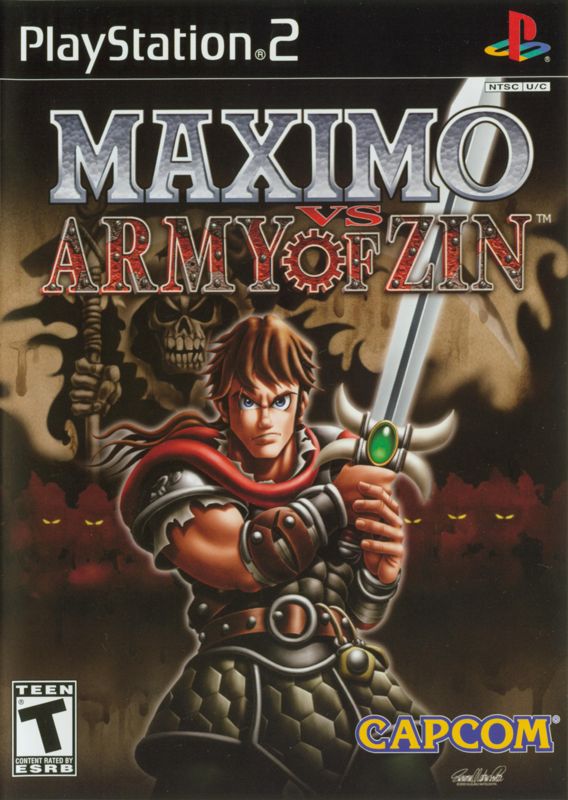
Set up your PlayStation 2 computer entertainment system according to its Instruction Manual. Ensure the MAIN POWER switch on the back of the console is turned on. Press the RESET button. When the power indicator lights up, press the open button to open the disc tray. Place the MAXIMO vs ARMY OF ZIN disc label-side up on the tray. Press the open button again to close the disc tray.
Attach game controllers and other peripherals as appropriate. Follow on-screen instructions and refer to this manual for software usage information.
Before starting play, connect the DUALSHOCK®2 analog controller to controller port 1.
Memory Cards
To save games, insert a Memory card (8MB) (for PlayStation®2) into MEMORY CARD slot 1 before starting play.
You can save games at any time during play by pressing START. You can resume saved games from the same card, or from any memory card containing saved MAXIMO vs ARMY OF ZIN game data.
•
You need at least 332KB of free space available on the memory card to save game data. If less than 332KB exists, erase older or unwanted data to make room.
•
Do not remove the memory card or turn off the power to the system while data is being saved or loaded. Your game data may be lost!
•
See page 19 for more information on saving game data.
Getting Into The Game
On the Title screen, press START to bring up the Main Menu. Use the Menu Controls to select your game mode.
New Game
Start a new game from the beginning. You'll choose a difficulty level (NORMAL or HARD) and then proceed to the game.
Load Game
Resume a previously saved MAXIMO vs ARMY OF ZIN game. Use the left analog stick or directional buttons to select a saved game, and press to load it. The game will resume from the Map screen of the last stage you played.
You must have a memory card containing at least one saved MAXIMO vs ARMY OF ZIN game inserted in MEMORY CARD slot 1 to resume saved game data.
Options
Adjust various game settings.
Use the Options Menu to adjust various game settings. Press the left analog stick or directional buttons ↑/↓ to select an option, and to change the setting.
•
SOUND: Select STEREO or MONO depending on your speaker setup.
•
MUSIC VOLUME: Adjust the game's music volume.
•
EFFECTS VOLUME: Adjust the game's sound effects volume.
•
VIBRATION: Turn controller vibration ON/OFF. When OFF, some play functions are disabled.
•
SCREEN ADJUST: Adjust the position of the game screen on your TV.
•
TV ADJUST: Adjust all the bars under the red line to black for optimum screen brightness, color and contrast.
•
CONTROLS: Select this to review the game controls.
•
DEFAULT: Restore the original options settings.
Extras
Buying Things
You can buy new items and attacks. Sometimes you'll encounter a Peddler or Old Guard threatened by the Zin! Save them or you'll lose a chance to buy something!
•
PEDDLER: He sells health, armor power-ups, boxers, shields and hint scrolls.
•
OLD GUARD: He teaches sword and hammer attack moves, and sells Grim and Super Meter upgrades.
Innocents
As long as enemies are nearby, an Innocent will remain scared. You cannot talk to a scared Innocent.
When you rescue an Innocent, a green "!" appears. You can now talk by pressing. The Innocent will reward you with Treasure or tell you where to find secrets.
Be sure to talk to the same Innocent more than once in case he or she remembers something that didn't get mentioned the first time around.
Checkpoint
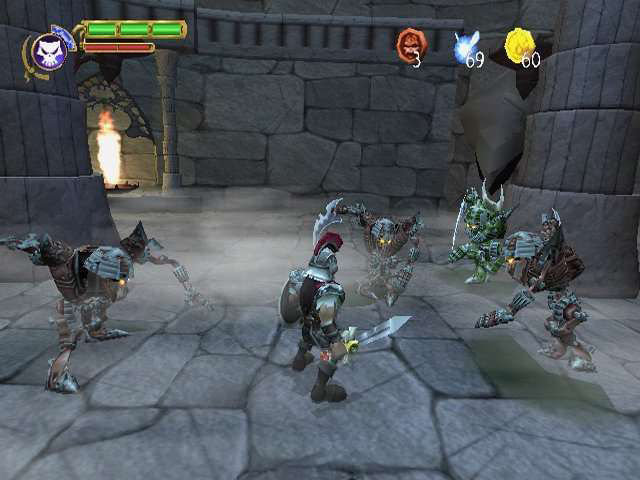
Attacking Zin come in for a landing near Zin probes. Smashing a probe disrupts the Zin's plans for conquest and becomes a Checkpoint.
When Maximo is defeated, he will be resurrected at the last marked Checkpoint if he possesses a Death Coin. Checkpoints must be smashed to be marked.
Map Screen
While on the Map screen, you can check Mastery status or replay a level. Use the left analog stick or directional buttons to move Maximo's sword icon and press to select.
Press L1 on the Map screen to see a list of Bonus Goodies you've acquired. Unlock more goodies by gaining Mastery when you finish a level.
Press to exit the Map screen.
.png)

.png)
