How to Play the Game
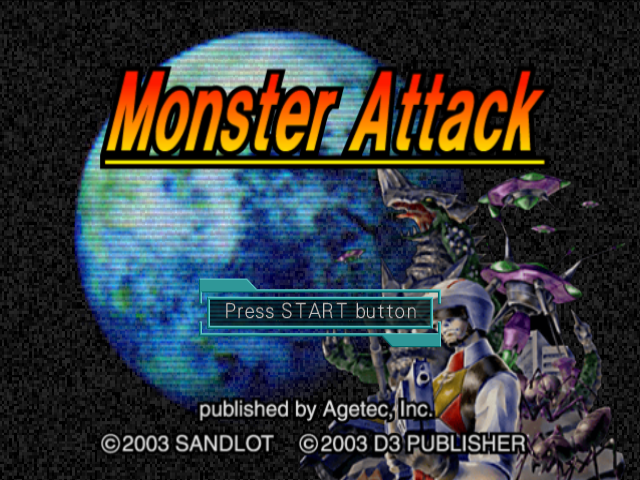
Title Menu
•
New (1-2 Players): Start a new game. Play with 1-2 players. As an EDF member, you will fight to protect Earth from alien attacks. Collect items, grow your character, and clear all missions.
•
Continue: Continue from a previous game. You can change the number of players to 1 or 2.
•
Versus (2 Players): Two players will battle each other. If you collect items in the regular game, you will have more weapons available for versus mode.
Defense Force Headquarters Screen
•
Sortie: Select a mission and start the game.
•
Weapon Selection: Change the weapons you carry. You can carry up to 2 types of weapons. There are about 100 types of weapons! The higher the difficulty of the stage, the more powerful items will appear.
•
Game Settings: This section explains the items that can be changed in the game settings. These settings can be changed at any time during the game.
•
Return to Title: Return to the title screen.
Memory Card Requirements
•
If a "PlayStation 2" dedicated memory card (8MB) is not inserted into MEMORY CARD slot 1, game data cannot be saved or loaded. •
At least 60KB of free space is required to save data. •
Do not remove the "PlayStation 2" dedicated memory card (8MB) during saving or loading. Game Settings
•
SE Volume: Adjust the volume of sound effects.
•
BGM Volume: Adjust the volume of background music.
•
Voice Volume: Adjust the volume of voices.
•
Screen Vibration: Toggle the screen vibration function.
•
Player Settings: Open the player settings screen.
Player Settings
•
Operation Type: You can change the operation method to "Normal" or "Technical". Technical operation allows for more freedom of movement compared to normal operation.
•
Rotation Speed: Adjust the speed at which the character changes direction.
•
View Up/Down: Toggle the method of moving the view up and down.
•
Vibration Function: Select whether to enable or disable the vibration function.
•
Camera Effects: Toggle camera effects on/off. If turned off, camera effects that occur when large saucers are shot down will be cut.
Difficulty Selection
Select the difficulty before starting a mission. Difficulty can be selected each time you start a mission. The higher the difficulty, the more powerful items will appear.
•
EASY: Very easy. If you can't clear a mission, it's a good idea to try it on EASY.
•
NORMAL: Normal difficulty.
•
HARD: Advanced game. To clear HARD, you need to grow your character quite a bit.
•
HARDEST: Extreme difficulty. You won't be able to clear it unless you grow your character to the ultimate level.
•
INFERNO: A hellish game. If you can clear it, you are a god.
Pause Menu
Press the START button during the game to display the pause menu.
•
Restart: Retry the same mission.
•
Retreat: Return to the Defense Force Headquarters menu.
•
Game Settings: You can make various settings.
Game Over
When the character's health reaches 0, the mission fails. At this time, the following menu is displayed.
•
Restart: Retry the same mission.
•
Retreat: Return to the Defense Force Headquarters screen.
Machine Operation
E551 Gigantes (Tank) Operation
•
Left Stick ←: Turn Left/Right
•
Right Stick ↑: Raise Turret Up
•
Right Stick ←: Rotate Turret Left/Right
•
Right Stick ↓: Lower Turret Down
EF24 Bazelart (Combat Helicopter) Operation
•
Left Stick ←: Turn Left/Right
•
Move Right Sideways: R1 Button
•
Move Left Sideways: 1 Button
SDL2 (Airbike) Operation
•
Left Stick ←: Turn Left/Right




_1.png)


_1.png)


