Starting the Game
1. Set up your PlayStation®2 computer entertainment system according to the instructions in its Instruction Manual.
2. Make sure the MAIN POWER switch (located at the back of the console) is turned ON.
3. Press the RESET button. When the power indicator lights up, press the OPEN button and the disc tray will open.
4. Place the NHL® 07 disc on the disc tray with the label side facing up. Press the OPEN button again and the disc tray will close.
5. Attach game controllers and other peripherals, as appropriate.
6. Follow on-screen instructions and refer to this manual for information on using the software.
Multitap Connection
When using the multitap (for PlayStation®2), a controller must be connected to controller port 1-A.
•
multitap connector (for PlayStation®2)
Playing the Game
Lace up your skates, go directly to the ice, and settle the score with a Play Now game.
Choose Teams/Strategies
After selecting NHL®, National, European Elite, or Custom teams for the upcoming game, you have the option to adjust your team strategies. You can set your Quick Plays, along with strategies for specific lines, including your power play and penalty kill units.
Quick Settings
Select the skill level for the next game, along with camera angles, rules, and period length. From the Advanced Settings screen, set your Line Changes to AUTO, OFF, or MANUAL, or Shot Aim to AUTO or MANUAL. When set to MANUAL, you are in full control of the action.
On the Ice
Skill Stick
Make pinpoint, fluid passes like an NHL All-Star with the right analog stick by pushing it in the direction you want the puck to travel. This new technique lets you control the puck and make precise passes easier than ever before.
You can also make saucer passes by clicking the R3 button and pushing the right analog stick in the direction you want the pass to go.
Roles/Icons
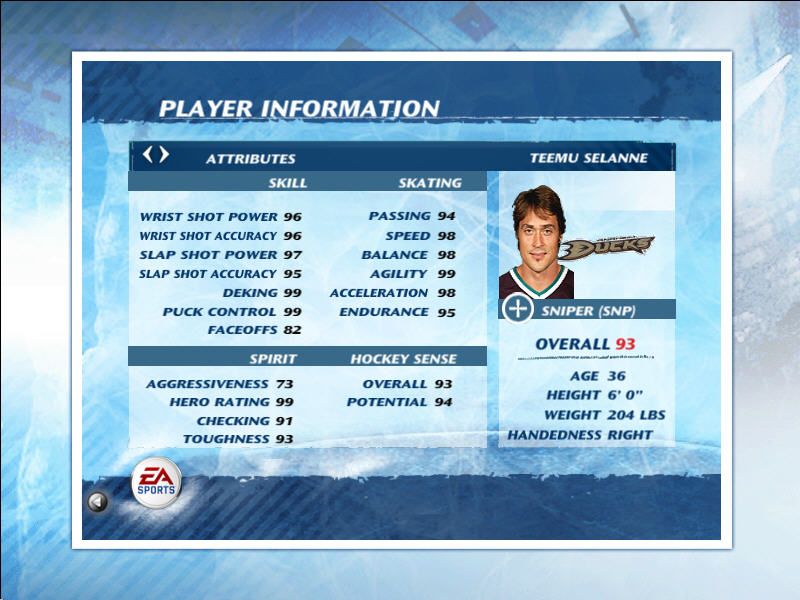
Pay close attention to the on-screen role icons to locate the three different types of players on the ice—every player has one. Star players' role icons are placed inside of a star, while regular players have their icons inside of a circle.
The icons are based on player ratings, making for the most realistic gameplay experience. For example, snipers and danglers are superior at deking into the zone while defensemen are very tough to get past. Play to your players' strengths at all times to gain an advantage on your opponent.
•
Offensive defenseman/Defensive defenseman
Targets
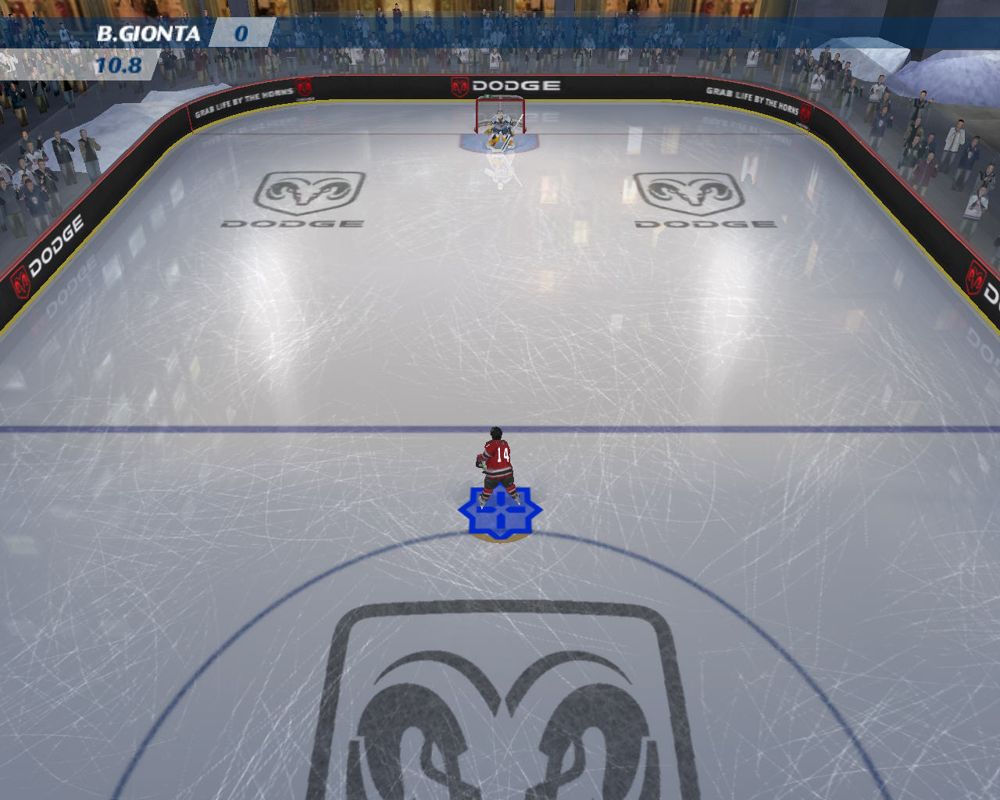
Aim your shot with the help of in-net targets (when your Shot Aim is set to MANUAL). During scoring opportunities, a target icon appears inside the goal posts. Press the left analog stick during your windup to move the target to an open part of the net. Once an opening appears, shoot the puck on net. Scoring has never been so easy.
Classic Deking Control
Classic deke controls return. Movement on the ice is more intuitive than ever as you skate and deke simultaneously using the left analog stick. Press the left analog stick quickly to deke past opponents and fool overaggressive goalies.
Open Ice Support/Control
Open Ice Support is used to call a teammate to your rescue to block defensemen on your way to the net. Open Ice Control gives the control of the puck carrier to the AI while you take control of another player on the ice and try to position him to receive a pass.
Saving and Loading
Before exiting a game mode (or a menu where changes have been made), be sure to save your progress to a memory card (8MB) (for PlayStation®2). All unsaved information will be lost otherwise. You can also save or load manually by accessing the SAVE/LOAD screen.
Play Online
Become an unstoppable hockey superstar as you take on the best online players from around the world.
Online Requirements
REGISTRATION AND SUBSCRIPTION REQUIRED TO ACCESS ONLINE FEATURES. TERMS & CONDITIONS, SUBSCRIPTION FEES AND FEATURE UPDATES ARE FOUND AT www.easports.com. YOU MUST BE 13+ TO REGISTER ONLINE.
EA MAY RETIRE ONLINE FEATURES AFTER 30 DAYS NOTICE POSTED ON www.easports.com OR 30 DAYS AFTER THE LAST DAY OF THE 2006-2007 NHL SEASON.
A network adaptor (Ethernet/modem) (for PlayStation®2) and a memory card (8MB) (for PlayStation®2) with Your Network Configuration file inserted into MEMORY CARD slot 1 are required to play NHL 07 online. NHL 07 is compatible with Your Network Configuration files created from other PlayStation®2 online games. You can use the Network Adaptor Start-Up Disc that came with your network adaptor (for PlayStation®2) or the Network Configuration GUI in this game to create a network configuration. Your Network Configuration file requires 94KB of free space on the memory card (8MB)(for PlayStation®
.png)

.png)