Console Ports
Getting Started
Set up your PlayStation 2 computer entertainment system according to its Instruction Manual. Make sure the MAIN POWER switch (located on the back of the console) is turned on. Press the RESET button. When the power indicator lights up, press the OPEN button and the disc tray will open.
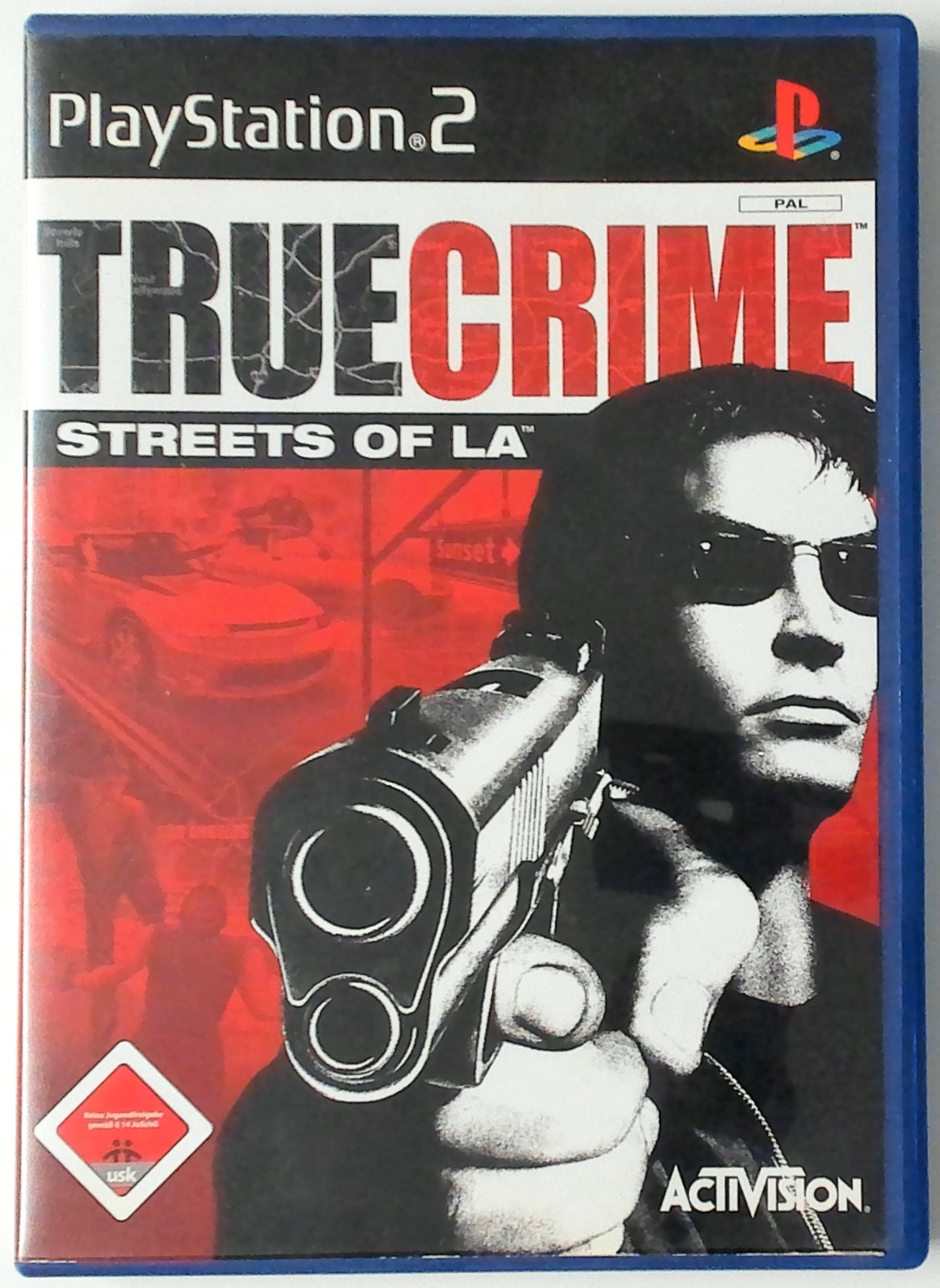
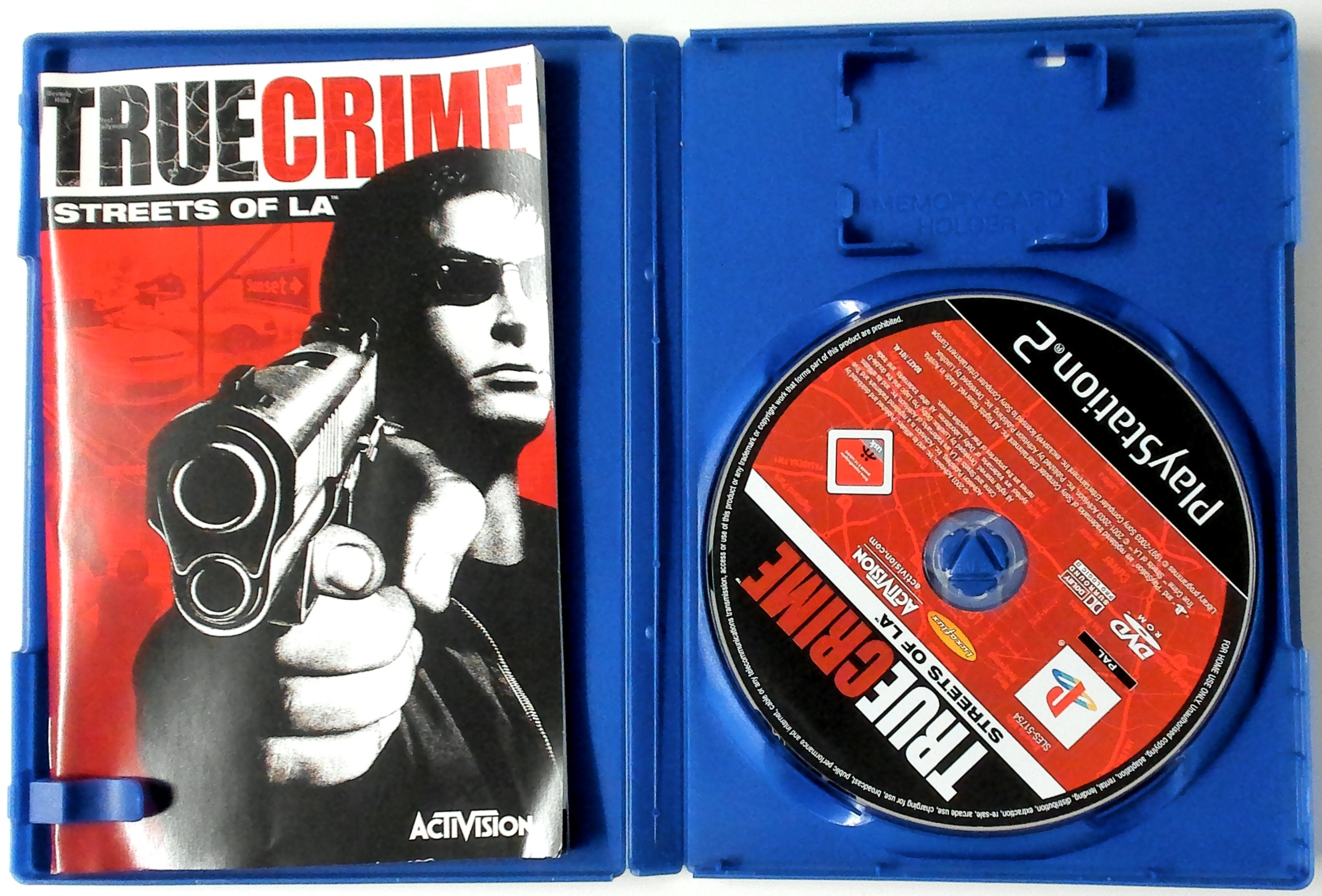
Place the True Crime: Streets of L.A. disc on the disc tray with the label pointing up. Press the OPEN button again and the disc tray will close.
Attach game controllers and other peripherals, as appropriate. Follow on-screen instructions and refer to this manual for information on using the software.
Starting Up
DUALSHOCK 2 Analog Controller
•
left analog stick (L3 button when pushed down)
•
right analog stick (R3 button when pushed down)
Menu Navigation
To select menu options, use the directional buttons to navigate. Highlight the desired option and press the X button to accept.
To select a menu option, follow the on-screen button prompts and press the X button to accept and the Δ button to go back to navigate through the menu options.
True Crime: Streets of L.A. supports the DUALSHOCK 2 analog controller. When the mode indicator is on, the left analog stick works the same as the directional buttons.
Soundtrack
You can adjust the soundtrack to True Crime by deciding what songs to play during the course of the game. You can select from Cruisin, Fast Action and Slow Action tracks.
In each list, you can turn on or off the individual songs that you want to play during those sections of the game.
Radio Dispatcher
Select this option if you want to turn Radio Dispatch calls on/off while driving in the city.
Display
Resolution
If you have a High Definition TV and component cables plugged into your PlayStation 2 computer entertainment system, you can choose to play True Crime in a higher display setting. True Crime supports Progressive Scan mode. Widescreen
•
Turning this option on widens the field of view. This allows you to stretch the view out on widescreen televisions.
Radar Type
•
Selecting rotary radar makes the mini map on the game screen spin around as you change direction. Selecting fixed radar keeps the map still in a geographically correct orientation while the arrow representing Nick's position rotates.
Subtitles
This option allows you to turn on subtitles for the in-game cutscenes.
Credits
Look here to see who is responsible for the game.
Shootouts
E.O.D. agents are officially "encouraged" to bring suspects in without resorting to the use of deadly force, but the reality of the streets proves using a weapon is simply unavoidable.
A yellow reticule will appear over your selected target. You can change targets by moving the right analog stick in the direction of the target you want to switch to.
The amount of ammo you have left in your guns is shown in the upper left corner of the screen next to your health display. When you run out of bullets in your pistols, Nick will automatically reload.
You will never run out of ammunition for your pistols but this is not the case for other weapons you pick up. Note that the reticule only auto-targets enemies, not innocent bystanders.
Shootout HUD
Precision Targeting
Hold down the R1 button to go into precision targeting mode. While in precision targeting mode, the screen will zoom in on your target.
Use the left analog stick to move the reticule over your target and press the R1 button again to fire. You will stay in precision targeting mode until your gun runs out of ammo.
You can exit this mode by pressing the Δ, O, X or R2 buttons.
Take Cover
Many rookie agents have fallen in the line of duty by recklessly charging into battle. Your vest will protect you only so much, so use the environment to your advantage.
Press and hold the X button next to a wall or car to take cover. While holding the X button, target an opponent and press the R1 button to quickly pop out and fire.
Keep Moving
If you find yourself taking fire out in the open, tap the Δ button to quickly roll in the direction you're moving. Press and hold the Δ button to perform a slo-mo dive - keep pressing the R1 button and you can even squeeze off a few shots mid-air.
Upgrades
Visit 24/7 shooting ranges to earn upgrades like a laser sight, faster aiming reticule and improved precision targeting.
Picking Up Weapons
When defeated, a suspect will drop his weapon. Maneuver Nick next to the weapon and press the O button to kick it up into your hand, which replaces one of your pistols.
Pick up a second dropped weapon and Nick will put his other pistol away. Try different weapon combinations to unleash
.png)

.png)

.png)
.png)