GETTING STARTED: SYSTEM SETUP
This CD-ROM is compatible only with the Sega Saturn system. Do not attempt to use it on other CD players, as this could damage earphones and speakers. Follow these steps to begin:
•
Set up your Sega Saturn system according to the instruction manual and insert Controller 1. •
Place the Sega Saturn CD-ROM in the CD drawer with the label facing up. •
Press the POWER button to load the game; it begins after the Sega Saturn logo appears. If nothing appears, check your connections. •
To reset to the title screen from the game, press the Reset button on the console.
•
To access the control panel, press buttons A, B, or C together with Start at any time.
•
To start a game from the control panel, insert the disc, move the cursor to the top left corner, and press Start.
Keep the disc clean and handle with care. If the system has trouble reading the disc, clean it by wiping from the center outward.
TITLE SCREEN AND OPTIONS
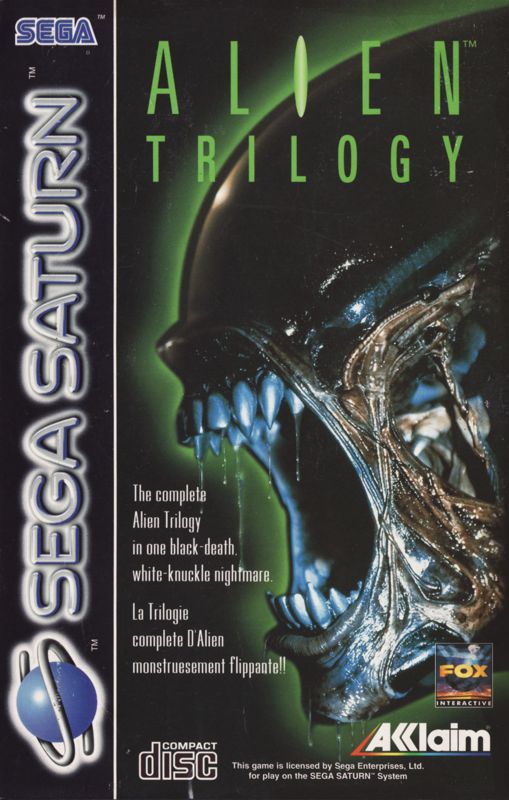
After the intro, the Alien™ Trilogy Title Screen appears. You can press Start during the intro to bring up the screen early.
•
Highlight START GAME and press Start to begin play.
•
Highlight OPTIONS and press Start to change settings.
•
Press the C BUTTON to return to a previous screen.
Game Options
Use the D-PAD to highlight an option, then LEFT or RIGHT to toggle the setting. Press START or A to exit the menu.
•
Sound: Toggle between MONO or STEREO.
•
Sound Volume: Adjust sound effect volume levels.
•
Music Volume: Adjust music volume levels.
•
Difficulty: Choose between Acid Rain (Wimp), Raging Terror (Average Joe), or Xenomania (Prepare to Die).
•
Controller Options: Select from 4 pre-set button configurations to suit your play style.
•
Enter Password: Input a passcode to restart at a specific level. Use the D-PAD to highlight characters and START or A to input. Highlight [DELETE] to remove a character, [ACCEPT] to begin, or [QUIT] to exit without entering a code.
GAMEPLAY MECHANICS
Opening Doors
Various doors appear throughout the game. Some require power from activated control panels before they can be opened by pressing the DO/USE button.
Weapon Toggle
Press the Y BUTTON to cycle through available weapons.
Elevators
Elevators are found in many areas. Some are activated by triggers or control panels, while others are clearly visible and some are less obvious.
STATUS DISPLAY PANEL
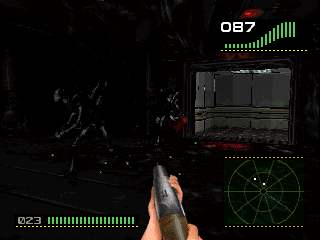
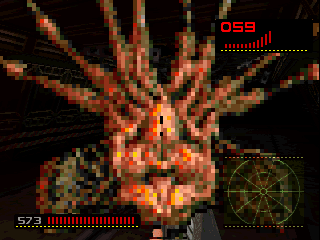
This panel provides vital information regarding your health, weapons, detected aliens, and inventory.
•
Current Weapon: Displays the weapon currently held.
•
Ammunition Remaining: Shows shot count on the bottom left of the screen.
•
Energy: A numbered meter and graph at the top right indicate energy levels. If the number reaches 0, you lose.
•
Armor: Located below the energy level. The panel turns red during attacks. Armor deteriorates with hits until it disappears.
•
Seismic Survey Charges: Displayed below the energy meter, indicating the number of charges remaining.
.png)

.png)
.png)


 (En,Fr,De,Es,It).png)