Getting Started
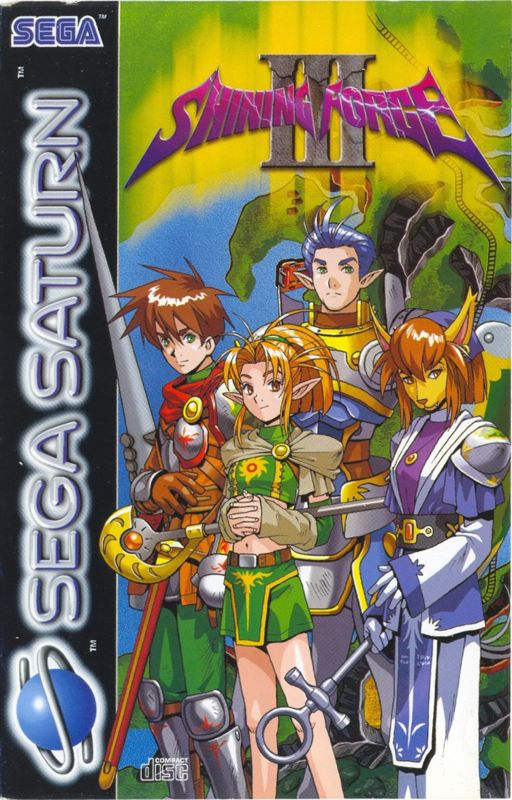
Set up your Sega Saturn system as described in its instruction manual. Plug a Control Pad or 3D Control Pad (sold separately) into Control Port 1. Note that Shining Force III is for one player only. Place the Shining Force III disc label side up in the well of the CD tray and close the cover. Turn on the TV or monitor and the Sega Saturn. The Sega Saturn logo appears onscreen. If nothing appears, turn the system off and ensure it is set up correctly before turning it on again. Disc Care and Safety
Your Sega Saturn CD contains a security code that allows the disc to be read. Keep the disc clean and handle it carefully. If your Sega Saturn system has trouble reading the disc, remove it and wipe it carefully, starting from the center and moving straight out toward the edge. Quick Actions
Press A+B+C+Start at any time to quit a game in progress without saving.
Main Status Display
This screen displays the magic, weapons, accessories, and items for a highlighted character, as well as the party's total gold coins. It also provides the following detailed information:
•
Name, Class and Level: Basic character identification.
•
Status: Shows whether the character is cursed, paralyzed, or otherwise afflicted.
•
HP/MAX: Current and maximum hit points.
•
MP/MAX: Current and maximum magic points (if the character can use magic).
•
ATK: The character's attack rating for armed combat.
•
DEF: The defense rating against attack by weapons.
•
AGL: Agility rating determines turn order; characters with higher agility act first.
•
LCK: Influences uncontrollable battle factors; higher Luck brings better fortune.
•
SPD: Number of map squares a character can move in one turn.
•
EXP: Current experience point total.
Individual Status Display
This screen shows all information from the main Status screen at a glance, along with:
•
SUPPORT: Support effects currently received from allies.
•
KILLS: Total number of enemies defeated in battle.
•
LOSES: Number of times fallen to enemy attack.
Magic Status Display
This screen displays details about all spells a character has learned, including:
•
LV/MP/POWER: Magic points required and effect rating for each level of the spell.
•
Magic Resistance: Defense rating against Fire, Ice, Lightning, Wind, Light, and Darkness.
Item Status Display
In addition to descriptions of the character's items, the Item screen shows:
•
SPECIALS: Special attacks the character has acquired.
Friendship Status Display
This screen displays the Support effects and Friendship levels for the selected character with each allied member of the party.
.png)

.png)