Based on the classic fairy tale, this
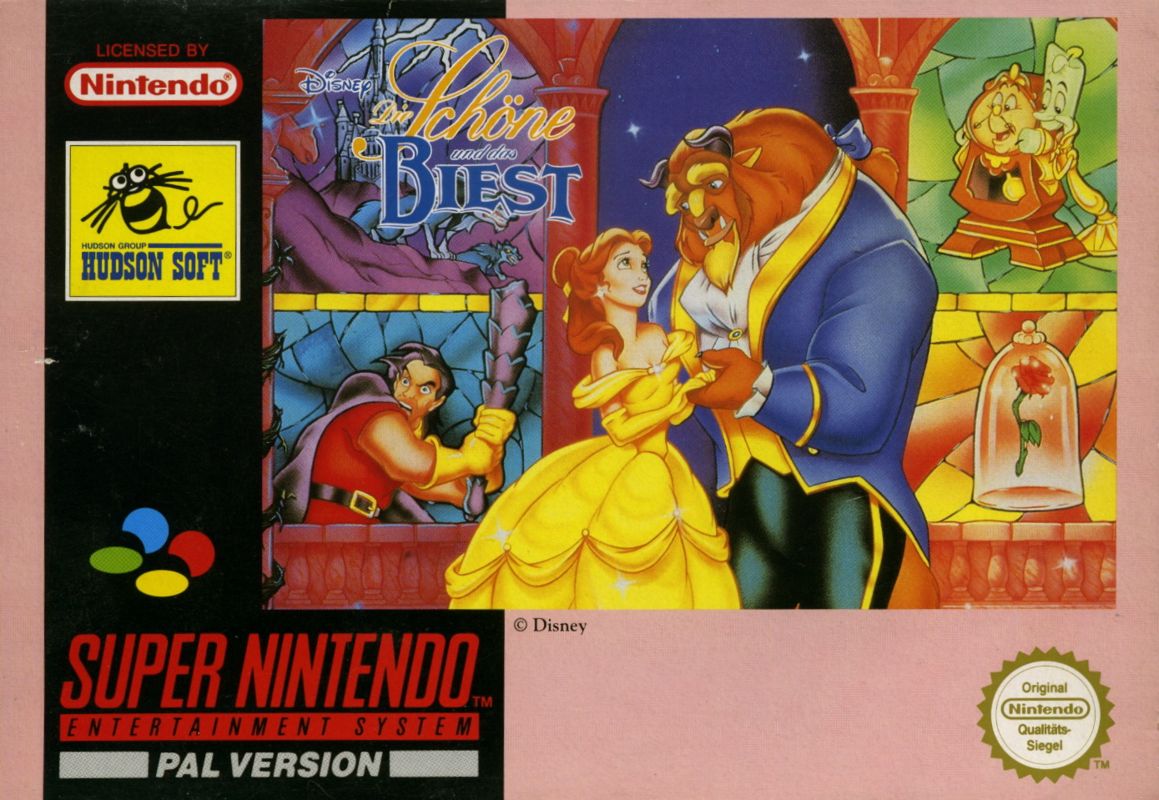
action-adventure game follows a self-centered prince who has been transformed into a hideous beast and must find true love before his twenty-first birthday to break the curse. Players control the Beast as he searches the castle halls for Belle, braves wolf-infested woods to protect her, and ultimately defends himself against the jealous hunter Gaston.
The Curse of the Beast
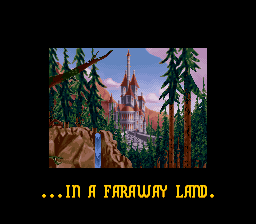
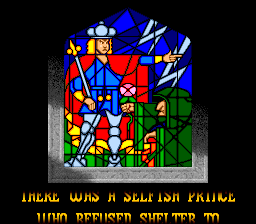
A self-centered prince is transformed into a hideous beast by the magic of an enchantress. What's more, all his servants have been turned into household objects.
Before departing, the enchantress leaves a rose in the hands of the Prince. This rose will bloom until his twenty-first birthday.
The Prince has until then to find the one he truly loves and to earn that person's love in return. If he does not, he will be doomed to remain a beast forever.
Stages
•
Chapter 1: Fearing harm may befall the rose, the Beast seeks Belle in castle halls.
•
Chapter 2: In the dark of night prowl packs of wolves, as the Beast follows Belle into the woods.
•
Chapter 3: Closer and closer, two hearts drift. To win Belle's love, the Beast seeks a gift.
•
Chapter 4: Fired by hate. Anger unleashed. Spited by Belle, Gaston stalks the Beast.
Getting Started
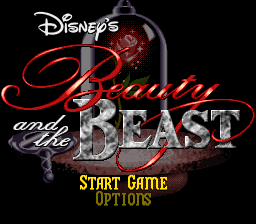
Insert your Beauty and the Beast Game Pak in the system Game Pak slot and turn the system ON. A short demo screen will appear. To skip the demo, press the START button. When the title screen appears, press the START button again. At this point, you can either select GAME START or OPTIONS by pressing either the SELECT button or up/down on the control pad. To activate your selection, press START.
Using Options
OPTIONS allows the player to change some aspects of the game. To view the OPTIONS screen, select OPTIONS and press START.
•
To choose the OPTION you'd like to change, press either the SELECT button or up/down on the control pad.
•
To change the OPTION, press left or right on the control pad.
•
To start the game, move the cursor to START GAME and press the START button.
.png)

 (Beta).png)

.png)
.png)

 (En,Fr,De,Es,It,Nl,Sv).png)


.png)

.png)