Setup
Peripherals or Memory Cards must not be connected or removed when the device is switched on. Ensure there are enough free blocks on the Memory Card before starting the game.
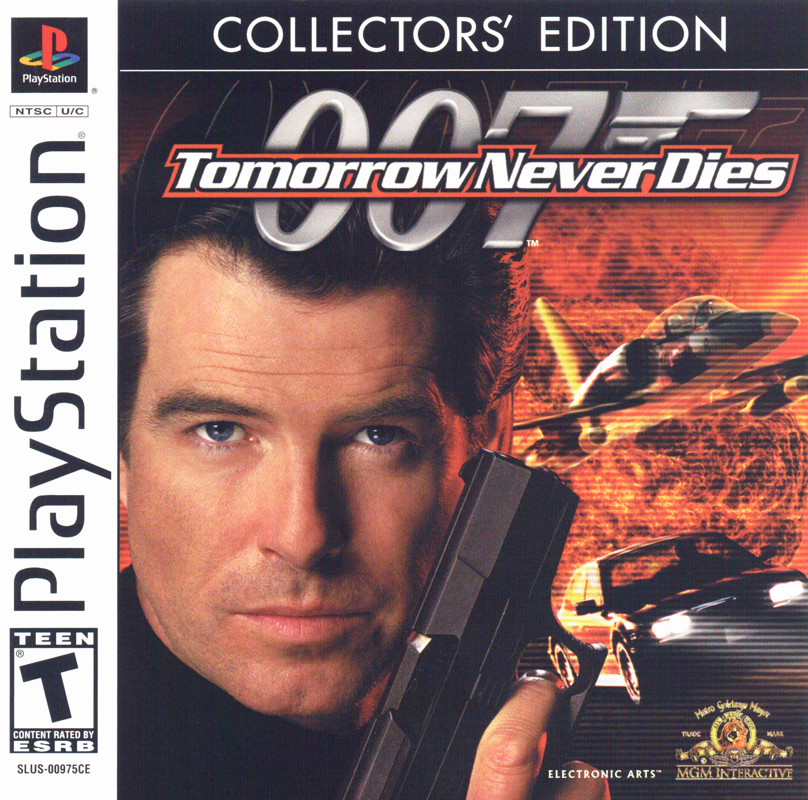
1. Set up your PlayStation® console according to the instructions in the accompanying operating manual. Make sure that the console is switched OFF before inserting or removing a CD. 2. Insert the 007® Racing CD and close the CD tray.
3. Connect a controller to Controller Port 1 for single-player mode, or to Controller Port 1 and 2 for two-player mode. Then switch on the PlayStation. The introductory screens from EA GAMES and other companies will appear and lead to the title screen. 4. Now press the START button. The Mission HQ screen appears.
Mission HQ Screen
Choose a game mode and set the game options before you start.
•
MISSIONS: Choose a mission for one player.
•
TWO PLAYERS: Embark on an adventure for two players.
•
OPTIONS: Access the Options screen.
•
RECORDS: View a list of the best mission results.
•
CHEATS: Access the game's cheat area.
Default settings are highlighted in bold in this user manual.
Options Screen
Choose the options you want to play with.
•
PICTURE: Center the game on the TV screen using the directional buttons and press the X button to confirm. Press the button to return to the default setting.
•
AUDIO: Choose STEREO or MONO, set the volume for music, sound effects, and speech, and cycle through the game's music tracks.
•
CONTROLLER: Choose a desired controller configuration.
•
MEMORY CARD: Load or save a game or your settings.
•
VIEW VIDEOS: Watch selected movie sequences from the game.
Certain sequences can only be viewed after they have been unlocked.
•
CREDITS: See who worked on this game.
Navigation and Targeting
Radar
The radar display guides you to your targets. Steer your vehicle into a position where the dot appears in the center of the display. If multiple dots appear on your radar, you must drive to them one after another.
Targeting
As soon as your enemy or an obstacle is within visible range, you can fire your weapons. There are three types of targeting, which depend on the type of weapon:
•
FIXED TARGETING: Weapons like Hellfire missiles or machine guns are fired in a straight line in front of your vehicle. To target these weapons, you position the vehicle so that the target is directly in front of you.
•
AUTO TARGETING: The Stinger missile targets automatically. The white cursor tracks the target automatically and turns green as soon as it has locked onto the target and it is within range. Only fire the weapon when it has locked onto the target.
•
MANUAL TARGETING: Some weapons, like the TSP rocket launchers, require manual targeting. When the weapon is first activated, a targeting grid spans the screen. Move the crosshairs manually with the directional buttons so that they are over the target. You can track your target faster if you hold down the R2 button while using the directional buttons, and cycle through the zoom setting of the grid by pressing the ▲ button and changing the view in this way.
Mission Mode
Venture into the exciting adventure mode in the world of James Bond. You are at the center of all events. In mission mode, you embark as James Bond into the most diverse scenarios. You must overcome life-threatening obstacles and deal with dangerous opponents to fulfill the respective assignment.
Starting Mission Mode
1. On the Mission HQ MISSIONS screen, select MISSIONS. The Game Selection screen appears.
2. On the Game Selection screen, choose one of the following options:
•
NEW GAME: Start a new game.
•
CONTINUE GAME: Continue your current adventure.
•
LOAD GAME: Load a previously saved adventure.
3. After you have selected NEW GAME, the Choose Difficulty screen appears. Here you can choose between the AGENT or 00-AGENT skill levels. After you have chosen a difficulty level (or selected CONTINUE GAME on the Game Selection screen), the Mission Objectives screen appears.
•
AGENT: The recommended setting for newcomers among agents.
•
00-AGENT: The ultimate challenge for an experienced agent.
The 00-AGENT mode is only available after you have mastered the AGENT mode.
4. On the Mission Assignments screen, press the X button to play the current mission or press the LEFT/RIGHT directional buttons to select a previously completed mission and then press the X button. The Mission Objectives screen appears.
5. Scroll with the LEFT/RIGHT directional buttons from the mission objectives to the background information of the respective mission. Press the X button to load the mission.
After the Mission
After completing the mission, a replay will be displayed along with the Mission Debriefing menu.
•
Press the ▲ button to view the replay without the Mission Debriefing.
•
Press the START button to interrupt the replay and display the replay options or restart the current mission.
After you have viewed the Mission Debriefing menu, press the X button to continue. If you have achieved a high score, the Enter Name screen will appear. There you can enter your name. Before you return to the Mission Assignments screen, the records will be displayed.
The first and last missions are each followed by a cutscene. Press the X button to skip the sequence.
Mission Goals and Scoring System
Goals
007 Racing contains exciting missions in the style of James Bond. A mission is only considered successfully



.png)

_1.png)
.png)