The PlayStation Controller
Top View
Front View
Getting Started
Set up your PlayStation game console according to the instructions in the owner's manual. Make sure the power is off before inserting or removing a compact disc.
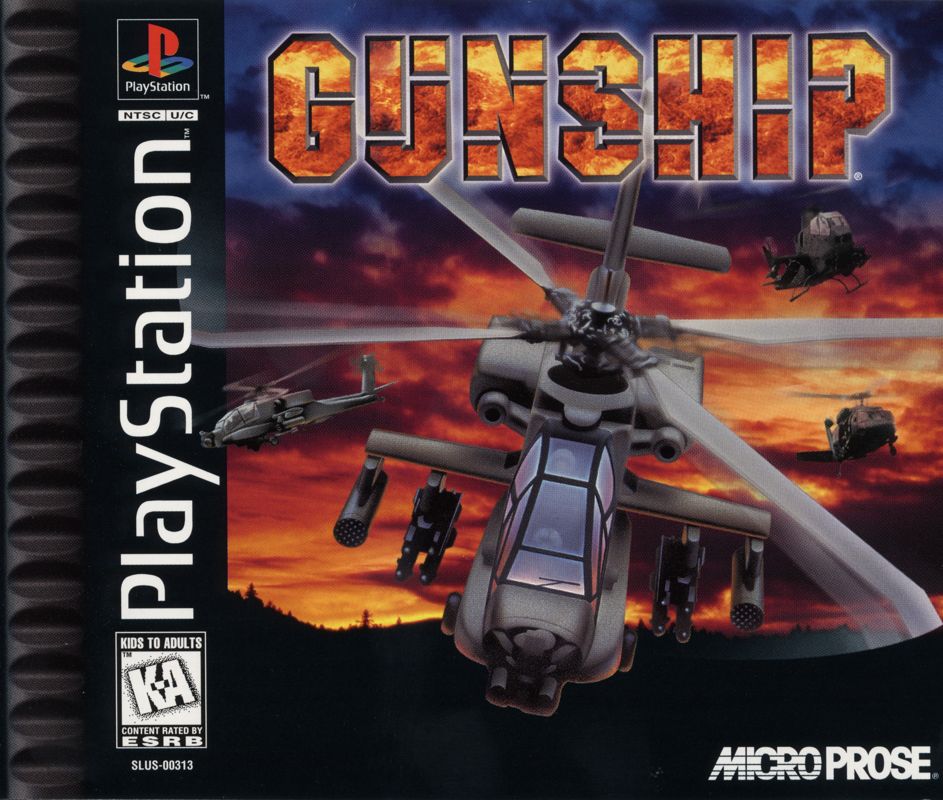
Insert the Gunship disc and close the CD door. Insert game controllers and turn on the PlayStation game console. Follow on-screen instructions to start a game.
Introduction
Gunship is a detailed presentation of helicopter combat operations. The game can be played as a Quick Fire Game and as a Simulation. Quick Fire Game
In the Quick Fire Game, your object is simply to progress up the rankings by destroying important targets. The Quick Fire game takes you straight into fast and furious action. You'll have to master controlling a powerful combat helicopter as you struggle to defeat a vicious enemy. Destruction is the name of this game.
Simulation
In the Simulation, you will develop your flying skills on training missions, before attempting to progress onto more difficult missions and campaigns where you can control up to five distinct helicopters. You start out as a Warrant Officer Candidate (WOC), select your squadron and provide its nickname. As a beginner, you'll get the necessary training for helicopter combat.
Upon completion, you are promoted to Warrant Officer (W01) and move on to single Helicopter Missions. Here, you command and fly a single helicopter, in one of two theatres, against opposing forces in a variety of missions. The rank of a commissioned officer awaits your success.
Upon receiving your commission, the door opens to the endless variety and challenge of Flight and Campaign Missions.
Flight Missions
In the Flight Missions, you command five helicopters. You determine the mix of helicopters and ordnance necessary to complete the mission. How well you employ your own helicopter, plus command the other four helicopters, determines the success or failure of the mission.
Campaign Mission
The Campaign Mission places you in a situation of continuous combat where mission after mission is thrown at you and your flight. While you can't win the campaign on your own, your success (or failure) does have an impact on its ultimate outcome.
Quickstart
Insert the Gunship CD-ROM into your PlayStation and turn the power on. The Sony logo screen will appear. A short, animated introduction will begin, after which you will be taken to the Main Menu. You can choose the following scenarios:
•
Night-time: Persian Gulf
Select the desired scenario using Up/Down and press . The Quick Fire game will now load.
The Quick Fire Game
The aim of the Quick Fire game is to complete as many mission objectives as possible. As you complete objectives (by destroying selected targets), you will progress through the ranks. As you progress, the game becomes more and more difficult.
The Quick Fire game begins with your helicopter hovering above your base. Your first target is locked into the helicopter's computer (the MFD: Multi Functional Display), which displays the target information on-screen.
If you wish, you can use the Autopilot (hold down Select and press ) to point you directly at the target. You can also Accelerate Time by holding down Select and pressing . This will cycle through the available accelerated time options.
If you do not use the Autopilot, your copilot will provide directions. Arrows at either side of your compass will also indicate your course. The route to the target is also displayed on the inertial navigation system (INS).
You should fly towards the target and destroy it. On the way, you will need to avoid or destroy other enemy objects.
Controlling the Helicopter
Your helicopter's vertical movement is controlled by the Collective.
•
Press the Collective Up (R1) a few times until the Apache starts to gain lift.
•
When the altitude reaches approximately 100 feet (your altitude is displayed in the right-hand corner of the screen), press the Collective Down (R2) to stabilize the lift.
Horizontal movement is controlled by the Cyclic (Up/Down/Left/Right).
•
To move forward, push Up. You now start to gain speed. By pushing fully forward, the maximum speed for that altitude is attained.
•
Next push slightly to the right. You bank and turn to the right. If you do the opposite, you bank and turn to the left.
You can select to view the action from inside or outside the helicopter. Press L2. You will now have an external view of the action. Pressing the same button again will take you back inside the cockpit. You can adjust the in-cockpit view by holding down L2 and pressing Up/Down.
A number of other views are available by holding down L2 and pressing Left/Right.
Destroying a Target
You should also attempt to destroy as many enemy ground and air targets as possible. Before you can fire at an opposing unit, you must lock onto the target. Look at the Threat Display.
In-Cockpit View
If you're flying in the right direction, there should be a red dot directly ahead (displayed on the compass at the top of the screen). If not, adjust your flight path. When you are locked on a target, the Reticle Ring will appear. The Reticle Ring is the aiming point of the cannon.
As
.png)

.png)
.png)



.png)
.png)
.png)
_1.png)




.png)


 (En,Fr,De) (v1.02).png)