Setting Up
Set up your PlayStation® game console according to its Instruction Manual. Make sure the power is OFF before inserting or removing a compact disc. Insert the MEGA MAN LEGENDS 2 disc and close the Disc Cover. Insert a game controller and turn on the PlayStation game console. Follow on-screen instructions to start a game. Watch the opening story to find out what's happened so far.
Memory Cards
To save game settings and results and to continue play on previously saved games, insert a Memory Card into Memory Card Slot 1 of the PlayStation game console BEFORE starting play. If you do not have a Memory Card, the game will allow you to play without saving game settings and results. See page 17 for information on saving game data.
Game Start
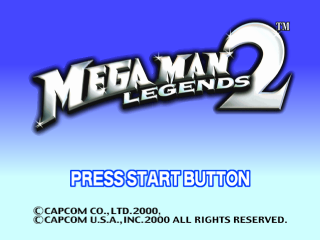
Once the game story begins, press the START button to reach the Title screen. Press the START button again to open the Main Menu.
Use the Directional button/Left Stick to make your selection, and press the X button to confirm it.
•
NEW GAME - Start a new game. After choosing this option, you can choose your difficulty level: EASY, NORMAL, HARD or VERY HARD.
•
CONTINUE - Play on a previously saved game.
•
TUTORIAL - Roll Casket takes you on a course to learn the basic game controls and game system. •
OPTION - Adjust various game settings.
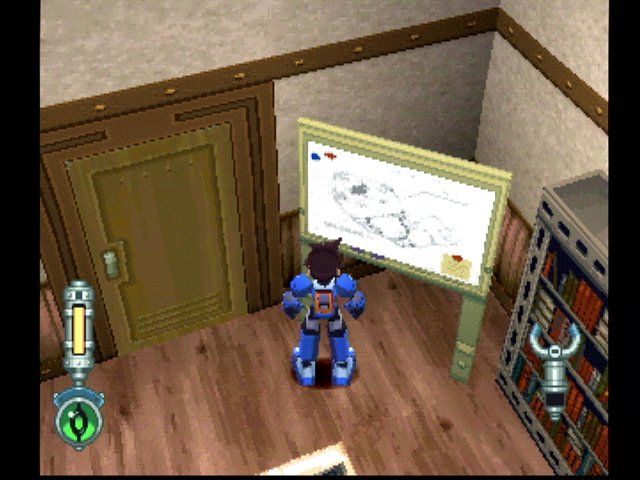
First, use left stick to move around.
Options Screen
•
CONTROLLER – Change button assignments by choosing one of four pre-set configurations. Choose SELECT and Data will help you set up a custom configuration. •
VIEW CHANGE - Select NORMAL to look up by pressing ↑, and down by pressing ↓. Select REVERSE to look down with ↑ and up with ↓.
•
LOCK-ON – Switch between Man(ual) and Auto(matic) lock-on control for Mega Buster and Special Weapons.
•
VIBRATION - Turn the DUALSHOCK™ analog controller's vibration function ON/OFF.
•
SOUND - Choose STEREO or MONAURAL to match your speaker setup.
•
VOLUME - Adjust the volume of BGM (background music) and SE (sound effects).
•
SCREEN ADJUST – Center the game screen on your TV/monitor.
•
DEFAULT - Restore the original settings.
•
EXIT - Return to the Main Menu.
Status Screen
•
MAP - Open the Map screen where you can check your current location, configure auto navigation and turn the Mini Map ON/OFF. (See page 14.)
•
ITEMS - Open the Items screen where you can check and use Normal Items and Key Items. (See page 14.)
•
EQUIPMENT - Open the Equipment screen where you can change Special Weapons and Body Parts and tune Buster Parts. (See page 15.) •
OPTIONS – Open the Options screen where you can change the button control assignments and adjust various settings. (See page 9.)
•
CURRENT LOCATION - Name of the place you're currently exploring.
•
MONEY - Amount of money Mega Man has. Use money to buy new weapons, equipment and Items. •
PLAY TIME - Total time playing the game so far.
•
SPECIAL WEAPON - The Special Weapon Mega Man is currently using. •
DESCRIPTION - Explains currently selected Item.
•
LIFE GAUGE - The color bar shows Mega Man's remaining life. •
SPECIAL DAMAGE - Appears when Mega Man takes special damage. Certain Items or Body Parts protect Mega Man from special damage. Find out what these are and acquire them. •
You can shorten damage time by rapidly pressing the Directional button when Mega Man is under attack. •
The types of special damage are:
•
PARALYZED - Mega Man moves more slowly. •
ENERGY LEAK - Mega Buster is weakened.
•
BACK - Exit the Status screen.
Support System
ROLL
•
DEVELOP ITEMS - Roll can develop new Items with Items Mega Man acquires. When you come across a new Item, try passing it to Roll and see what happens. •
EXCHANGE/ENHANCE SPECIAL WEAPONS - Roll can exchange and enhance Special Weapons. Doing this uses some of Mega Man's money. •
SUPPORT DURING BATTLE – Roll gives Mega Man advice while he is fighting. Pay attention to what she says and take advantage of her suggestions. •
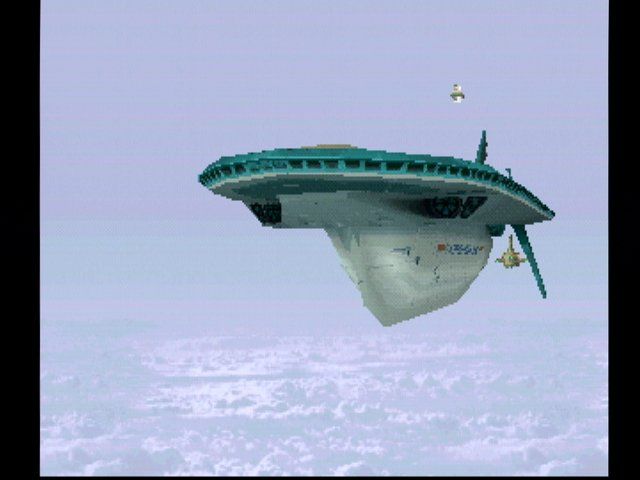
TRAVELING IN FLUTTER - If you talk to Roll on the bridge, you can move to another island in the airship Flutter. Yellow markers show where you can land. Move with the Directional button and Left Stick, and press the ● button to land. The further you progress in the game, the more places you can go. The next place you should go to appears as a red marker.
DATA
•
SAVE - Data will save your game data. For details, see page 17. •
ENERGY CHARGE - Data will fully restore Mega Man's Life gauge and Special Weapon gauge at certain times. •
TIPS - Data will give you game hints during play. Listen up! Save/Load
SAVE
To save your game, talk to Data during gameplay and follow his instructions. You can save up to five game data. You must be using a Memory Card with at least 1 free block to save. **LOAD
.png)

_1.png)
.png)
