GETTING STARTED
MODE SELECTION
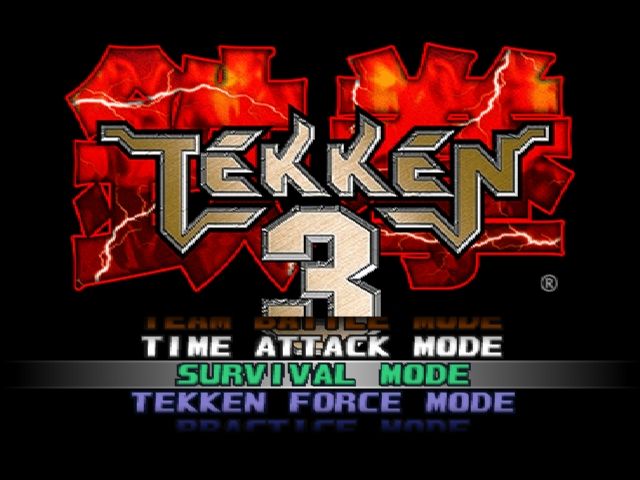
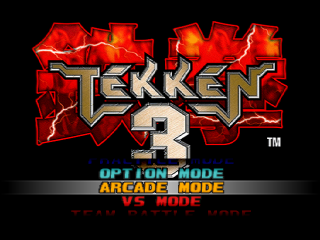
Pressing the Start Button on the Title Screen will bring you to the Mode Selection Screen. Select the mode you want to play with the Directional Buttons, then press the Start Button or the Button to enter selection.
ARCADE MODE
One player against the computer. Defeat all the opponents the computer throws at you and you win the game. There is no limit to how many times you can continue.
If the Player 2 Start Button is pressed, Arcade Mode will end and Versus (VS.) Mode will begin.
VS MODE
Two players compete against each other. After character selection, you can set your character's strength with the Directional Buttons as a handicap function.
After the match ends, you are returned to the Character Selection Screen, where match results are also displayed.
TEAM BATTLE MODE
A battle mode where you can form teams. The team to crush all the other team players wins.
First, choose the number of team members and the characters to be used. Pressing the Player 2 Start Button on the Character Selection Screen will begin a two player match.
SURVIVAL MODE
You compete to see how many computer opponents you can defeat before your health meter runs out. Each battle counts as one round. The game is over when your health meter runs out.
When you defeat the opponent, your character is awarded a little extra energy. You cannot change the degree of difficulty, the time limit, or the number of rounds in this mode. There is no option for Player 2 to join in during this mode.
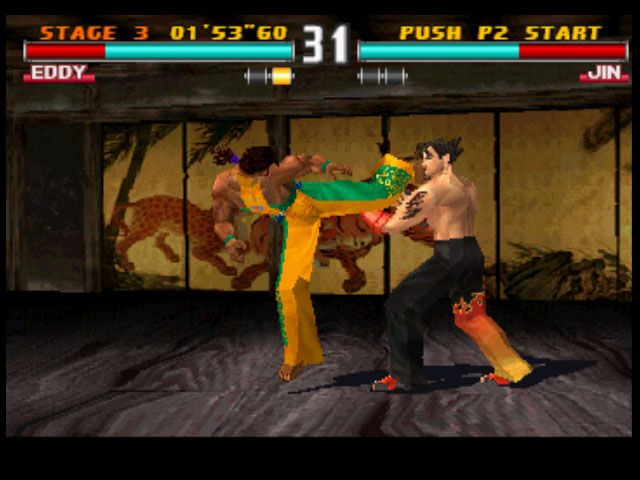
TIME ATTACK MODE
In this mode, you compete against the clock until you complete all the stages and beat the game. Degree of difficulty settings, time limit, and the number of rounds cannot be changed.
Also, you do not have the option to change characters when continuing or having Player 2 join in.
TEKKEN FORCE MODE
In this mode you fight against the "Tekken Force" as you travel through the various areas. Make progress by defeating all opponents who attack, then clear rounds by beating the Boss.
PRACTICE MODE
This is where you can perfect your technique. You may choose both your character and your opponent.
If you press the Start Button in this mode, the Practice Menu will appear. Pressing it again will return you to the game.
OPTION MODE
Use this mode to change game settings. Select items with the Directional Buttons, then press the Select Button. Select EXIT to leave Option Mode.
CHARACTER SELECTION
Select a character with the Directional Buttons, then enter selection with a Punch Button (or) or a Kick Button (or).
Selecting character with a Punch Button will give you the Player 1 costume, while selecting with a Kick Button will give you the Player 2 costume.
GAME OPTION
Set game difficulty and match rules. Select items with the Up and Down Directional Buttons, then change them with the Left and Right. Select EXIT to finalize your choices.
KEY CONFIGURATION
Choose your controller settings. To alter the settings for one of the buttons, press and hold down the button to open up a window, then change the setting with the Directional Buttons.
Selecting DEFAULT will return the settings to their original settings. Select EXIT to finalize your choices.
RECORDS
Use the Directional Buttons to view the Records. Press a selection key to exit.
MEMORY CARD
Use the Memory Card to save and load game settings and records. Use the Directional Buttons to select an item, then press the Select Button. Select EXIT to leave.
.png)

.png)
 (Alt).png)





.png)
.png)
.png)