GETTING STARTED
1. Set up your PlayStation®2 computer entertainment system according to the instructions supplied with your system.
2. Check that the system is turned on (the on/standby indicator is green).
3. Insert the Harry Potter and the Half-Blood Prince™ disc in the system with the label side facing up.
4. Attach game controllers and other peripherals as appropriate.
5. Follow the on-screen instructions and refer to this manual for information on using the software.
STARTING UP
DUALSHOCK®2 ANALOG CONTROLLER CONFIGURATIONS
•
directional buttons (D-buttons)
•
left analog stick (L3 button when pushed down)
•
right analog stick (R3 button when pushed down)
COMBAT SPELLS
STUPEFY
Stuns your opponent.
•
Press the right analog stick to cast.
CHARGED STUPEFY
Stuns your opponent even more.
•
Press and hold the right analog stick to charge the spell and press the right analog stick ↑ to cast. The longer you charge it, the more powerful the spell.
EXPELLIARMUS
Knocks your opponent to the ground.
•
Press the left analog stick and press the right analog stick at the same time.
PETRIFICUS TOTALUS
Freezes your opponent.
•
Press the left analog stick and press the right analog stick at the same time.
PROTEGO
Deflects spells that are cast at you.
•
Press the right analog stick and then let it go back to its central position.
LEVICORPUS
Levitates your opponent's body.
•
Press the left analog stick and press the right analog stick at the same time to cast a spell that makes your opponent levitate.
FINDING YOUR WAY
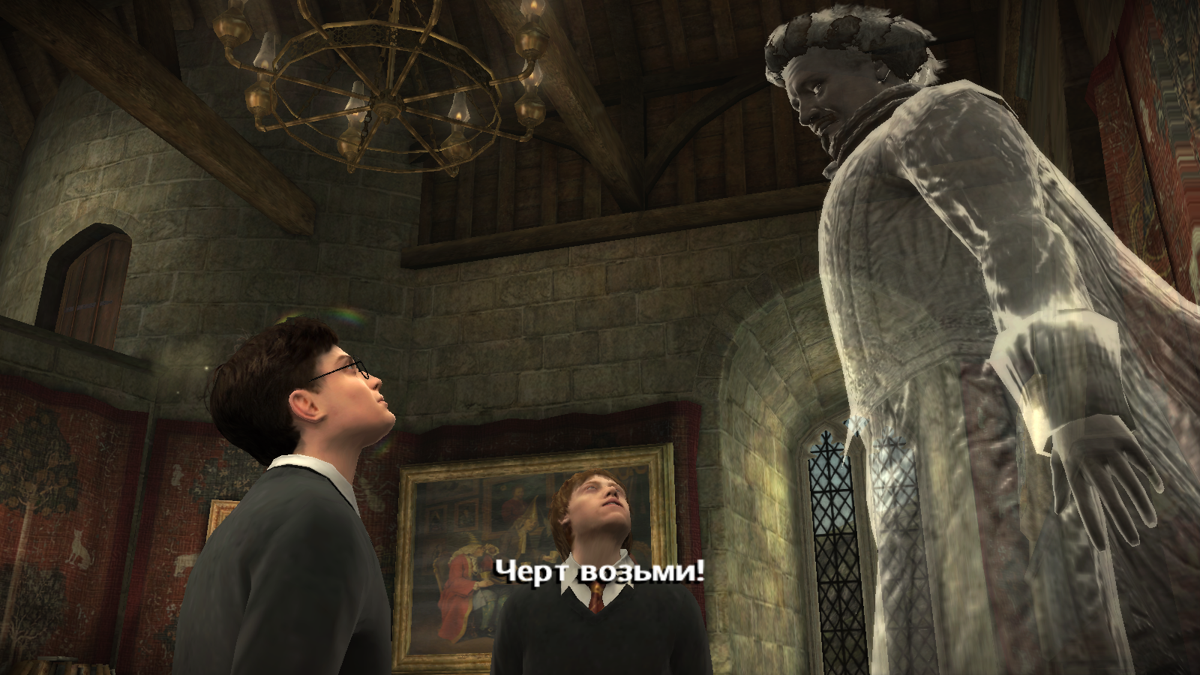
Nearly Headless Nick knows his way around Hogwarts well, and he's always available to help Harry by giving him hints, directions and more.
•
To call Nearly Headless Nick, press the SELECT button.
PORTRAIT SHORTCUTS
As Harry's adventures progress, he can gain access to a variety of shortcuts in Hogwarts protected by various portraits.
To gain access to a portrait shortcut, Harry must approach the portrait and provide the password (assuming he knows it) by pressing the button.
MAIN GAME
Harry makes his way through his sixth year at Hogwarts. During this eventful year, Harry must retrieve a memory from Professor Slughorn, tries to learn the identity of the mysterious Half-Blood Prince, and witnesses some disturbing memories which Dumbledore shares with him via the Pensieve.
DISCOVERY
The magical world is filled with a variety of objects that Harry can discover and with which he can interact.
CRESTS
A number of Crests can be found around Hogwarts. Some of them are fairly obvious - Harry just needs to walk over them to collect them.
Others may be broken, obscured by plants or spider webs or hard to reach. By using the spells that he knows, Harry can retrieve, repair and gather these Crests.
MINI-CRESTS
Mini-Crests can be found all over the castle. Double-tap the right analog stick when you are near a glowing object to cast Depulso, and Mini-Crests fly out for Harry to collect.
Time it right and you are rewarded with a shower of Mini-Crests. To collect them, simply walk over them.
CREST REWARDS
Both Crests and Mini-Crests unlock bonuses, including Mini-Games in the main game menu.
GOOD DEEDS
Look around the castle for lion statues holding Crests. Press the button to talk to them, and they will give Harry a "good deed" task to perform for his fellow students.
If Harry successfully completes the task, his reward is a Crest.
BADGES
When Harry accomplishes noteworthy feats, he earns a badge commemorating his achievement.
You can see badges you have collected via the pause menu or in the main game menu.
BREWING POTIONS
Harry can brew potions in the Potions classroom or by joining the Potions Club and using their equipment in the Herbology Greenhouse.
Brewing potions is as easy as following the on-screen recipe instructions, but here are a few basics to remember:
•
To select or de-select an ingredient, press the right analog stick and press the button.
•
Pour ingredients by pressing the right analog stick.
•
Stir your potion by rotating the right analog stick in full circles in either direction.
•
To shake an ingredient, press the right analog stick ↑ and .
•
To heat up a potion, quickly press the right analog stick and .
TIP
If you make a mistake, the screen fills with smoke.
•
To continue with your potion, press the L2 button and the R2 button in succession repeatedly until the smoke clears.
After you concoct your potion, you can see how well you did at the summary screen where you receive a grade for your work. You can earn badges for certain potions achievements.
CLUBS
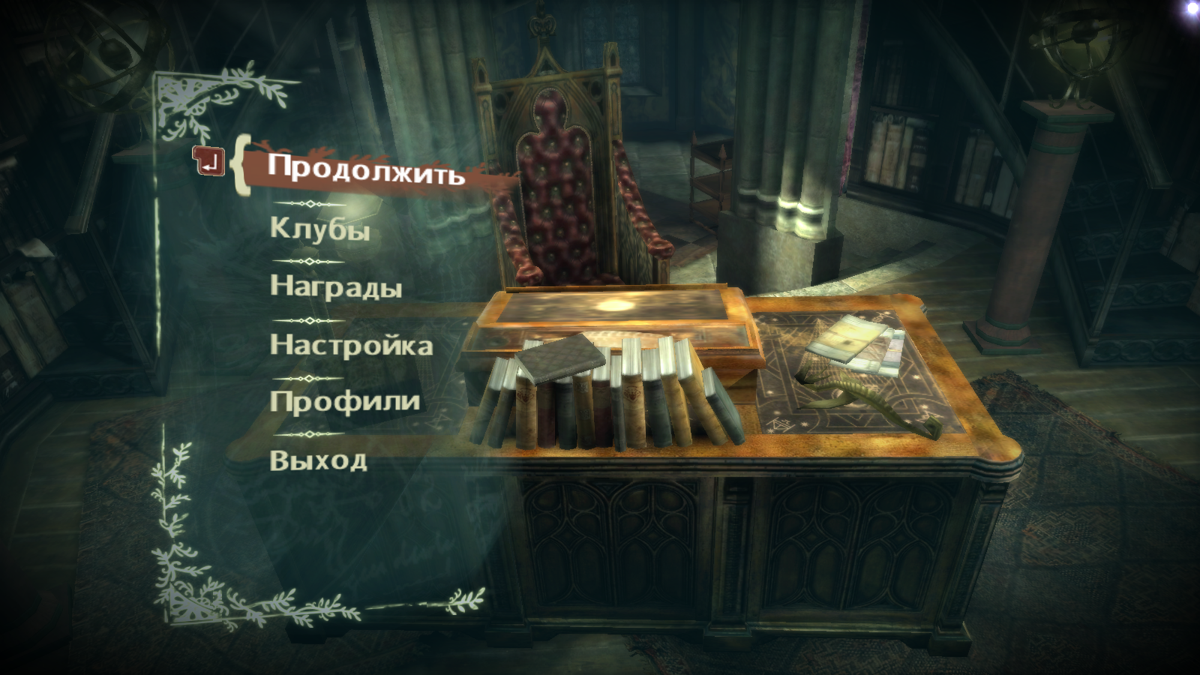
Harry can join the Duelling Club, Potions Club and Flying Club
.png)

.png)
