Starting The Game
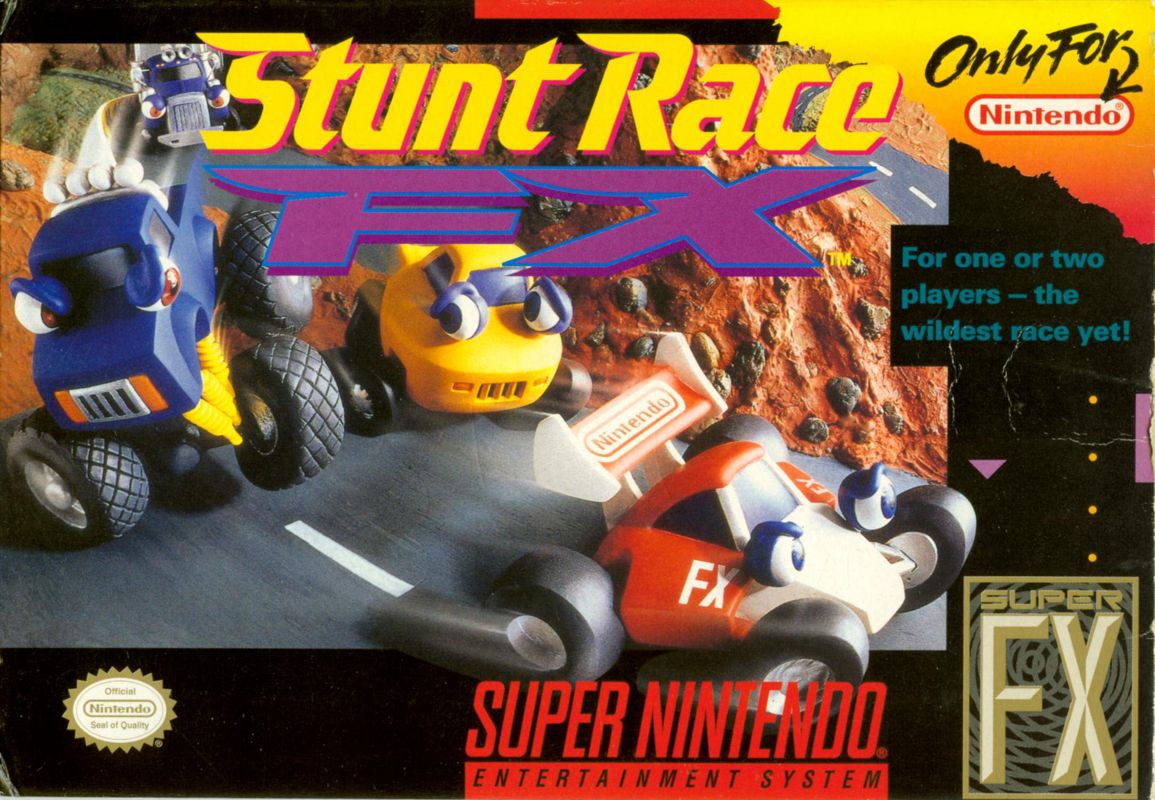
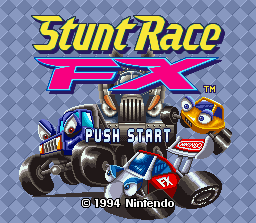
Correctly insert the Stunt Race FX™ Game Pak into the Super NES® Control Deck and slide the power switch to the ON position. When the Title Screen appears, press the START or B Button to begin the game.
Before starting the race, you must select from the following options:
•
Title Screen: Press either the START or B Button to confirm
•
GAME SELECTION Screen: Press the Y Button to cancel, or press either the START or B Button to confirm
•
CAR SELECTION Screen: Press the Y Button to cancel, or press either the START or B Button to confirm
•
Name Registration: Press either the START or B Button to confirm
•
Course Selection Screen: Press either the START or B Button to confirm
Game Selection
There are 4 Game Modes to choose from. NOTE: FREE TRAX cannot be selected at first.
•
SPEED TRAX (For One Player): Challenge the four courses and try to get the best combined time. The top three time records will be saved.
•
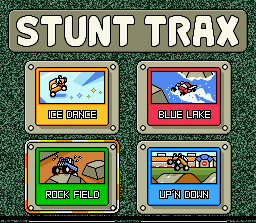
STUNT TRAX (For One Player): Run the course, passing as many check points as possible. The top three time records will be saved.
•
BATTLE TRAX (For Two Players): Compete in a match race against a friend. Both players will see their own split screen displays. No time record will be saved.
•
TEST RUN & FREE TRAX (For One Player): TEST RUN is the beginner's practice mode. When you clear any of the classes in SPEED TRAX, this game mode will become FREE TRAX. The top three time records will be saved.
Car Selection
After you select the Game Mode you wish to play, the CAR SELECTION Screen will appear. Your selection appears on the left side of the screen, and the car's characteristics appear on the right.
Select your favorite car using ← and → on the +Control Pad. Confirm your selection by pressing either the START or B Button. In BATTLE TRAX, each player must select a car. In the TEST RUN mode, 4WD is automatically selected. •
MAX SPEED: Maximum Speed (e.g., 100 MPH, 140 MPH)
•
ACCELERATION: SLOW (Accelerates slowly), MEDIUM (Accelerates moderately), or FAST (Accelerates quickly)
•
BODY: WEAK (Easy to damage), MEDIUM (Not very easy to damage), or STRONG (Very hard to damage)
Player's Name Registration
When you select your car, a window will open on the screen and you can input your initials. The name will display with any time records you have set.
You can register your name using three characters. Use ← and → on the +Control Pad to select a character, then use ← and → to move to the next space. To confirm the registration and go to the COURSE SELECT Screen, press the START or B Button.
If you have registered your name and want to change game mode, pressing the RESET Button will not erase your entry.
Rival Car Selection
After selecting the SPEED TRAX Mode, if you press the SELECT Button on either the NAME REGISTRATION or CAR SELECTION Screen, the ENEMY SELECTION screen will appear. You can select the three rival cars.
•
Browse through the car models using ↑ and ↓ on the +Control Pad.
•
Move the frame using ← and → on the +Control Pad.
•
Select the car types you want with the +Control Pad.
•
Press the SELECT Button again to return to the previous screen to complete the setup.
If you do not select your rival cars, the game will automatically choose one of each car model: Coupe, 4WD, and F-Type. When you select more than one car of a type, the colors will automatically change so that each car is colored differently. Course Selection in SPEED TRAX
There are three classes in SPEED TRAX. Each class has four courses and a Bonus Game. At first, you can select only the NOVICE or EXPERT Classes. If you clear the EXPERT Class, you can then select the MASTER Class.
•
NOVICE Class: Course 1 -> Course 2 -> Bonus Game -> Course 3 -> Course 4 (For beginning players)
•
EXPERT Class: Course 1 -> Course 2 -> Bonus Game -> Course 3 -> Course 4 (For intermediate players)
•
MASTER Class: Course 1 -> Course 2 -> Bonus Game -> Course 3 -> Course 4 (For advanced players only; this choice will not be displayed at first)
The data for the class you cleared will be saved in the Game Pak. After clearing the EXPERT Class, even if you turn the power OFF, you can select the MASTER Class when you turn the power ON again.
Use the +Control Pad to move the flashing frame on the Course Selection Screen, then press the B Button to confirm your choice. To select the MASTER Class, press ↑ on the +Control Pad to scroll the screen.
Course Selection in FREE TRAX
You cannot select FREE TRAX until you clear at least one class in SPEED TRAX. FREE TRAX will let you play any of the 15 courses in SPEED TRAX (Four Courses x Three Classes + Three Bonus Game Courses).
Once you clear a class in SPEED TRAX, you will be able to choose from any course in that class. At first you can only select NOVICE Class, but after you clear the EXPERT and MASTER Classes in SPEED TRAX, you will have those courses to choose from.
TEST RUN
Until
 (Rev 1).png)

.png)

.png)
.png)


.png)


.png)
 (En,Fr,De,Es,Nl) (Proto).png)
.png)